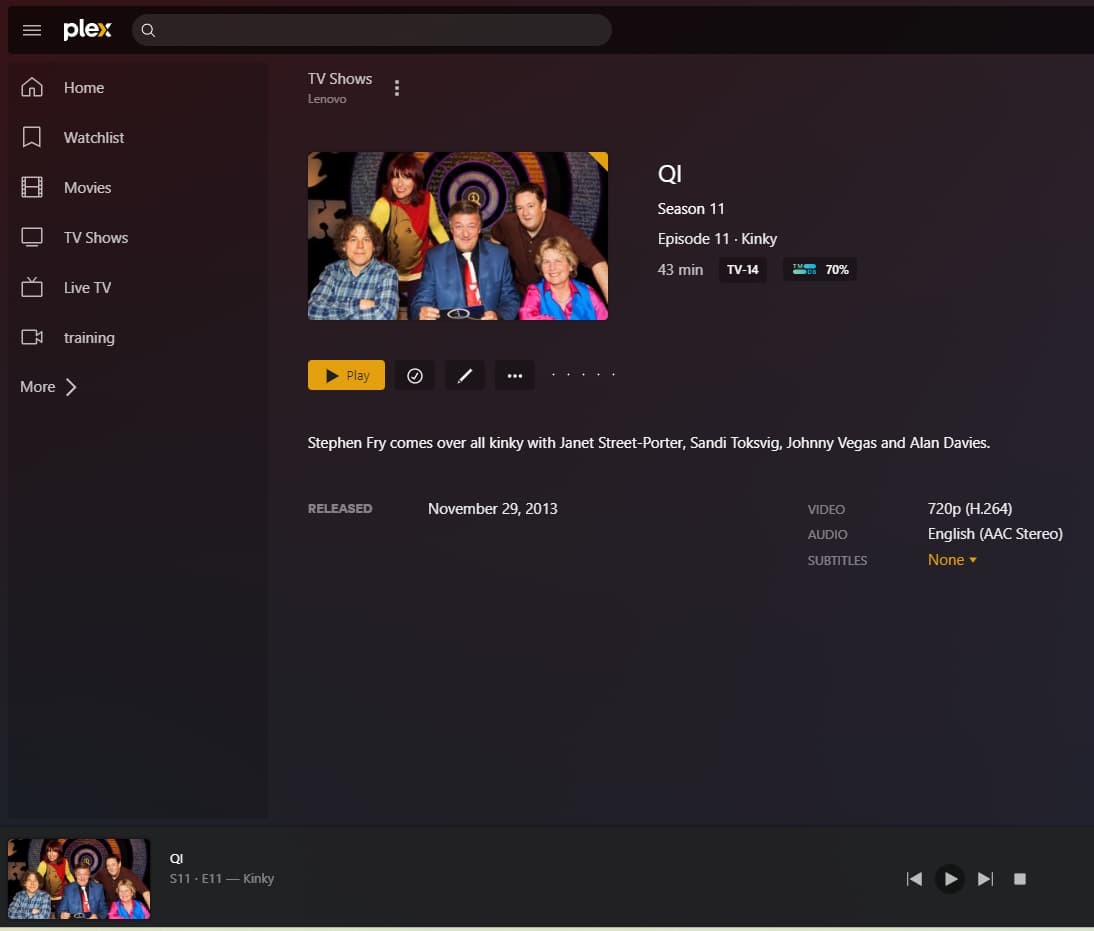
Server Version#: 4.93.3 (but has existed for some time)
Player Version#: web client
When I’ve watched an episode of a TV series and want to watch it again, it appears to be disabled. Clicking on the episode and clicking play does nothing, marking it as unplayed and clicking play still does nothing. The only way I’ve found to view it is mark it as unplayed, click on the next episode and play it, then click back. I assume this isn’t intentional! It has existed for a year at least.
I have never experienced this behaviour.
This Play button always works, no matter if the episode is unwatched or watched:
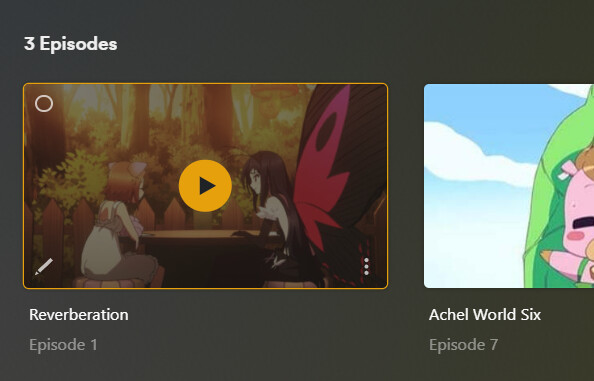
If it doesn’t on your browser, I’d try a different web browser and/or disable browser extensions.
The separate Play buttons on the show and season levels do also work in my testing.
However, it is recommended to set the whole show to unwatched if you want to rewatch it in Plex. Simply because Plex will then properly track your progress through it and offer the next episode automatically in the Continue Watching hubs.
You can mark a whole show “unwatched” with all seasons and episodes at once.
I’ve tried this with Chrome on 3 different PCs, it doesn’t work. I tried it with Edge and it works. Can this be considered for a bug? It’s not a problem on my server or it wouldnt work in Edge. It has been a problem for at least a year so not specific to the build of Chrome (though I’ll be on the latest main Chrome build).
I performed my tests in Chrome as well.
Unless you have modified its configuration or installed add-ons which do, it should work exactly as Edge. They are both based on the Chromium engine after all.
Actually, its not browser related. I’ve tested again and found it’s due to it retaining the playing bar along the bottom. I have click “stop” on it, otherwise the play button beside the media file doesn’t work.
Even if you browse around the interface, refresh or move the point in the file you’re playing from it still won’t play. Marking as “unplayed” doesn’t work. Only “stop” to make the playing bar disappear works.
As long as this player is still visible, you are technically still playing the file.
Always close it.