Hello Team,
I have a WD My Cloud PR4100.
I have installed Plex Media Service under Apps.
I uploaded few movies in a folder in WD My Cloud PR4100.
I Click configure button and it got configured.
I configured the Plex in laptop and Roku.
Everything was working good.
When i upload a file in WD Cloud, i go to plex server in my laptop and do a refresh and i can see my movies in Plex Tv.
But for the last few months (from Dec 2024 approx.) i cannot see the files in WD folder in the plex.
Not sure what steps i have to take.
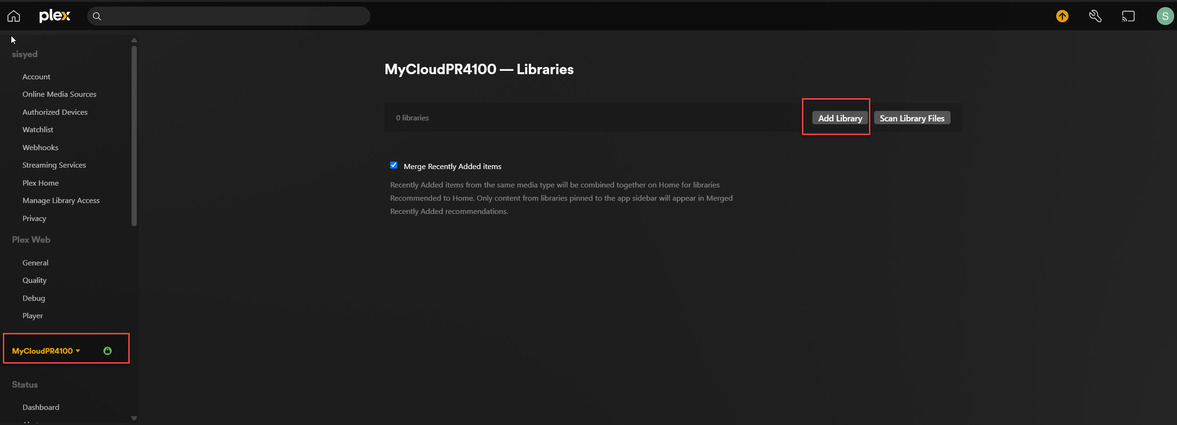
I will update the screen print which will help someone to trouble shoot my issue.
Thanks
Siraj


Sorry for the late response. Are you still having this issue? Off the top of my head there could be a permissions issue or possibly a drive or array failure. I have a PR4100 next to me that I can use to help with troubleshooting if you’re still having an issue.
Hello Sir,
I still have this issue.
- Load Movies in My Cloud PR4100
- Connect Plex
- Watch movies from laptop, Roku etc
I really enjoyed watching movies. But for the last 2 months Plex stopped refreshing the movies i load into movies folder.
Your help will be highly appreciated.
Thanks
Siraj
Note: How can we connect? Zoom?
I really appreciate your help and please let me know how to connect.
Can you please share you PMS logs with me? Can you show me the paths in the your Movies library? Select the Edit action for your Movies library and screenshot the folder location. Can you also show me your Server’s Library settings?
Similar to this  Settings > Server settings > Library
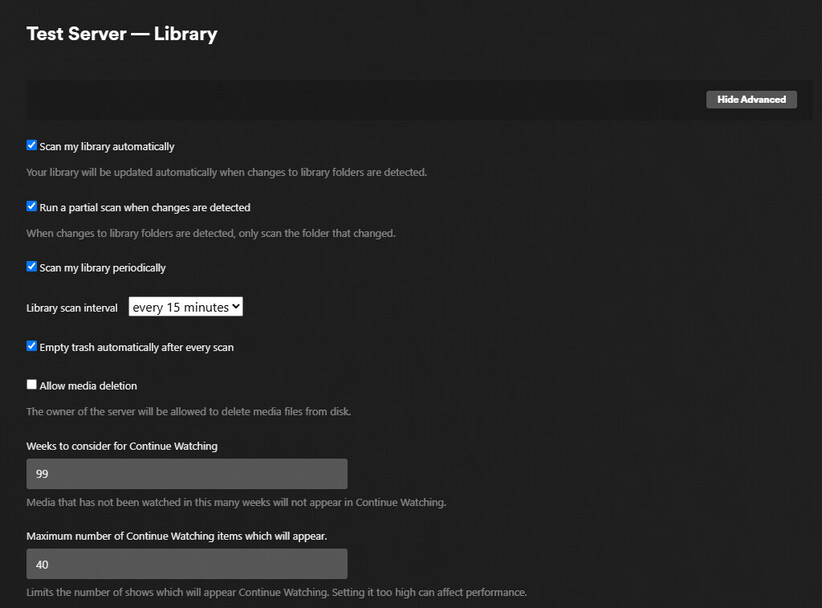

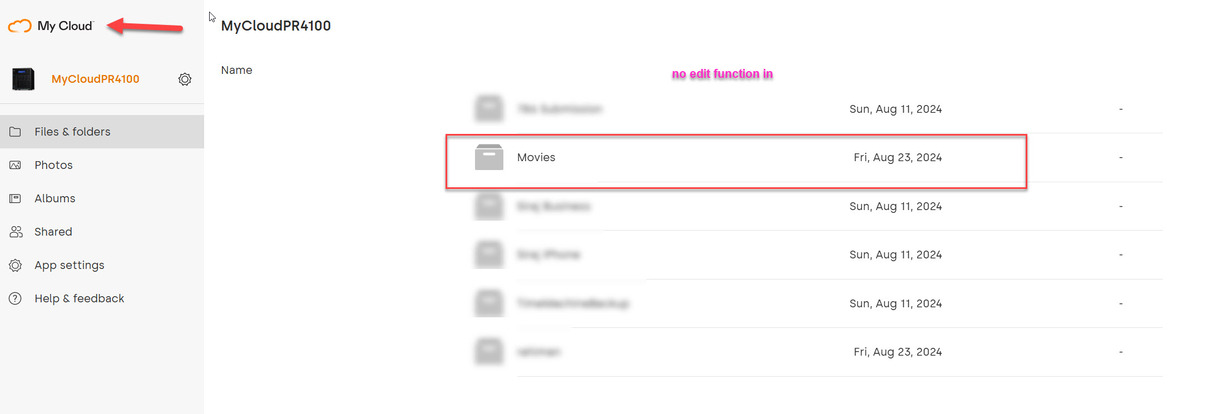
Hi, I don’t know how to see the edit feature for my movies folder.


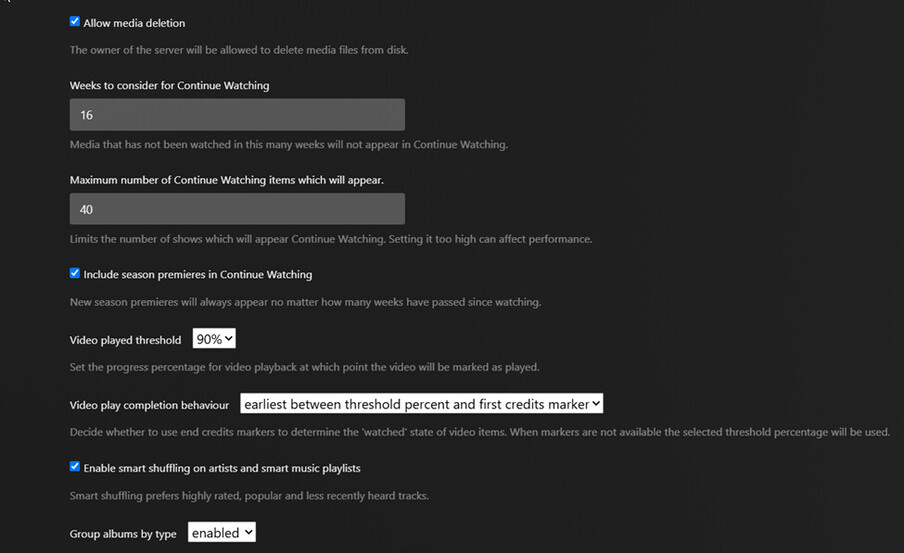


- Edit the Library.
- Select Add Folders to display the folders added to the library.
- Take a screenshot & post to thread.


Why is some of my content not found?
Plex Documentation → Your Media
→ Naming & Organizing Your TV Show Files
→ Naming & Organizing Your Movie Files
You are not following Plex naming and organization requirements.
Movies and TV shows cannot be mixed. They must be in separate libraries.
Read the above documentation, then organize your files appropriately.
Using Mr. Mercedes as an example:
/tv shows <-- folder added to TV Show library
   /Mr. Mercedes (2017) <-- show_name (intro_year)
      /Season 01 <-- "Season" in English
         /Mr. Mercedes (2017) s01e01 Pilot.mkv <-- sXXeYY notation important.
      /Season 02
         /Mr. Mercedes (2017) s02e01 Missed You.mkv <-- episode name optional

Short Answer: Just click the Add button. Notice the title of the window, “Add Folder.” You add folders to the library. You do not add individual files. You must also remove the TV show episodes.
Detailed Answer:
Please read my prior post.
- You must follow Plex naming and organization requirements.
- You cannot mix tv shows and movies in the same library.
- You add folders (directories) to the Plex library, not individual media files.
- Remove the TV show episodes from /shares/Movies.
- Rename the movie to follow Plex naming requirements.
- Scan the library to pick up the changes.
Example:
/shares/Movies <-- Folder added to Plex Library
  /Wind River (2017)
    /Wind River (2017).mkv <-- or mp4? Cannot see full file name
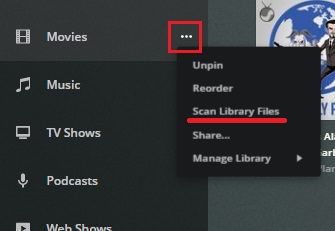
To scan a library: