Server Version#: 4.53.0
Player Version#: Web player hosted by the server
What does work?
Playing from a dedicated application, such as the Android Plex player works fine.
What doesn’t work?
Playing via web from the server.
Yes, this worked in the past prior to the most recent update.
When I view the media, the play button is displayed, but when I click the play button, nothing happens.
My Setup
Synology with the latest DSM package, and as of now the latest Plex package. This isn’t a Docker hosted version.
Log Files
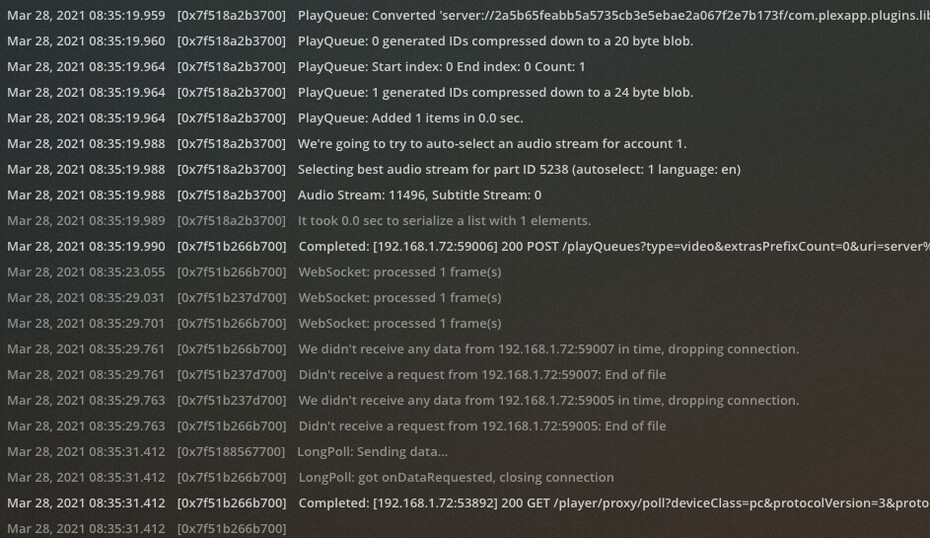
A cursory glance at the server logs, I don’t see the immediate issues, so let me know which log file to post, and I will.
What I have Found
On the web page, when looking at the developer console view and examining the network calls being made, requests to /providers? and /?X-Plex are both failing. If I manually hit these with the server address correctly referenced, a response is received, so it seems like somewhere Plex has started referencing localhost rather than its IP.
These are referencing 127.0.0.1 rather than the server’s actual IP address.
http://127.0.0.1:32400/media/providers?X-Plex-Product=Plex%20Web&X-Plex-Version=4.53.0&X-Plex-Client-Identifier=&X-Plex-Platform=Chrome&X-Plex-Platform-Version=89.0&X-Plex-Sync-Version=2&X-Plex-Features=external-media%2Cindirect-media&X-Plex-Model=bundled&X-Plex-Device=OSX&X-Plex-Device-Name=Chrome&X-Plex-Device-Screen-Resolution=1086x1249%2C2560x1440&X-Plex-Language=en
And
http://127.0.0.1:32400/?X-Plex-Product=Plex%20Web&X-Plex-Version=4.53.0&X-Plex-Client-Identifier=&X-Plex-Platform=Chrome&X-Plex-Platform-Version=89.0&X-Plex-Sync-Version=2&X-Plex-Features=external-media%2Cindirect-media&X-Plex-Model=bundled&X-Plex-Device=OSX&X-Plex-Device-Name=Chrome&X-Plex-Device-Screen-Resolution=1086x1249%2C2560x1440&X-Plex-Language=en
I scoured the Plex settings for any localhost references (direct or indirect), and didn’t see any, but perhaps I’m overlooking something simple.