I usually play via shuffle or library radio, as you can see this song is rated 0 starts yet it still played. I thought songs with this rating wouldn’t play. What do I have to do/set to have songs like this never play unless I want to play it?
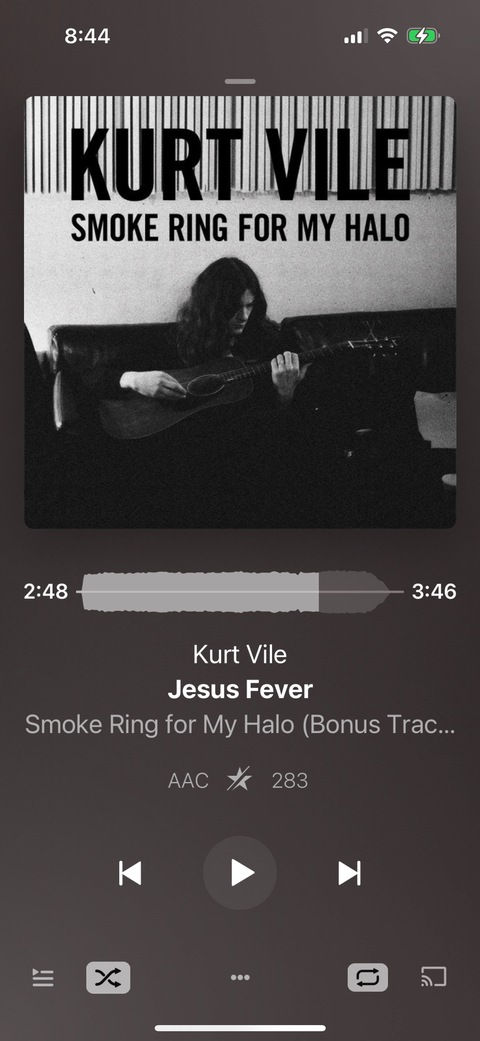
If you’ve disabled Smart Shuffle, they’ll play normally.
With Smart Shuffle enabled, we bias against them but they can still occasionally play, especially if much of the remaining tracks have been recently played.
Elan also described in his video Plex Pro Week ‘22 Day 5: Elan Feingold | Plex how to create a Smart Filter and playlist that match all songs rated 4 stars or more. Not sure how Smart Shuffle integrates with that, but great stuff there.
My caveman solution is I one star or no star the track, to a filter playlist, and then I go into my music folder and literally move the file to a “Do Not Play” folder. I created a Do Not Play library that only points to that folder so I don’t lose track of the songs.
So far that works really well for me and it keeps the tracks I absolutely don’t want to hear out of the way.
This topic was automatically closed 90 days after the last reply. New replies are no longer allowed.
