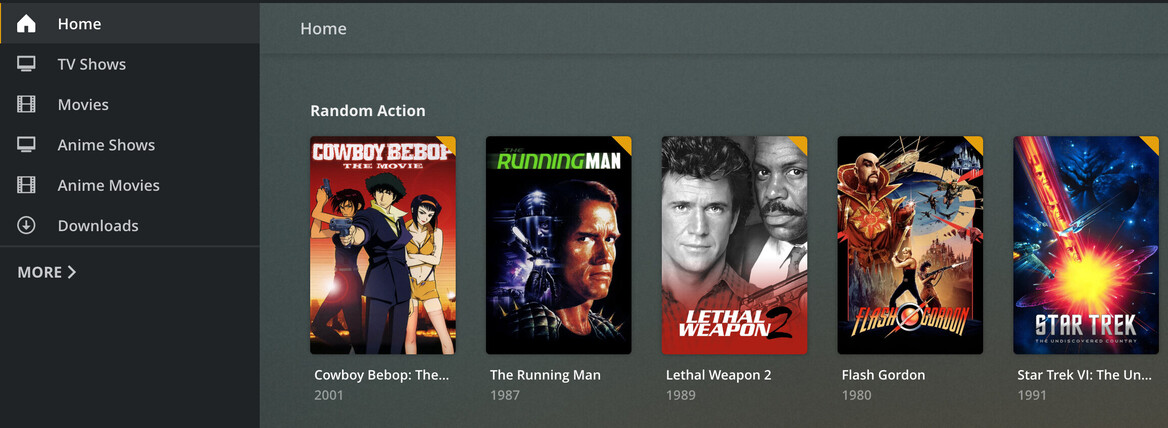
That’s not how it works. When you add the Smart Collection as a row it adds the contents of the smart collection to the row - not the poster representing the smart collection.
Look at the titles of those two rows I show in my screenshot. That’s the content of that smart collection.
Edit - here’s how it goes:
- Create Custom Advanced Filter in Library
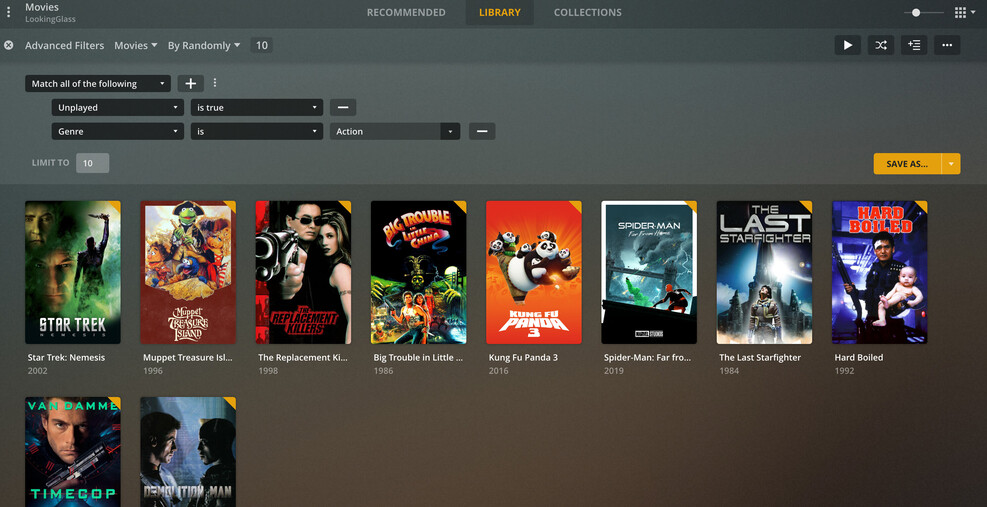
- Save As… Smart Collection

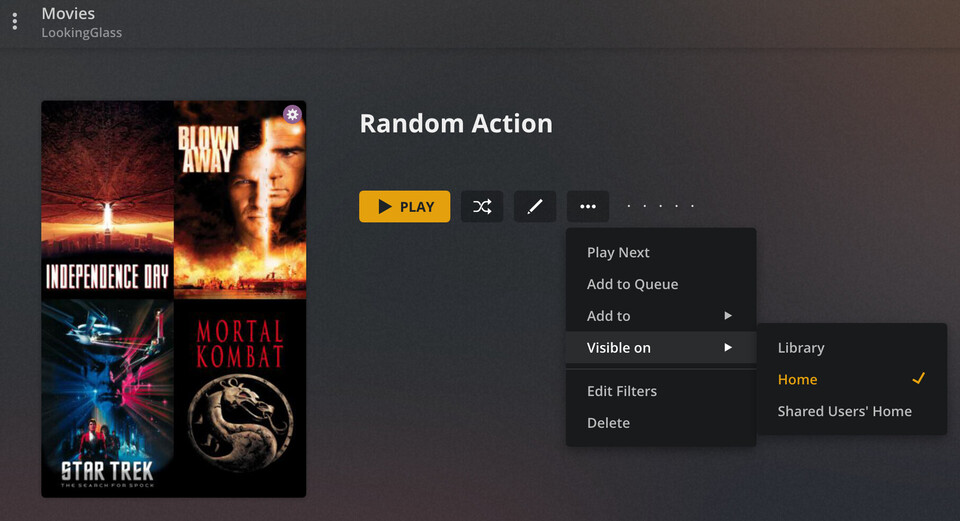
- Go to Smart Collection and set Visibility
- It is now on Home Screen as: