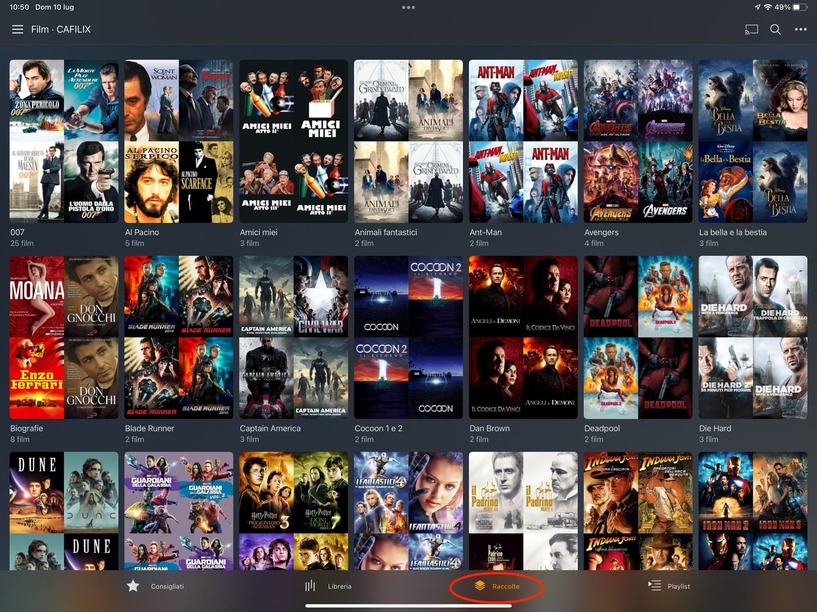
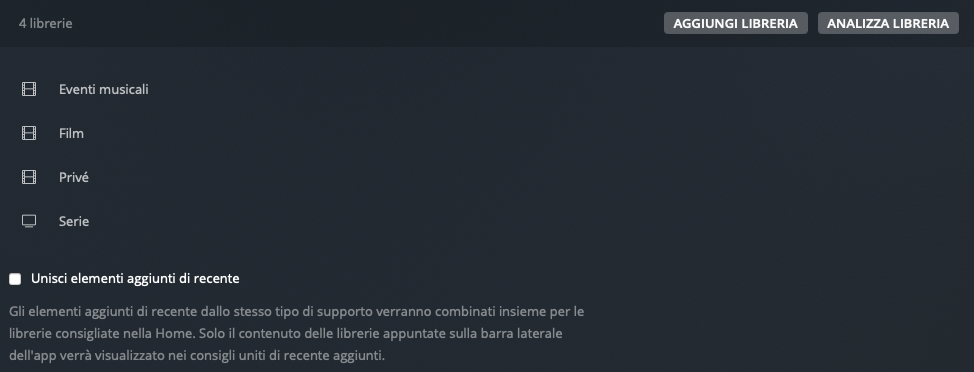
They should show up same as on the other clients. If you experience what you’ve described, there’s some glitch with the client configuration. To fix that: Settings > Plex Web > Debug > Restore Defaults
this instruction causes the Collections to appear on the Library page. It does not make them appear on the page dedicated to them, that is: Collections.
Also for other sections with Film setting the choice is: Disabled.
I checked the settings of the two sections – Film and Privé – and they are identical!
Also for this reason I don’t understand where the problem could be …
This has nothing to do with the library collection preferences. Advanced > Collections only determines if/how Plex will include collections in the regular library. The collections will always show on the Collections tab (Raccolte).
This is only about the client preferences. So at worst you’ll have to redo the configuration which libraries should be pinned to the sidebar and their order.
What do you mean by that… does the Collections tab still look like in your 1st screenshot or is it now completely empty?
Did you reload the web app after restoring the defaults? Sometimes the browser might still have some stale cached information.
The collections will always show on the Collections tab (Raccolte).
The Collections do not appear in the Page/Tab Collections (Raccolte)!
However, they are seen correctly on iPhone, iPad and Apple TV; I think it is a Bug of the latest version of the Plex App.
I don’t know what else to think …
I’m afraid of the idea of doing a settings reset, I’m afraid of making the situation worse …; then, being a disabled person, if I had to reset too many things it would take hours or days …
I can’t explainthis anomalous behavior: in “Privé” I have the Collections while in “Film” I don’t … This is the strange thing!
Ah, I emptied the Brouser cache, I exited and re-entered the Plex App so I restarted the Media Server; but nothing has changed!