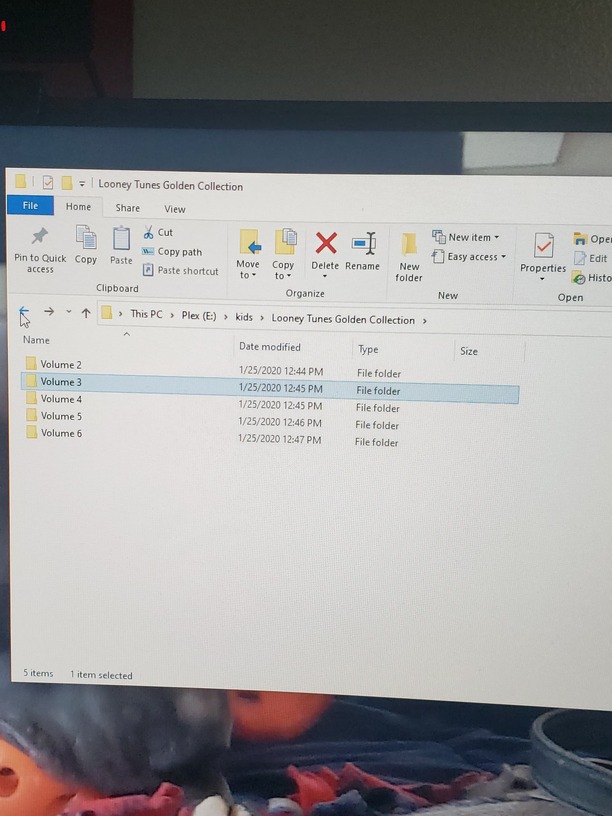
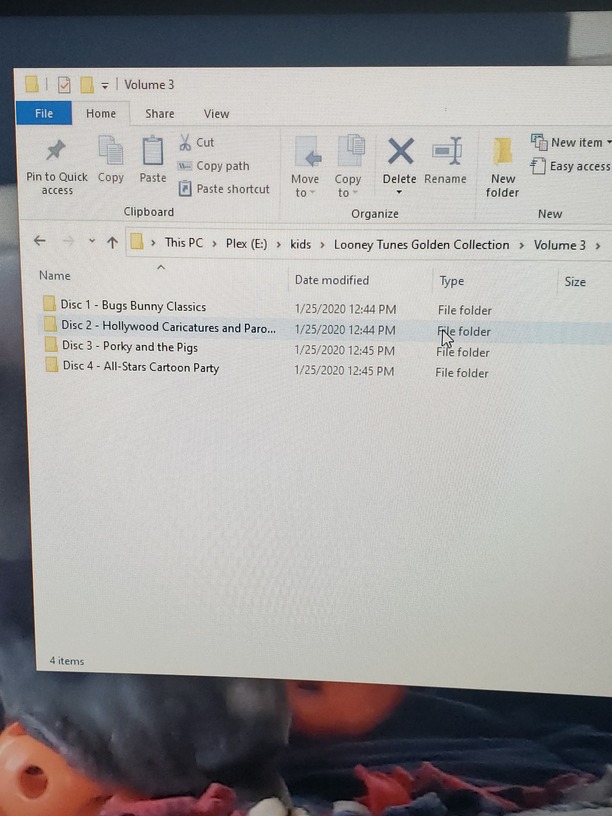
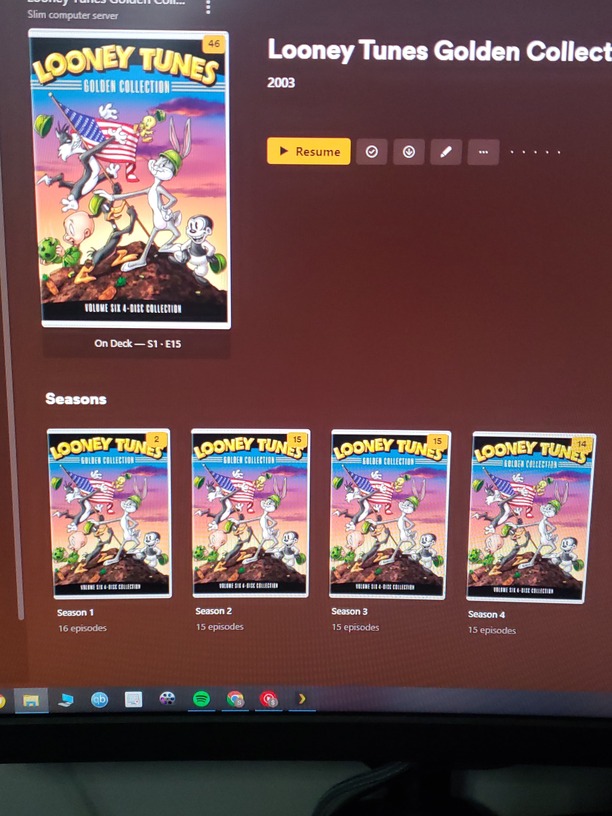
I have Looney tunes golden collection set and each volume has 4 disk in each one but plex will not show all the episodes. How do i get plex to show all the episodes. Look at pics it will only show one disk per volume when it shows 4x the episodes
It doesn’t appear that either the TVDB or TMDB has a proper listing for that exact DVD set https://thetvdb.com/search?query=looney%20tunes
There have been some lengthy threads here in the forum you can search to come up with a solution for Looney Tunes shows
Most people tend to break the episodes of into the aired order TVDB has and list them as a TV show
This can help you rename them according to the link Otto gave you above
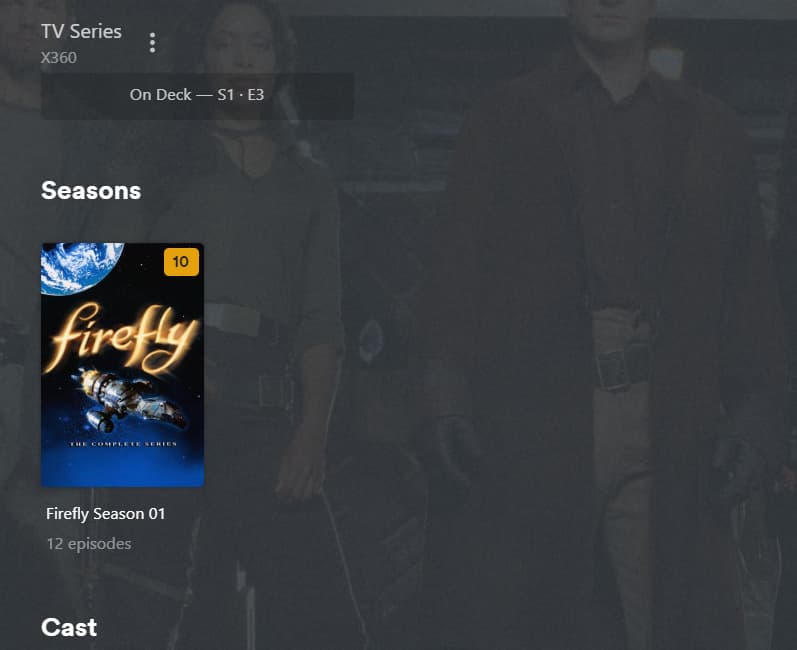
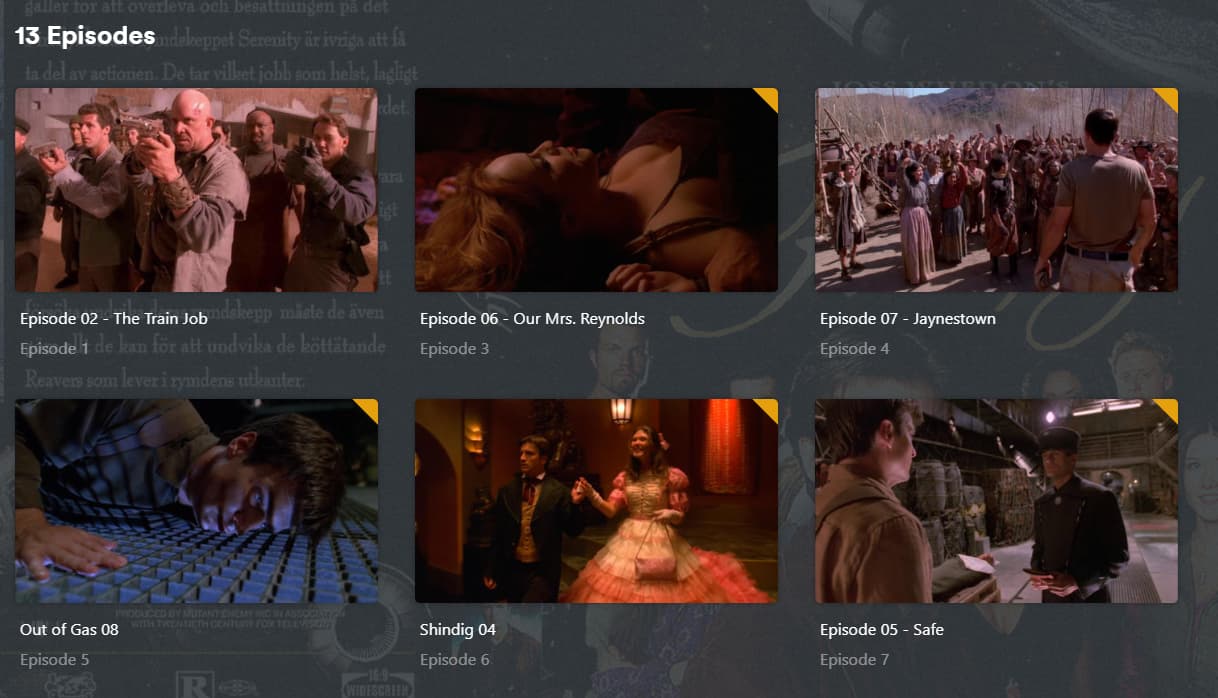
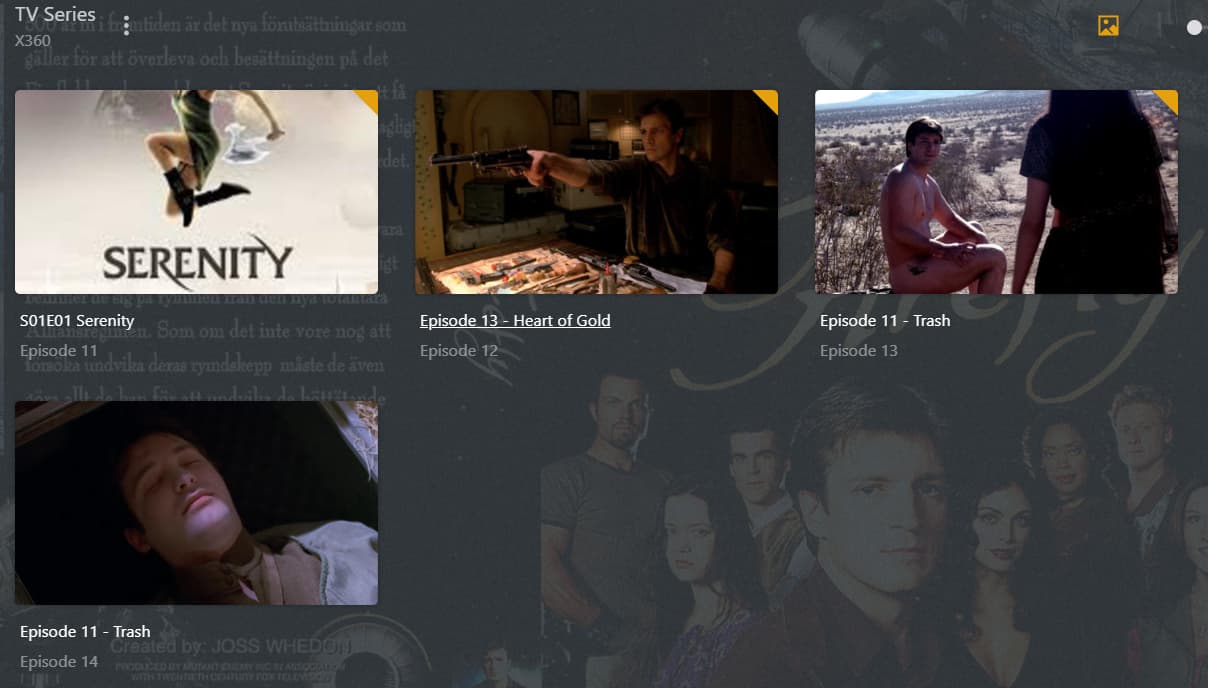
I may have a similar problem. I tried to watch Firefly, but the whole display of the episodes has changed from what I set to something I cannot change and the order is now incorrect. In the folder I designated as “TV Shows” all the episodes of Friends (that I have) appeared in the Firefly folder. I tried to correct this, now, the Friends folder is really messed up. I didn’t even look at the others, and I haven’t tried to watch any of the other series that I have. In addition, there were folders of what I assume were TV series that were not mine and I had never had them in my account…so I deleted them.
What’s going on? Is this a new “feature” give people new things to watch???
Show the folder structure and the file names.
Which of the folders has been added to the library?
Which scanner and agent are selected in the properties of the library?
Firefly requires you to select a different “episode ordering” just for this show. It is one of the test cases when the support for episode orderings was implemented, so it is well known.
When it was originally aired, the episodes were in the wrong order, which made no sense for the plot. The right episode ordering is “TheTVDB (DVD)”. Firefly - DVD Order - Season 1 - TheTVDB.com
So this is what you must select in the properties of this show.
(After you have solved the mis-matching.)
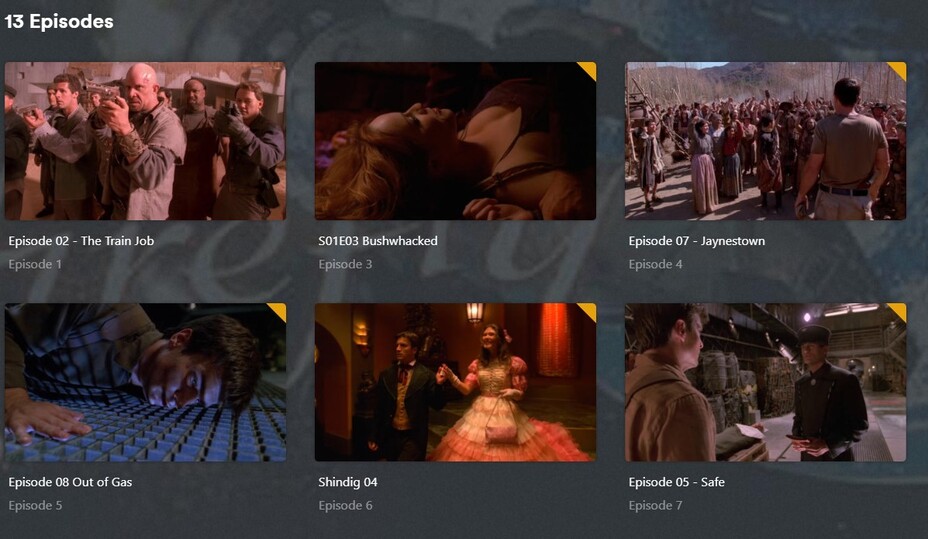
The upper line is intended to hold the episode’s title.
I’m almost 100% sure that these episode titles come from embedded meta tags in your files.
You probably have “Prefer local meta tags” enabled in the properties of your library.
You want that usually disabled.
The lower (slightly darker) line is the episode number as Plex has read it from the file’s name.
As I mentioned above, Firefly is a mess. Determine first if the episode numbers in the file names of your videos follow the “DVD ordering”. If not, renumber them accordingly. https://thetvdb.com/series/firefly/seasons/dvd/1
Thanks for this information. I never watched Firefly when it first came out and kind of stopped when I couldn’t make sense of what happened somewhere along the way. I was told the order is incorrect but didn’t know which episodes were jumbled up.
It IS a mess. No matter what I do I can’t make it work. Other series I have, do not have this problem. As you can see, It lists The Train Job as episode 01, 02 and that particular episode points to Serenity mkv. Plex deleted the Train Job episode.
And, no, I don’t have ‘Prefer local meta tags’ enabled.
Did you manually edit the episode titles inside of Plex? They might be “locked” now. Open the Edit dialog of an episode and look for the orange padlock icon.
Which metadata agent is selected in the properties of the library, on the “Advanced” tab?
FINALLY!!
Yes, they were locked. But unlocking them did not solve the problem. I had to change the episode title to match the file pointed to, then it locked, I unlocked it, went out of the series completely, returned to the series and episode list…THEN, it was changed correctly. I had to do that for every episode.
Code is weird. It never does what you want, only what you tell it.