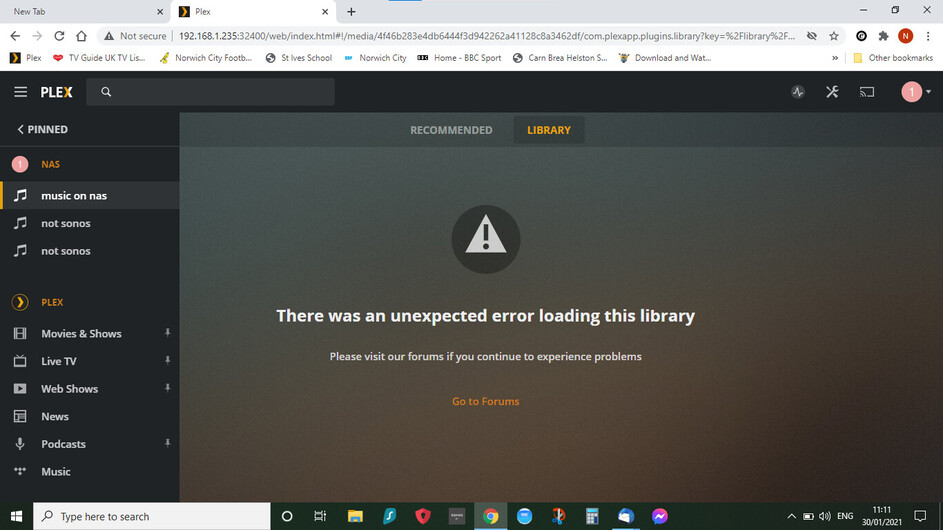
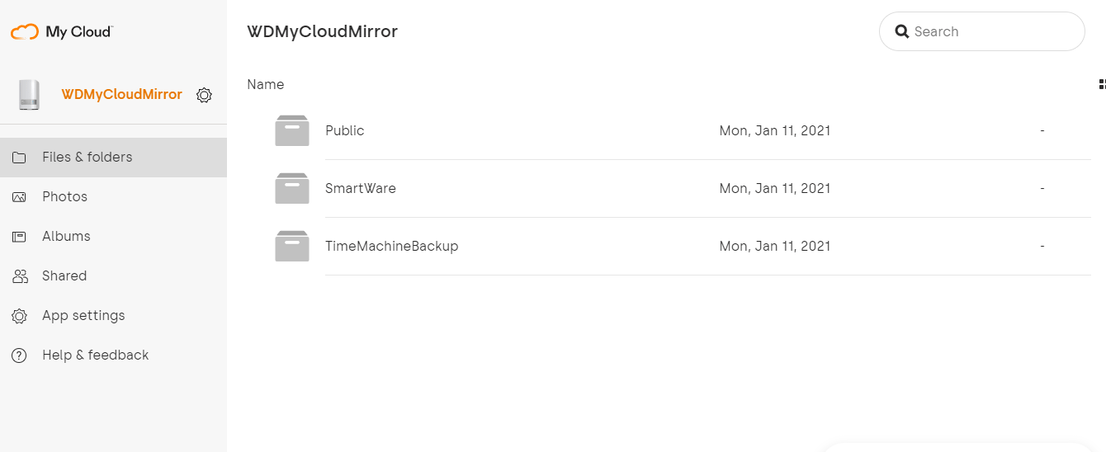
NAS had one folder which did work with previous win 10 laptop and cloud 3. Now cloud 5.
have reinstalled both server and player after deleting - have also removed localappdata / plex media server
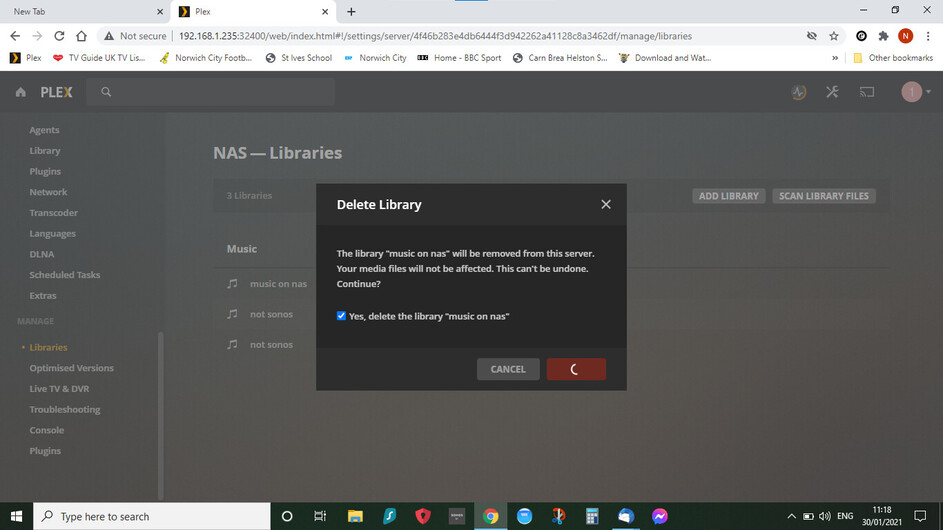
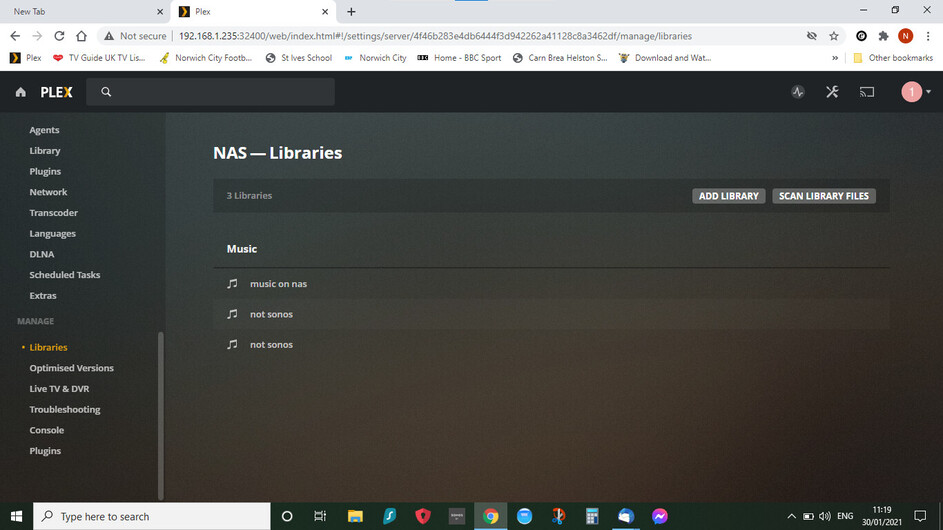
can access the folders and files but they will not create a library that will open and cannot delete the libraries it tries to delete files but nothing happens
Not sure if you had your previous server installed on your Win 10 laptop or on the WD My Cloud. The current server is running on your My Cloud NAS. A Plex Media Server running on the My Cloud has some limitations – this is mostly about libraries being hard-wired to the automatically created media folders on your NAS.
Yes and no. You can create libraries in the Plex Media Server. However, you cannot specify a custom location for the content. Instead, libraries will automatically point to the corresponding subfolder inside the Files area. So, place your television content inside the Shared TV Shows subfolder, music inside the Shared Music subfolder, etc.
Hi thanks for getting back - nothing in the set up has changed other than the make of laptop and the server going to cloud 5. I am not wanting a custom place for the library i want the original one to show up on the app - which it is not. I am unable to delete the library or seemingly set up new ones. Why cant I delete the library it is only something that is on Plex it is not on the NAS - that is what i dont understand.