I see. Thank you for explanation.
I have never used it by myself.

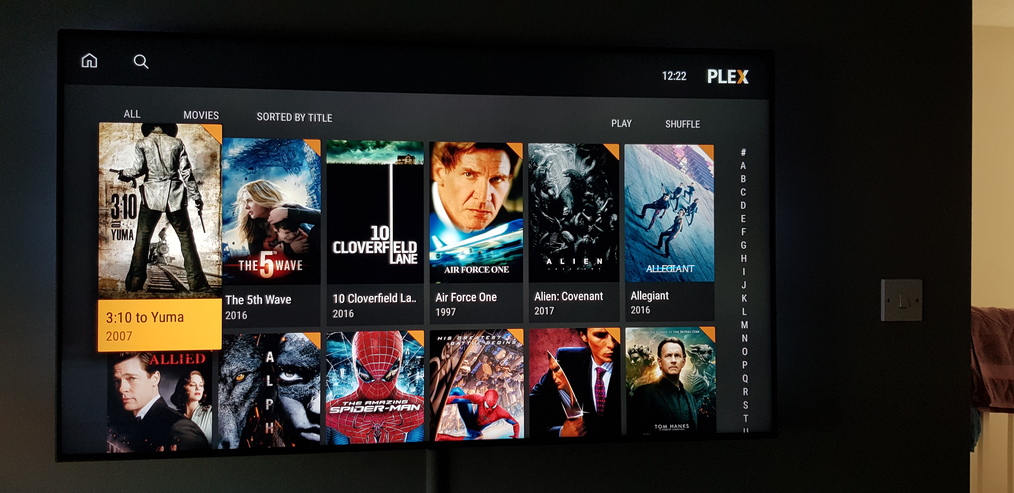
Hello @DironDir,
I’m having a problem with Xplay for Android TV. When I play a movie or TV show, and after about 5 minutes, my Xiaomi Mi BOX 3 goes to sleep. My sleep settings are set to 2 hours of inactivity.
I do not encounter this problem with the official version of Plex App.
My Xiaomi Mix Box 3 is up to date.
I love Xplay, whether it’s the LG version or the Android version, but it’s kind of embarrassing to have paused while playing a movie.
Thank you.
Hi!
I will fix it in the next version.
The next version I think will be released in 1-2 days.
Thank you for information. There is nothing more valuable than feedback from real users
I very much appreciate it!
Hello,
I released the 1.0.13 version today.
I worked over direct play and linking with an plex account + several small bugs.
Check, please, the error you wrote about. It should keep the device awake during playing video.
Just for information.
Now I’m trying to improve playback. I’m going to work on UI next weekend and all next week. So there will be several updates at least.
I prefer to release many updates each with small changes but often than big updates with many changes but rare…
Just had a quick look at this update, and I’m pleased to say I can play my 4K content now 
The TV themes still don’t work, I’ve tried turning them off and on again with no joy.
@DironDir keep the good work up  looking forward for the future bug fixes and improvements.
Nice to hear
I know  I have not fixed it yet. But I wrote it down to my to-do list…
Ok, great work on getting 4K content working
Now I can use XPlay as my main media player 
Hello,
I tried to play a movie and no break occurred !!!
Thanks for the update ! Great job!
Hi,
It’s good. And thank you again for pointing on this issue.
Just for information.
I’ve tried to publish the app on Amazon Appstore. There were errors Amazon QA team said. I guess there are some differences in platforms despite the fact that Amazon’s devices work on modified Android OS.
So I need to get a real amazon device for testing to continue.
Hi @DironDir on the next update with the TV shows be fixed?
It doesn’t follow plex.
As on continue watching shows an ep8 where it was left from in plex and when I click on play, it plays from the first episode and it doesn’t resume either plays from the beginning of that episode.
Also didn’t notice this before, but it won’t allow my shield screen saver to kick in when on pause or just on home screen.
Just thought I would let you know, still playing with Xplay, so will keep reporting as I find.
Thanks
Gordon
HI @Gordon-R,
I’ve released the 1.0.15 version today.
The major change - I added Spanish language.
In this version I tried to fix this issue. Please, take a look on the screensaver behaviour.
I will check it in the next few days. I finished with Spanish and my next aims are UI and Home users.
So I will check all issues that I’ve got about UI
I have the screen saver set to 5 mins and It works in all apps that I use including plex except xplay.
Okay, thanks
Hi @Gordon-R
I’ve just released the 1.0.16 version.
The screensaver issue is fixed. I found the reason.
Hope now everything is fine with it and I can calmly work on UI next
Hi @DironDir,
I can confirm the screen saver kicks in now as it should on pause or just on home screen
The TV themes still don’t work, unless you have to put the theme.mp3 into the tv shows yourself which you don’t under p,ex. Not tried this if it would make a difference.
The TV episode still plays ep1 and not resuming to ep8 where left off unlesss you select that episode in the list.
It’s true. I decided that the screensaver issue is important enough to release the update only with fixing only this issue. Next one will have more improvements of UI. TV themes will be there as well.
I see, that’s cool
Thank you for all your hard work 
