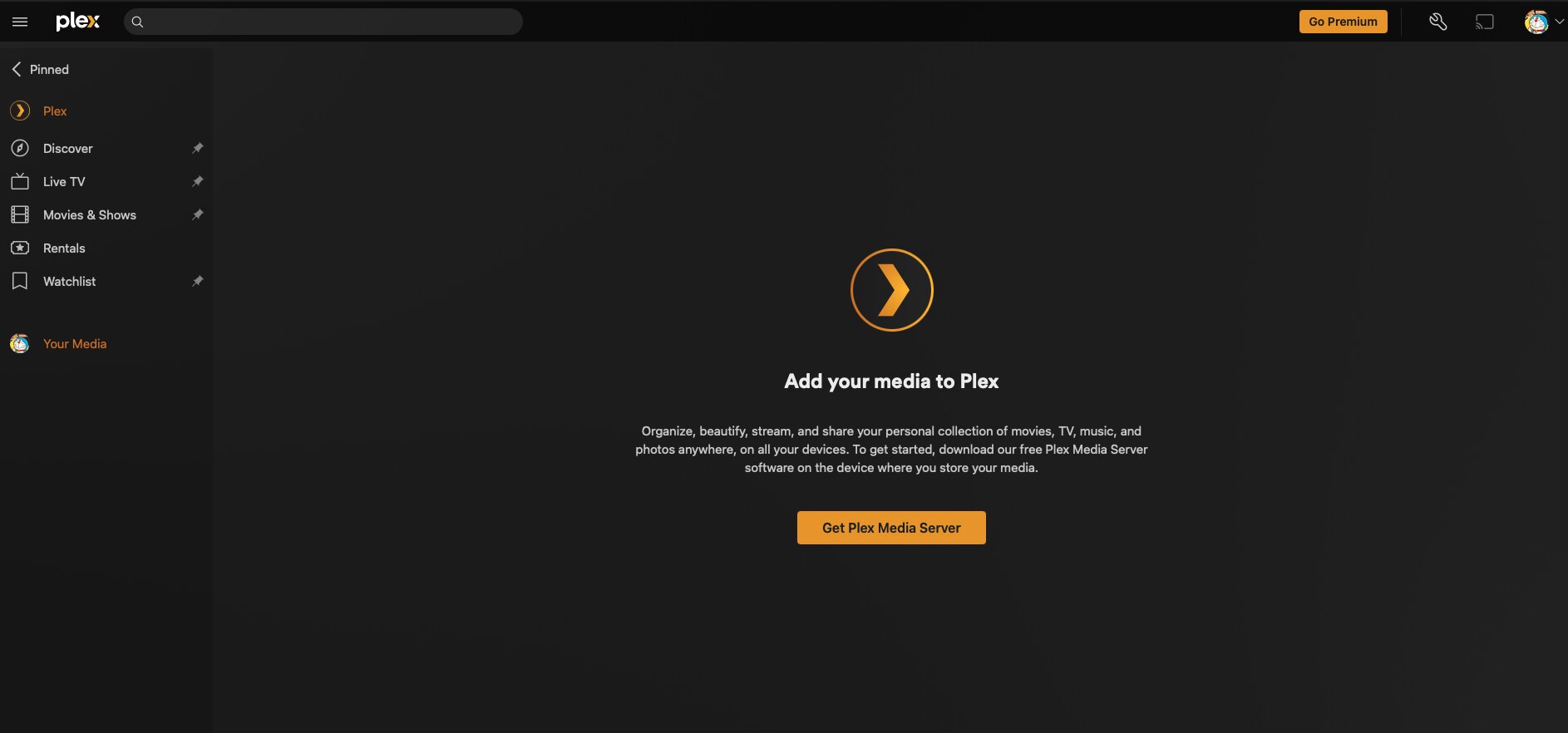
Yesterday I received Plex’s email saying there was database leak and it recommended me to reset password, which I followed. To make things safer, I clicked the force login out option.
Then, today, the plex media server on my Ubuntu is not working, it just cannot access the local library. I tried everything to fix the issue, including the method mentioned in a thread named “Lock out“ whatever. But it did not work too.
Then I deleted the plex media server package on my server and cleaned the local residential related files. After I install the 1.41.x version again, it did not have the option to add local library. Instead, it only provide a link to download plex media server. Why I didn’t install 1.42.x is due to the fact that I have not been able to download it. Downloading failed, stucks, dead on the last mile, etc., sucks.
It costed me much time and I really appreciate if you improve the customer feelings. Thank you.
Thank you for your feedback and kind help. I admit that I was a little too strong about this issue. You reminded me that the default PMS networking settings prevents incoming traffic from IPs which are in a different subnet.
However, this issue did take me several hours to handle and currently, I temporarily switched from Plex to Emby. I think I’m going to test the latter service for a couple of months.
Anyway, thank you again and I appreciated your help.