I’m using a Synology DS918+ with PlexMediaServer-1.18.3.2156-349e9837e-x86_64 to stream over DLNA to my Sony Bravia KD-49XE7002 TV.
The streaming works really well, even with large 4K videos the quality is great with no buffering. In the logs it indicates it’s using the Generic DLNA profile, but this works well so I’m fine with that!
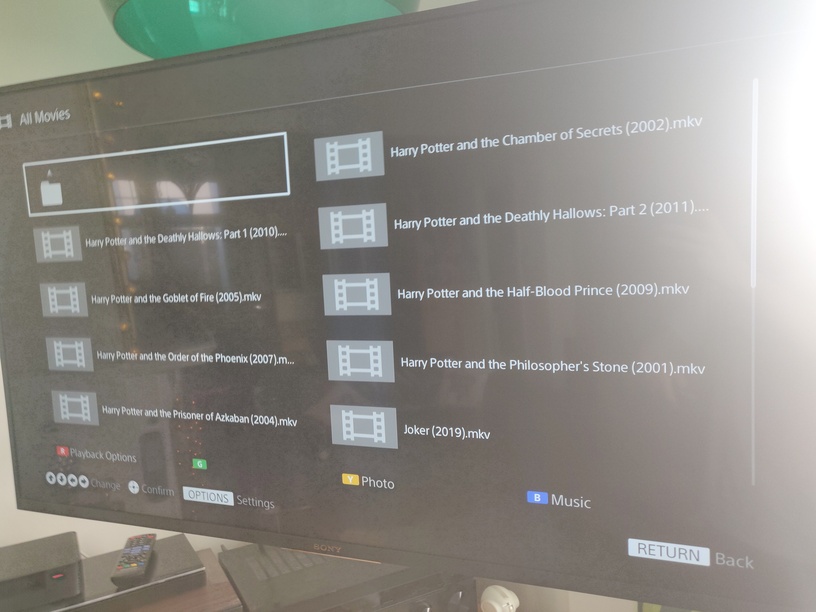
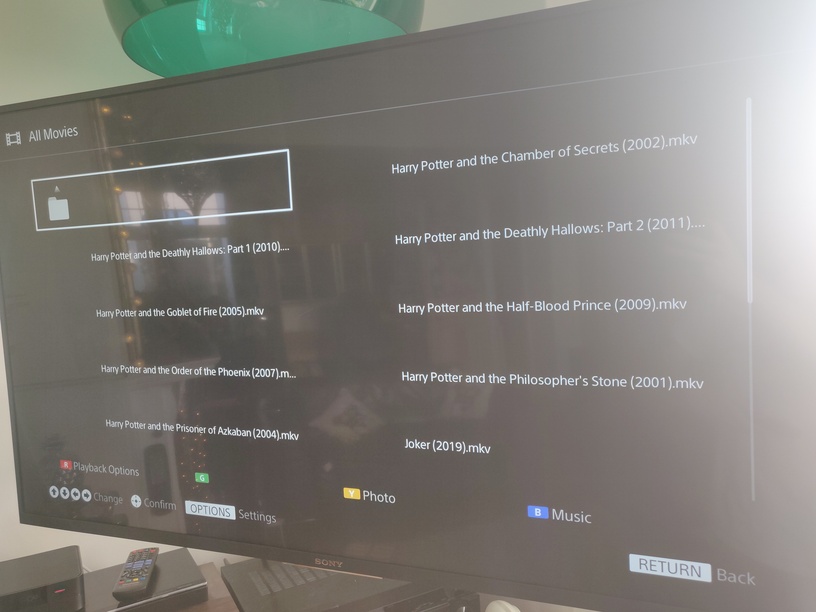
The problem I’m having is that thumbnails displayed on my TV’s DLNA file browser are not the film’s box art, instead, the thumbnails consist of the first frame of the film (which in most cases is a black screen…). These thumbnails slowly generate one-by-one for each film in the folder.
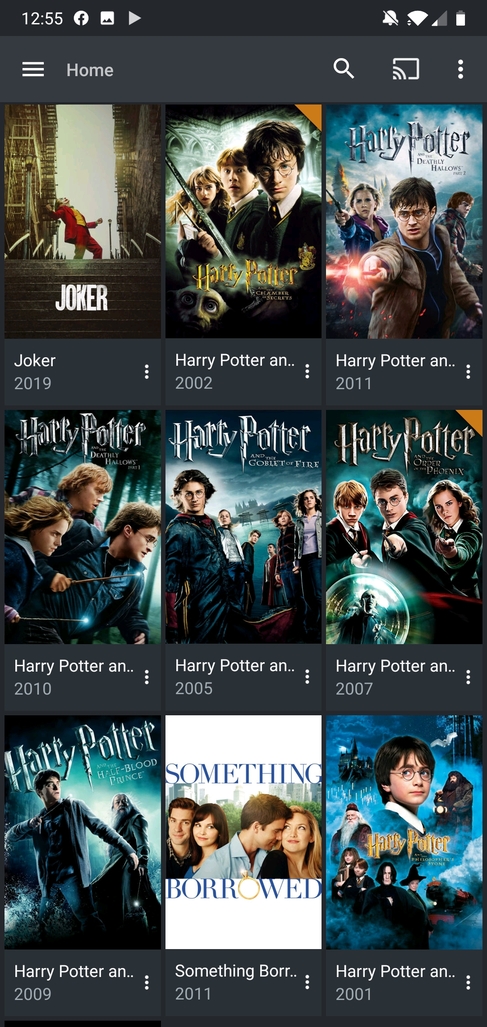
I’ve tried connecting to the DLNA server with an Android app, and it successfully loads Plex’s movie cover art as I want it to on my TV, so there are no faults retrieving the cover art for my media. It just seems to be a problem interfacing with my TV.
Does anyone have any suggestions as to how to get it to use the cover art?
I suspect the fault might be that for whatever reason the thumbnails aren’t interfacing properly, so the Sony TV is trying to generate its own thumbnails from the video content (this could explain why they slowly generate one-by-one each time you enter a folder). Lots of existing threads have Sony users with 2012/2013 Sony Bravia TVs that can’t get the thumbnails to load, although their fixes didn’t work for me.
The lack of posters is not DLNA specific. In other parts of the forum we’re investigating a known problem with the lack of posters.
What you’re seeing in the slowness of Poster verus Image is because those frame snapshot images are so much larger and more difficult for the TV to render.
If you’d like to contribute, we’d welcome it. If not, no worries. We have a lot of data already in hand.
Hi ChuckPA, I had a look at that thread and I believe these are separate issues.
The people in that thread describe cloudflare/internet issues preventing the posters being downloaded by Plex. My posters have downloaded fine, they display within the Plex App, Web Interface and a DLNA streaming app. HOWEVER, when I use my Sony Bravia TV over DLNA, it does not retrieve the posters.
As you can see this is probably not related to the thread you linked because they seem to describe an issue where Plex fails to retrieve the posters, which is clearly not the case here as it is isolated only to my Sony TV.
Sony Bravia 2013 Profile (Admittedly I haven’t tried these fixes, but my TV is a 2017 model and this is for a 2013 model, so I’m not optimistic they’d help).
As you can see this problem has been going on for years, some people suggest that it might be because the Sony Bravia TV might be expecting the thumbnails in a non-standard format.