Just curious there are 24 eps in the folder as stated by the number at the bottom of the picture, but why in the top right does it say 22? I counted the thumbnails and there are 24 of them with metadata for each of the 24 eps
Thanks !
Just curious there are 24 eps in the folder as stated by the number at the bottom of the picture, but why in the top right does it say 22? I counted the thumbnails and there are 24 of them with metadata for each of the 24 eps
Thanks !
22 is the number of unwatched episodes in that series.
The orange corner means that content hasn’t been watched.
That makes sense but it was on a fresh import so I am still puzzled
My other series just list tje total number in that corner even if watched
Thank you
ALL OK so far, quick question, can I force full screen on a SD (4:3) video?
Thanks !
i don’t think that is possible via plex itself, but you tv might have a ‘zoom’ mode or other resolution/aspect mode that might suite you.
Tv [vizio] does not allow mode changing with plex…no biggie but was just curious…thanks !!
You asked a couple of times about donating to Plex. The best wsy is to subscribe.
Got it! Thanks !
Hey guys,
My library is growing and growing.
One issue is what naming convention to use when adding a series and the one of the episodes is the pilot and doesn’t subscribe to s01x01 or a two parter rolled into 1 episode.
Are two parters shown originally on same night treated as 1 ep or 2?
Thanks !
https://support.plex.tv/articles/naming-and-organizing-your-tv-show-files/
https://support.plex.tv/articles/naming-and-organizing-your-movie-media-files/
§ : % *, simply leave them out.Show's Title (year) - s01e01 - additional info.ext (‘- additional info’ can be left out)Thank you Otto !
I am beginning to learn Plex on my own and am proud of that.
However this evening I attempted to add my seventh TV series to plex, naming convention and format all correct; same folder as all the other TV shows.
However, when I go to scan library, and wait…nothing happens. I rebooted PC, tried again nothing happenned.
IMPORTANT,ALL other media folders can import…JUST NOT TV shows which also is on a slave drive not system drive
Also, I added a new folder and pointed it to same TV shows folder, it imported my original series, but not anything new
Hard Drive holding the TV shows folder has alot of free space so I am really perPLEXed as what to do next.
Thank you guys, you rock !
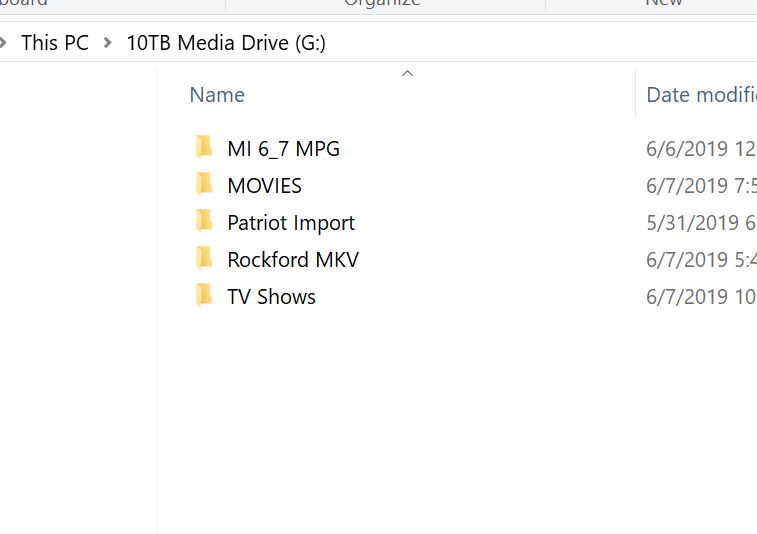
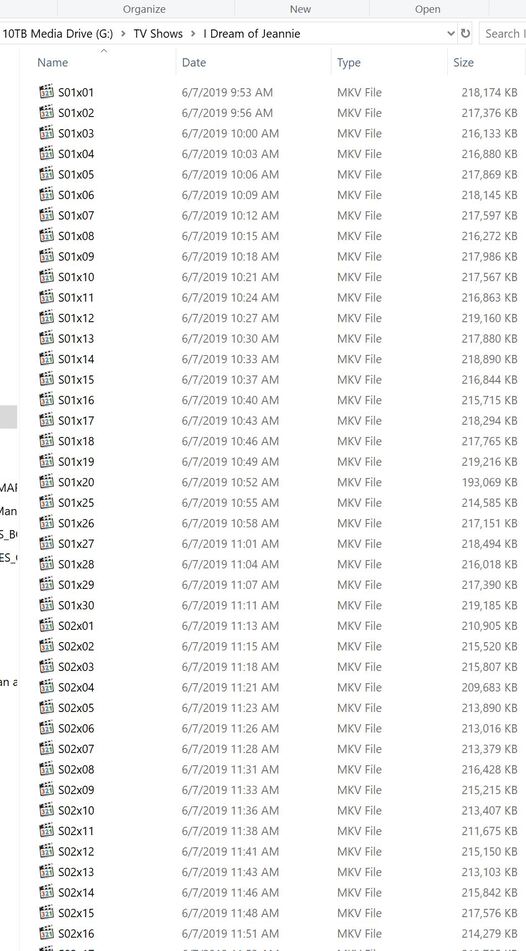
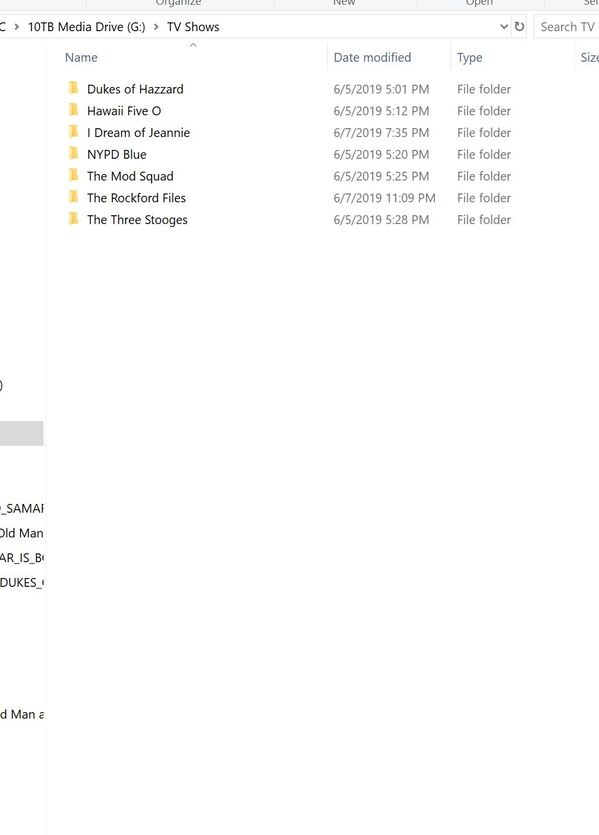
Please show us your file names and folder structure. And which folder you added to the library.
Here you go Otto, THANKS !
I Dream of jeannie and Rockford files will not import
Home video folder no problem
Naming convention for all TV series the same format
Please read my above HowTo about tv shows again, and this time follow the links.
Ok Otto I will but if I use the same naming convention for all the series why is it now selective? I bought filebot as was reco.mended in the link
Thanks!!
Using a consistently wrong naming pattern is still wrong, even if it works in the beginning.
Many users make this experience. All is well in the beginning, but as your library grows, Plex is no longer lenient about deviant namings – particularly with tv shows.
Understood Otto, I shall learn from this
Is Filebot safe and ok to use to rename everything?
Thanks !
Best money I ever spent.
Make sure to customize the renaming pattern, because Filebot uses by default the Kodi style. see Plex naming schemes for FileBot