About to Give Up on Plex


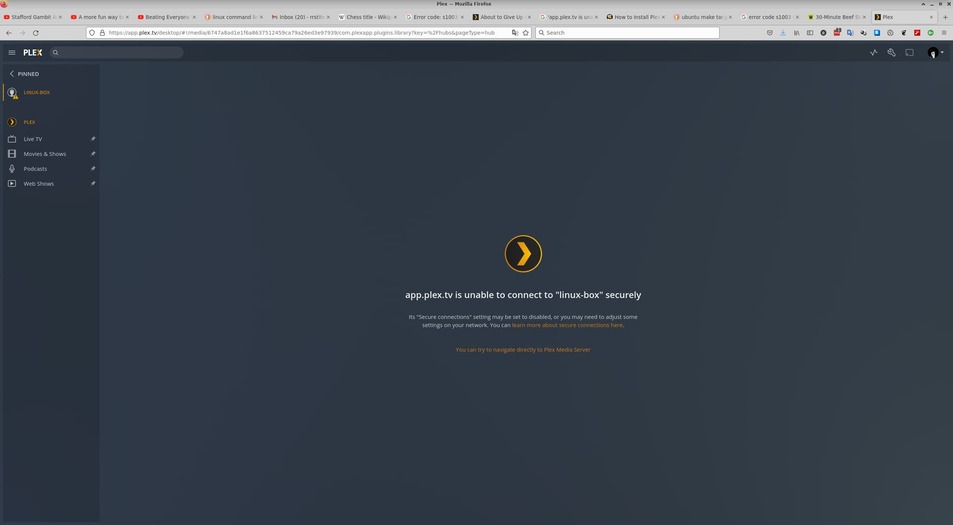
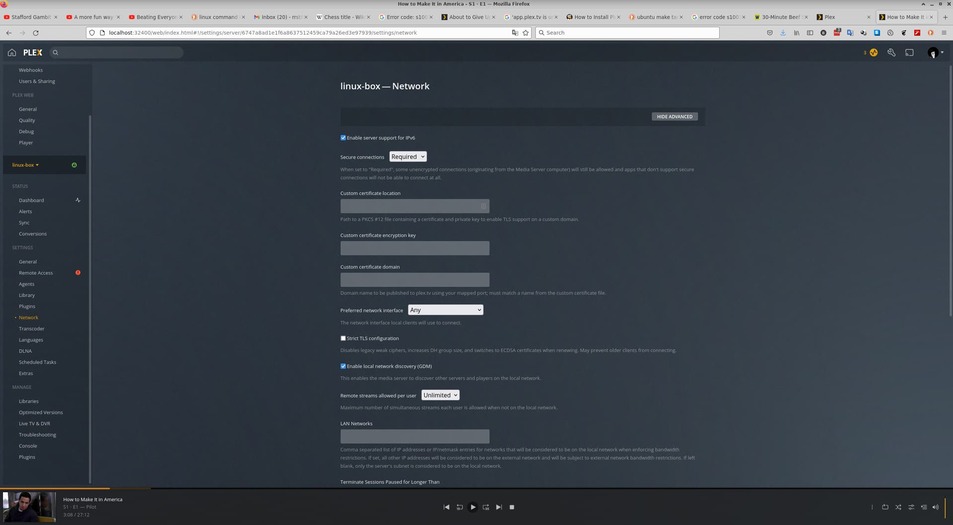
I logged into PMS with localhost and set the “Secure Connections” to “required” - Note the first screen shot seems to show that I have three instances of the same show running on my computer.

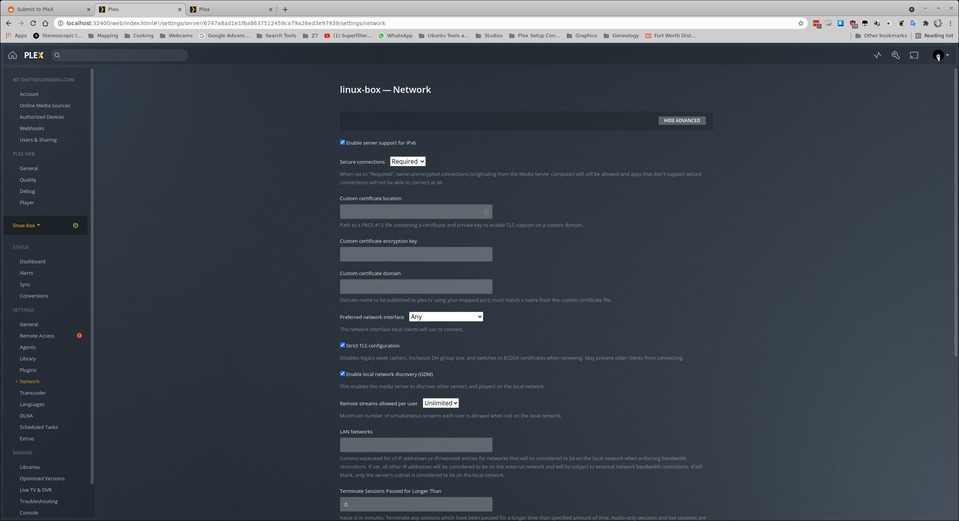
The 2nd screen shot shows that I have set the connection to required.
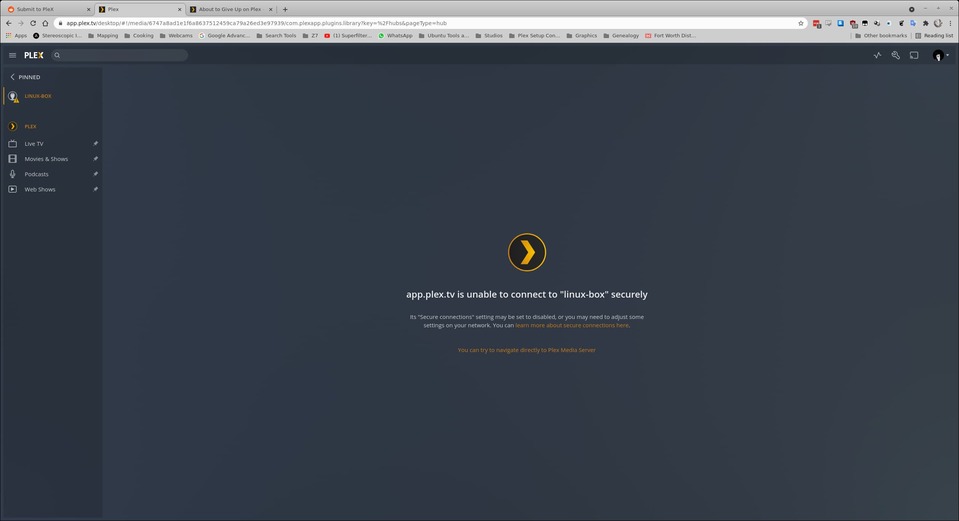
The 3rd screen shot shows the status of things when I login through plex.tv.

I will be away from this until tomorrow and I will be looking forward to any suggestions you have about making this work and why if failed in the first place. Cheers

Enable Strict TLS configuration. Then restart the server.

If this doesn’t work then sign out your server from your account and sign it back in.

Do you possibly have network filtering/ad blocking/firewall devices on your network that could be impacting the server’s ability to connect to plex.tv services?


I logged out of Plex, restarted the PMS, logged back into Plex, started Plex with the “launch” button and it’s not working.

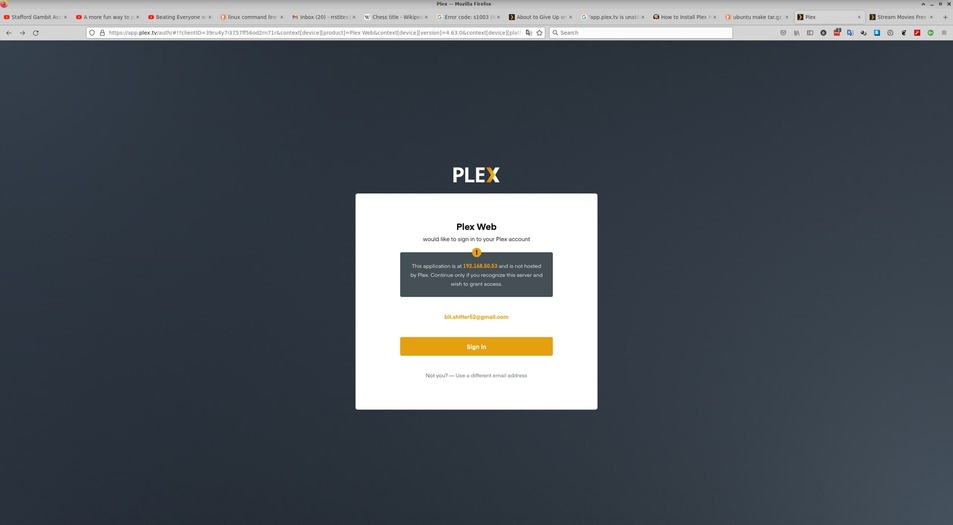
If I use localhost instead of the IP I get in. But, when I try to login from the link that says my IP is wrong I receive the following:

When I use the login option from the

Screenshot_2021-10-28_05-58-41
Just showing that my IP is correct.

Could be way off the mark here but could ipv6 be causing issues? Try and disable that in plex, restart plex server and see if things get better.

ChuckPa, Nothing more to work with? I’ve invested years of my time trying to keep PMS running and that’s your response. Wow, just wow


I enabled Strict TLS and restarted the server using:
sudo systemctl restart plexmediaserver.service
systemctl status plexmediaserver
● plexmediaserver.service - Plex Media Server
Loaded: loaded (/lib/systemd/system/plexmediaserver.service; enabled; vend>
Active: active (running) since Thu 2021-10-28 11:55:46 CDT; 9s ago
Process: 253376 ExecStartPre=/bin/sh -c /usr/bin/test -d "${PLEX_MEDIA_SERV>
Main PID: 253378 (Plex Media Serv)
Tasks: 89 (limit: 38376)
Memory: 173.4M
CGroup: /system.slice/plexmediaserver.service
├─253378 /usr/lib/plexmediaserver/Plex Media Server
├─253404 Plex Plug-in [com.plexapp.system] /usr/lib/plexmediaserve>
├─253440 /usr/lib/plexmediaserver/Plex DLNA Server
├─253443 /usr/lib/plexmediaserver/Plex Tuner Service /usr/lib/plex>
└─253489 Plex Plug-in [com.plexapp.agents.imdb] /usr/lib/plexmedia>

Oct 28 11:55:46 linux-box systemd[1]: Starting Plex Media Server…
Oct 28 11:55:46 linux-box systemd[1]: Started Plex Media Server.

The sad part of this is that PMS was working until recently - now this.

What OS?

What I mean by logging out of Plex I mean going to ‘Settings - General’ then clicking SIGN OUT. Afterwards reclaim your server.

My OS is Ubuntu 21.04. We just had a power outage so I’m restarting everything. Once that is done I’ll go to Settings - General and sign out.

I signed out of Plex and restarted it and the status is still the same.

The PMS version is: plexmediaserver_1.24.5.5173-8dcc73a59_amd64

Do you have remote access enabled for the server in question? If not then enable it. If yes then do you have the green checkmark?

According to your screenshot you do not. So please get this working and report back.

Thank you for your response. No, I do not have remote access turned on.

@kegbeach I was looking at my plex logs and saw this in Plex Crash Uploader:
Oct 31, 2021 04:54:50.173 [0x7f4cb1721b38] INFO - Crash Uploader - Platform: Linux ServerUUID: 6747a8ad1e1f6a8637512459ca79a26ed3e97939 UserId: bit.shifter52@gmail.com Version: 1.24.5.5173-8dcc73a59
Oct 31, 2021 04:54:50.173 [0x7f4cb359a848] DEBUG - HTTP requesting POST https://sentry.io/api/1233455/minidump?sentry_key=xxxxxxxxxxxxxxxxxxxxxxxxxxxxxxxx
Oct 31, 2021 04:54:51.242 [0x7f4cb359a848] DEBUG - HTTP/2.0 (1.1s) 200 response from POST https://sentry.io/api/1233455/minidump?sentry_key=xxxxxxxxxxxxxxxxxxxxxxxxxxxxxxxx
Oct 31, 2021 04:54:51.242 [0x7f4cb359a848] INFO - Successfully reported 9f6297d4-4c9f-4dd6-ca3bf791-afa1dfaa

Turn remote access on and make sure the green checkmark shows up instead of the red exclamation point and then report back.

plex-logs.tar.gz (3.2 MB)

How about:

  1. Setting-up port forwarding on your router to forward 32400 to your linux-box?
  2. Switch off ipv6 in Plex/Settings/Network
  3. Reclaim Plex server

See if that does anything. I know it’s frustrating, but to get things to work, it’s probably going to be a process of elimination.

C.

Thanks for the idea. I’m able to see the port when I go directly to the IP:PORT. I really don’t want my Plex to operate outside of my local network. The issue is that I can no longer access my own media after the last plex update. I receive a message that app.plex.tv cannot connect securely to my server - it was working a couple of weeks ago.

Fair enough. You could just try it and the undo the changes if they make no difference? Did you try point 2 and 3?

Another thing to try is switching Secure Connections to Disabled on the server and on each client (maybe called Never or something else). This will just exclude the certificate fiasco issues.

C.

If app.plex.tv can’t connect to your server then it won’t work. So enable remote access otherwise use the web client built into the server.