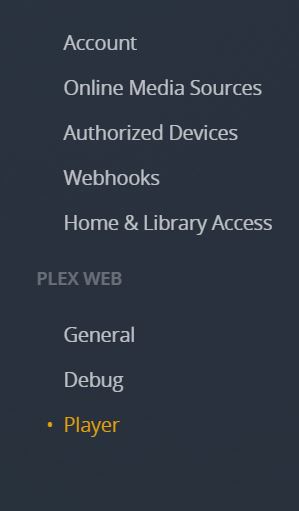
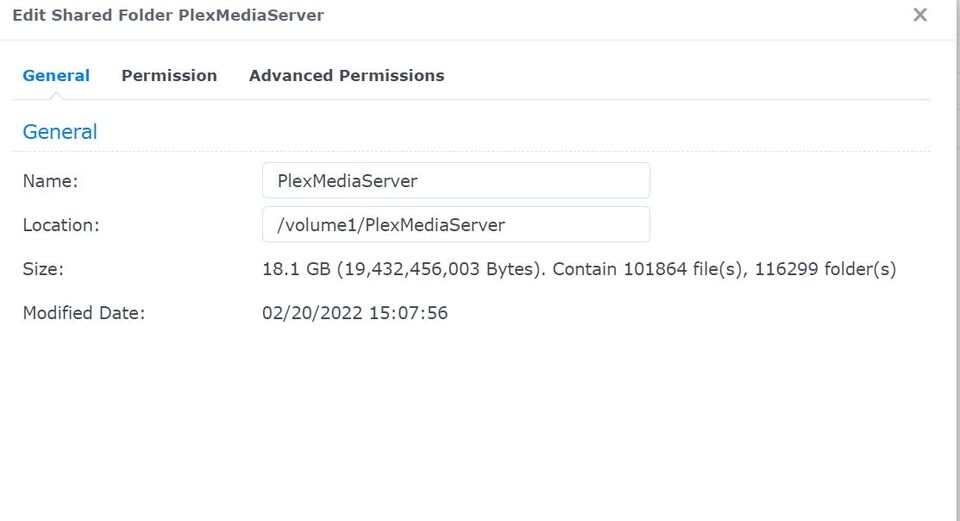
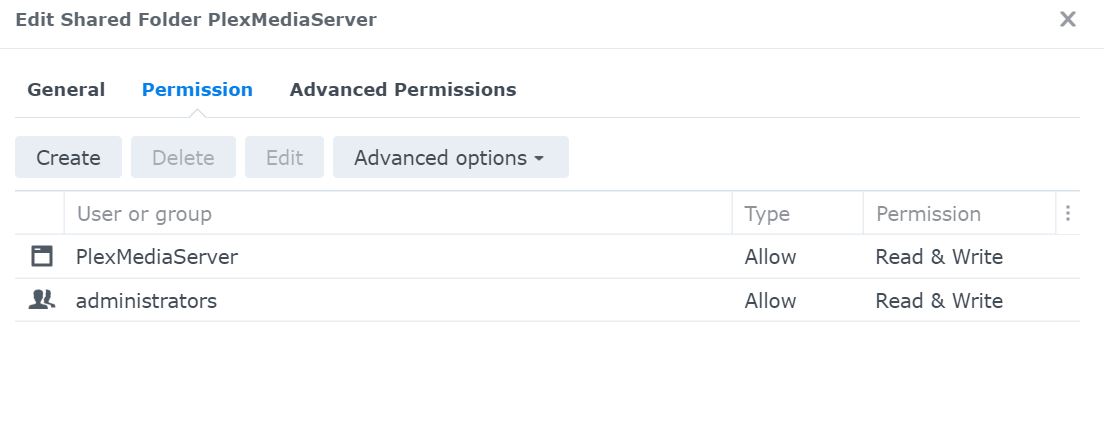
Migrated to DSM 7 and Updated to latest plex version. Migration appeared to be OK. Permissions set. See below logs and screen shots. Now when I log into Plex, it appears as if I am a user, and not administrator, and none of my files/folders show up as if this is a new setup. It even tells me to download Plex Server.
Plex Media Server migration to DSM 7 started: Fri Jun 10 11:07:17 EDT 2022
=== Fri Jun 10 11:07:17 EDT 2022 === Start: Change ownership
=== Fri Jun 10 11:07:28 EDT 2022 === Completed: Change ownership
=== Fri Jun 10 11:07:28 EDT 2022 === Start: Convert symbolic links
=== Fri Jun 10 11:17:14 EDT 2022 === Completed: Convert symbolic links
=== Fri Jun 10 11:17:14 EDT 2022 === Start: Migrate Plex Media Server
=== Fri Jun 10 11:19:02 EDT 2022 === Completed: Migrate Plex Media Server
=== Fri Jun 10 11:19:02 EDT 2022 === Completed: Migrate Plex Media Server
=== Fri Jun 10 11:19:02 EDT 2022 === Start: Clean /volume1/Plex
=== Fri Jun 10 11:19:05 EDT 2022 === Completed: Clean /volume1/Plex
Ahh… I did just look in the Plex Media Server Logs and see this.
Jun 10, 2022 12:14:04.165 [0x7f9bd9be0b38] WARN - Transaction that was running was started on thread 0x7f9bd7f44b38 at /data/jenkins/server/3533902054/Statistics/StatisticsManager.cpp:249
Jun 10, 2022 12:20:00.912 [0x7f9bd501cb38] ERROR - MyPlex: Error 401 requesting XML from: https://plex.tv/api/v2/server/users/services
Jun 10, 2022 12:20:00.912 [0x7f9bd501cb38] WARN - MyPlex: Token was invalid, resetting security.
Jun 10, 2022 12:23:26.865 [0x7f9bda63cb38] WARN - JobManager: Could not find job for handle 11422
Jun 10, 2022 12:32:17.998 [0x7f9bda63cb38] WARN - JobManager: Could not find job for handle 26568
Jun 10, 2022 12:34:56.744 [0x7f9bd77dab38] ERROR - [CERT/OCSP] response error: unauthorized.
Jun 10, 2022 12:34:56.744 [0x7f9bd77dab38] INFO - [CERT/OCSP] couldn’t fetch a valid response; retrying in 4800 seconds
Jun 10, 2022 12:42:30.138 [0x7f9bda63cb38] WARN - JobManager: Could not find job for handle 29038
Jun 10, 2022 12:42:34.036 [0x7f9bda63cb38] WARN - JobManager: Could not find job for handle 8326
Jun 10, 2022 12:42:38.363 [0x7f9bda63cb38] WARN - JobManager: Could not find job for handle 8450
Jun 10, 2022 13:20:00.725 [0x7f9bd7b10b38] ERROR - MyPlex: Error 401 requesting XML from: https://plex.tv/api/v2/server/users/services
Jun 10, 2022 13:20:00.725 [0x7f9bd7b10b38] WARN - MyPlex: Token was invalid, resetting security.
Jun 10, 2022 13:54:56.784 [0x7f9bd7b10b38] ERROR - [CERT/OCSP] response error: unauthorized.
Jun 10, 2022 13:54:56.784 [0x7f9bd7b10b38] INFO - [CERT/OCSP] couldn’t fetch a valid response; retrying in 9600 seconds
You turned off DEBUG logging. Because of that, I can’t see what PMS was trying to do.
I can only see the hard error messages (of which there are many).
Did you change your Plex password?
Jun 10, 2022 12:20:00.912 [0x7f9bd501cb38] WARN - MyPlex: Token was invalid, resetting security.
Jun 10, 2022 12:23:26.865 [0x7f9bda63cb38] WARN - JobManager: Could not find job for handle 11422
Jun 10, 2022 12:32:17.998 [0x7f9bda63cb38] WARN - JobManager: Could not find job for handle 26568
Jun 10, 2022 12:34:56.744 [0x7f9bd77dab38] ERROR - [CERT/OCSP] response error: unauthorized.
Jun 10, 2022 12:34:56.744 [0x7f9bd77dab38] INFO - [CERT/OCSP] couldn't fetch a valid response; retrying in 4800 seconds
Jun 10, 2022 12:42:30.138 [0x7f9bda63cb38] WARN - JobManager: Could not find job for handle 29038
Jun 10, 2022 12:42:34.036 [0x7f9bda63cb38] WARN - JobManager: Could not find job for handle 8326
Jun 10, 2022 12:42:38.363 [0x7f9bda63cb38] WARN - JobManager: Could not find job for handle 8450
Jun 10, 2022 13:20:00.725 [0x7f9bd7b10b38] ERROR - MyPlex: Error 401 requesting XML from: https://plex.tv/api/v2/server/users/services
Jun 10, 2022 13:20:00.725 [0x7f9bd7b10b38] WARN - MyPlex: Token was invalid, resetting security.
Jun 10, 2022 13:54:56.784 [0x7f9bd7b10b38] ERROR - [CERT/OCSP] response error: unauthorized.
Jun 10, 2022 13:54:56.784 [0x7f9bd7b10b38] INFO - [CERT/OCSP] couldn't fetch a valid response; retrying in 9600 seconds
Jun 10, 2022 14:20:00.708 [0x7f9bd77dab38] ERROR - MyPlex: Error 401 requesting XML from: https://plex.tv/api/v2/server/users/services
Jun 10, 2022 14:20:00.708 [0x7f9bd77dab38] WARN - MyPlex: Token was invalid, resetting security.
Jun 10, 2022 15:20:00.701 [0x7f9bd77dab38] ERROR - MyPlex: Error 401 requesting XML from: https://plex.tv/api/v2/server/users/services
Jun 10, 2022 15:20:00.701 [0x7f9bd77dab38] WARN - MyPlex: Token was invalid, resetting security.
(This stops just about everything)
When is the last time you optimized the database? This is grossly fragmented. This query should have returned the result in about 10 milliseconds.
Jun 10, 2022 11:20:23.113 [0x7f9bd90bcb38] WARN - SLOW QUERY: It took 3340.000000 ms to retrieve 1 items.
Jun 10, 2022 11:20:23.113 [0x7f9bda63cb38] WARN - JobManager: Could not find job for handle 29684
Jun 10, 2022 11:24:56.577 [0x7f9bd91d7b38] ERROR - [CERT/OCSP] response error: unauthorized.
Jun 10, 2022 11:24:56.577 [0x7f9bd91d7b38] INFO - [CERT/OCSP] couldn't fetch a valid response; retrying in 600 seconds
Everything else I see (what little there is), is the direct result of having invalid authentication to Plex.tv
I just sent you the logs. Didn’t know you wanted debugging on. If you want, I can turn on Debugging, and then send you that. However, as I am not logged on as admin (the original problem), will it send you the full server logs.
As far as Password change. Nope. The same password that I have always used.
Did not optimize the DB prior to converting to DSM 7.
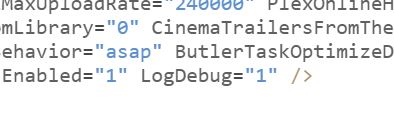
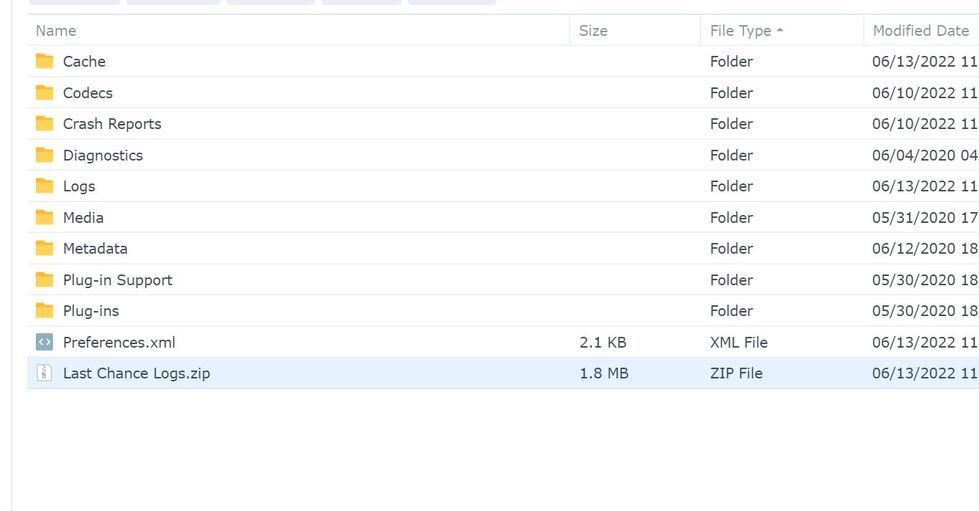
@ChuckPa - here you go. Added the line. Saved. Started Plex and let run for three minutes. Stopped Plex to allow to write to files. Zipped up. Here you go.
Did you save the file with PMS stopped? (sorry to ask such a silly question but I’ve done it LOL)
Jun 12, 2022 18:53:41.874 [0x7f80635f4b38] INFO - Plex Media Server v1.26.2.5797-5bd057d2b - Synology DS1019+ x86_64 - build: linux-x86_64 synology-dsm7 - GMT -04:00
Jun 12, 2022 18:53:41.875 [0x7f80635f4b38] INFO - Linux version: DSM 7.1.42661-2, language: en-US
Jun 12, 2022 18:53:41.875 [0x7f80635f4b38] INFO - Processor: 4-core Intel(R) Celeron(R) CPU J3455 @ 1.50GHz
Jun 12, 2022 18:53:41.875 [0x7f80635f4b38] INFO - Compiler is - Clang 11.0.1 (https://plex.tv 9b997da8e5b47bdb4a9425b3a3b290be393b4b1f)
Jun 12, 2022 18:53:41.875 [0x7f80635f4b38] INFO - /volume1/@appstore/PlexMediaServer/Plex Media Server
Jun 12, 2022 18:53:43.228 [0x7f80612e2b38] WARN - [MediaProviderManager] Unrecognized MediaProvider feature: availability
Jun 12, 2022 18:53:43.228 [0x7f80612e2b38] WARN - [MediaProviderManager] Unrecognized MediaProvider feature: availability-platforms
Jun 12, 2022 18:53:47.626 [0x7f8060ed6b38] WARN - [DatabaseFixups] Held transaction for too long (/data/jenkins/server/3533902054/Library/MetadataCollection.cpp:481): 0.120000 seconds
Jun 12, 2022 18:53:47.627 [0x7f80611dbb38] INFO - Refreshing paths watched by LibraryUpdateManager
Jun 12, 2022 18:53:48.028 [0x7f8060ed6b38] WARN - [DatabaseFixups] Held transaction for too long (/data/jenkins/server/3533902054/Library/DatabaseFixups.cpp:376): 0.620000 seconds
Jun 12, 2022 18:56:17.842 [0x7f80635bab38] WARN - JobManager: Could not find job for handle 19183
Jun 12, 2022 18:56:17.862 [0x7f80635bab38] WARN - JobManager: Could not find job for handle 18908





 )
)