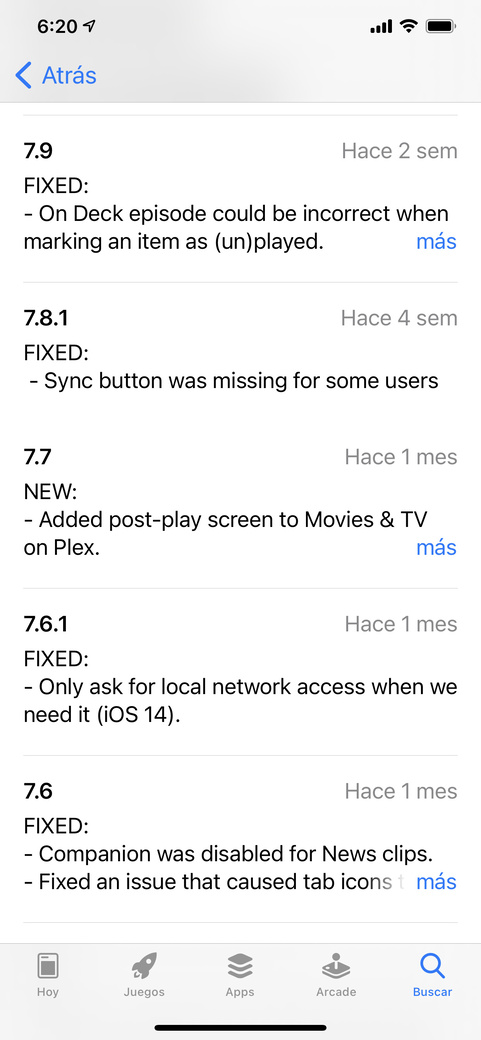
I have the same problem. Timeline freezes on IOS 14, iphone and ipads. On server i have the latest version 1.20.2.3402,
I only can explore “recently added” but if i swith to library mode, o try to explore time line, it freezes. I have to close the PLEX APP and open it again, but only explores “recently added”
I’ve tried:
Delete app and cache
Delete library on server, and create it again
The problem still.
I’ve tried on Android TV PlexAPP, and it runs smooth.
I took the long way, but still not working.
Delete my server on QNap, DELETE all PLEX folders on QNAP, start from scratch all libraries and the problem with PLEX APP on IOS still freezing.
I just noticed that this happens on folders with a huge phots on it. When is about 50 or 100 photos, there is no problem, but when it is about 2000 or more, it just freezes
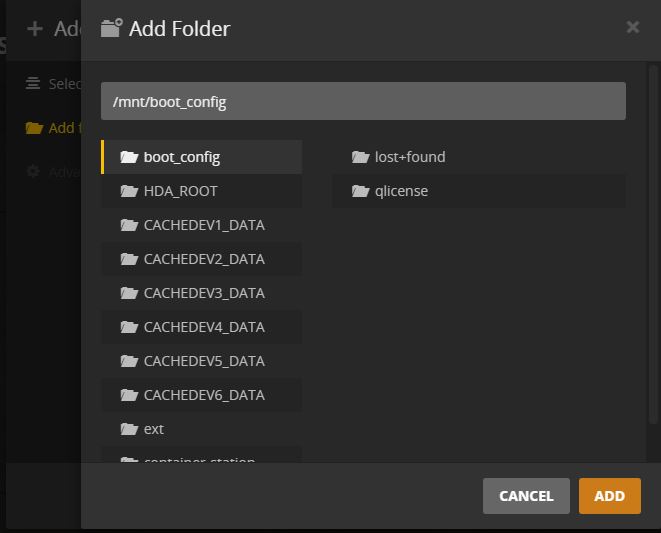
Add and scan again all photo libraries, make sure your folder are from DEV1 to DEV6, not the mnt/share. This would cause to create thumbnails but won’t see the photos.
I’m having the same issues, large photo albums just brick up my iPhone (latest Plex app)
Was thinking of wiping my server new OS and rebuilding my Plex library anyway.
Sorry, I’ve googled ‘DEV 1’ to ‘DEV 6’ and mnt/share, but I got no idea what you mean by this??
My server is a Mac Mini, High Serria, latest Plex server version, media is on Direct Attached Storage USB 3.0 HDD’s, and the DAS is shared on my network for other macs to connect to.
If I wipe the Mac mini, install the latest os, new install of Plex server, rebuild the libraries, do you think this would fix the issue?
Here is the folder structure that PLEX detects of my QNAP NAS, it can be different from system to system, but what i found, is that previous PLEX SERVER, was showing “/mnt/share/.username/photos”
The /share/username is not valid for public access on my QNAP, so, i delete the libraries, and create them again, pointing to my “photos” folder, which is on /mnt/DEV6/photos
Those DEV directories, are “logical” according to my NAS RAID configuration.
DEV could be HDA or HDD or something else, acording to every system or NAS
1. Try delete the server
2. Install the server
3. Create again your libraries pointing to the directory according that appears on your PLEX SERVER "ADD LIBRARY" where your photos, videos and music are.
Evening all;
iPhone pro 12; currently running most updated iOS. This is definitely a plex mobile application problem still. Uploaded about 10 thousand videos and photos; good estimate. The only I am running into a problem with is one of my big albums with about 2500 photos only freezes in the mobile app when I tap on time line. In my iPhone; running plex in safari all is well. Plex; please fix; attempting to try your plex pass for month to further assess if the lifetime plex pass meets my family’s needs. Hear this has been going on for a while with no rectification to the problem. Please help to your dedicated previous paying customers. Thank you for all you do. Any feedback is appreciated. Thanks