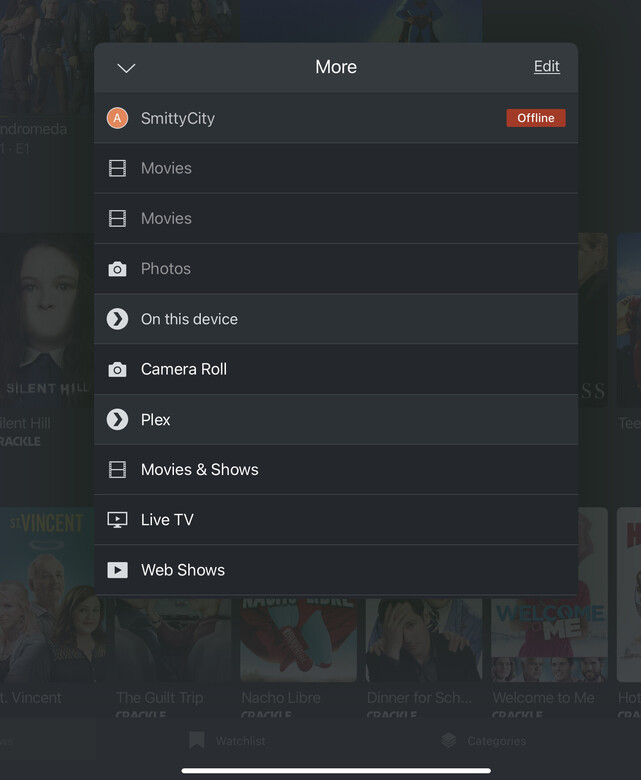
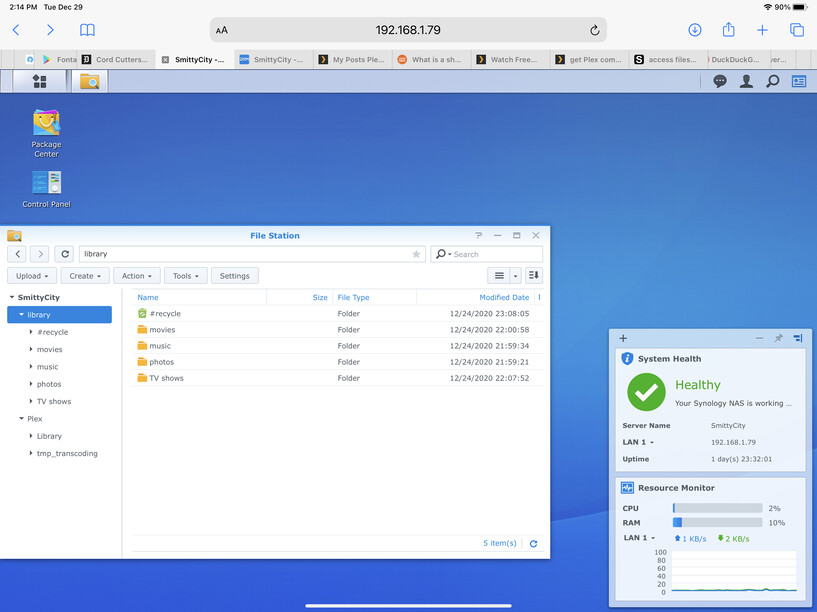
My Synology nas is plugged in to Google WiFi mesh The plex media server on the nas crashes when I startup plex on my device (like tablet or smart TVs). My server then shows up as offline. I have logs that I can send if needed. New to both server and plex, but have used xbmc and Kodi in the past.
Thanks, Tom
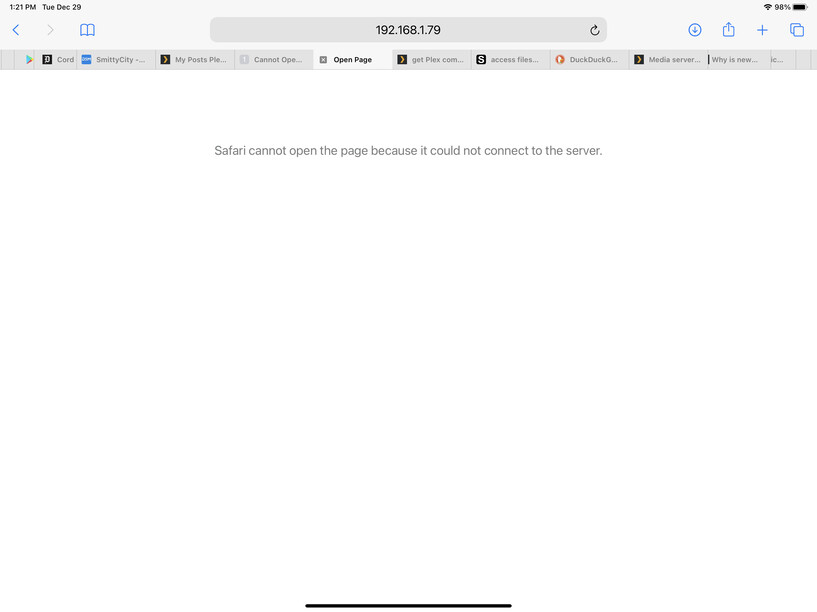
Thanks for your response. I have followed your suggestions and still have a connection problem. If I attempt to start Plex on the server or through a browser with http://192.168.1.79:32400/web I get a message that the browser cannot connect. I have tried this on my iPad, a windows laptop, and on the NAS (by starting the Plex app). A screenshot is below. I will zip my logs again. Hopes this helps in diagnosing problem.
Thanks again
Tom
I have google mesh in the house with three access points. Since the bedroom access is listed as bridge mode, I tried moving the nas into the living room where the access point is NAT standard mode. After powering on the nas, I went over your instructions again, but when I tried to open Plex with http://192.168.1.79:32400/web I couldn’t connect and got the following screen.
Thinking there might be a problem using port 32400, but it shows forwarded. Have the logs zipped, but very slow getting them off the server. I can upload them as soon as they’re copied over.
Everything in your home should be one flat LAN (same subnet), whether wired or wireless, for best results
Plex won’t work across subnets (broadcast packets aren’t propagated over subnet boundaries – TCP/IP rules)
If the google mesh (always seems to be problematic for folks) won’t let you have that, then use another ethernet port on your synology and connect it to the “WiFi” subnet so that it actually has two network IP addresses.
I moved my nas back to the bedroom since it it didn’t help moving it to a different access point. Called my ISP to see if they were blocking port 32400. They’re supposed to get back with me later. So I uninstalled Plex and reinstalled it. Now everything seem to be working properly! Thanks for your help guys. I’m sure I’ll have more questions along the way. Right now I have just a few movies ripped and want to make sure I have my libraries set up correctly for Plex.