I can only get PLEX working in my own home, my sister and friends are no longer able to access it remotely.
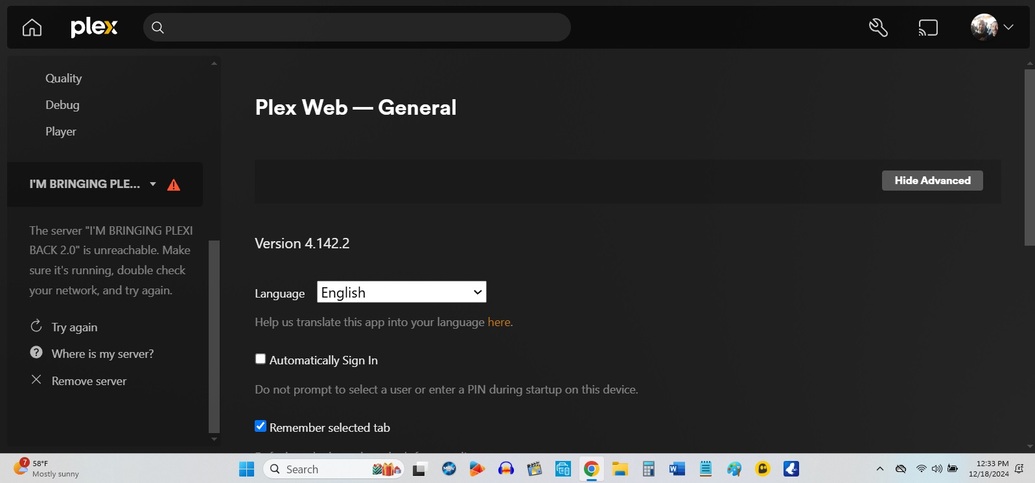
So I thought I might be able to correct it by disabling then enabling remote access, however now I am unable to reach my server at all, even though my laptop is on the same network as my WD NAS drive.
Please help to enable my remote access again. Thanks heaps!
Ok, I was looking at your previous thread, I suspect you have a network configuration issue. I saw on one of your screenshots that the WD has a 224.x.x.x ip address. This address is public and should not be used. I would remove those settings and either use a 10.x.x.x or a 192.168.x.x address.
Othewise can you pull a copy of your server logs from your NAS and post them?
Hi dbirch, Thanks for helping.
I don’t know where or how to change my WD ip address.
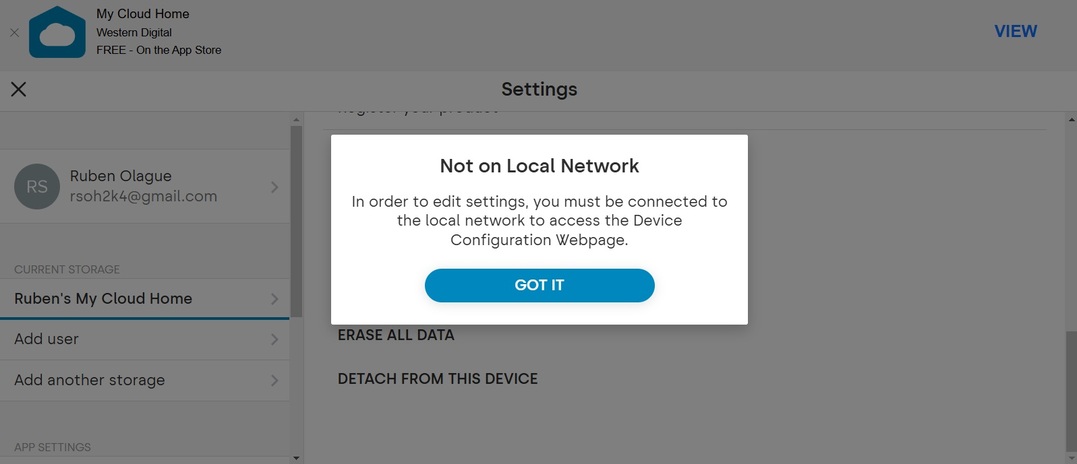
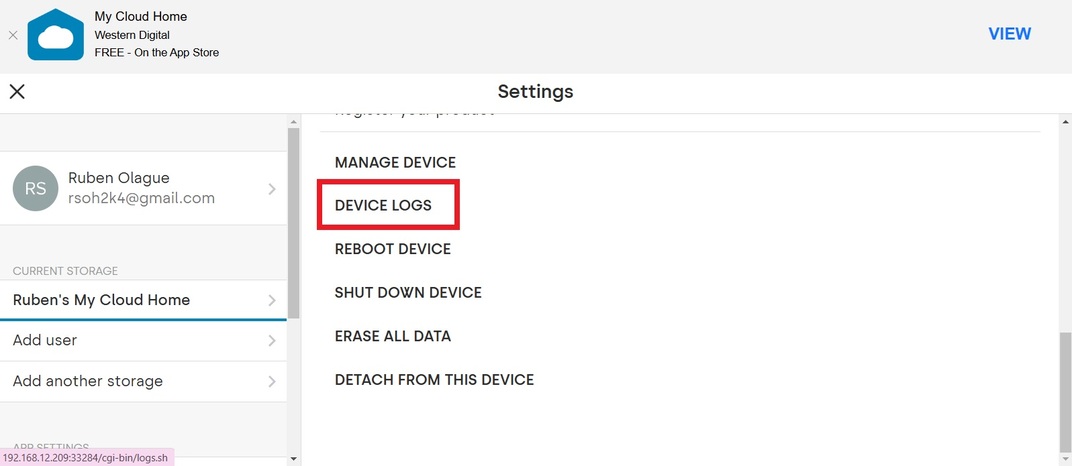
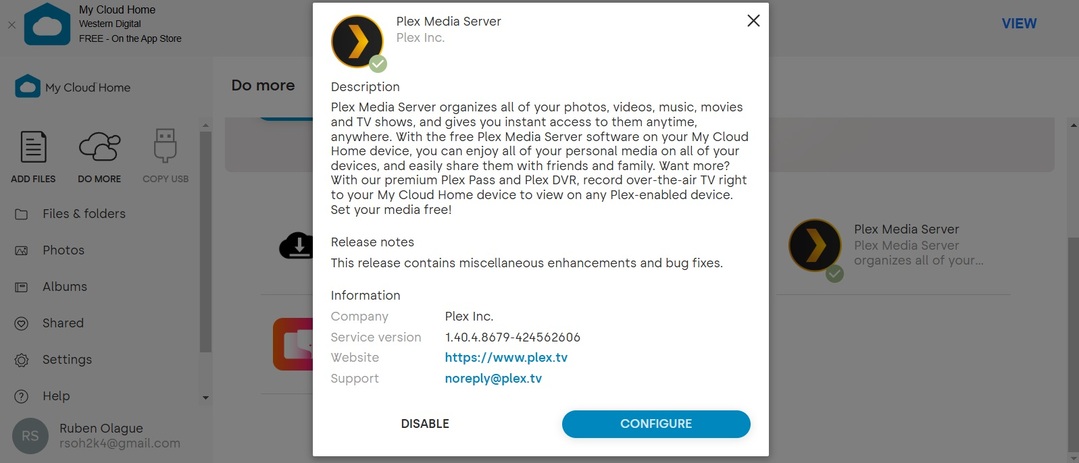
Here are the screenshots I am getting from My Cloud Home.
As you can see, I’m unable to access any device logs, I am getting an error screen.
Please help me get this up and running again for me with remote access. That would be the greatest Christmas gift!