Server Version#:1.40.0.7778
Player Version#:unknown
I have Plex server on a windows 2019 essentials server. i saw that there was an update. to 1.40.1.8227.
i also have Plex on a Qnap NAS. I performed the update via the Qnap app center (.qpkg). That worked just fine. But now I go back to Plex on my Windows server, and i can see the button “what’s new”. But I can’t click button “check for updates” anymore
Logging in and out en restarting Plex doesn’help. Does plex “see” that i’ve allready upgraded ?
I always thought you could have more than 1 Plex Mediaserver…
This works:
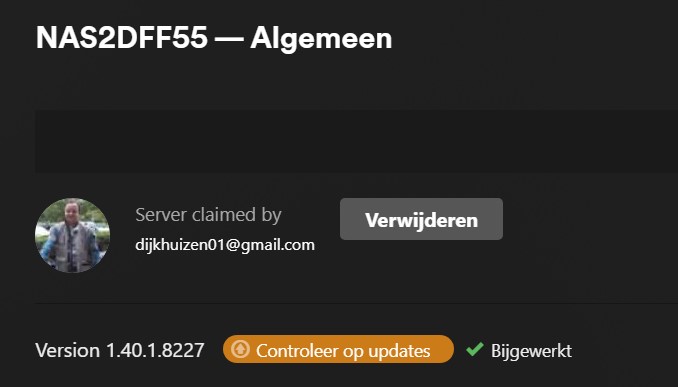
This DOESN’T work:

Can I install the executable 1.40.0.8227 over the existing Plex ?
