I bought a new synology NAS for my new house DS920+ (named fs6) and I want to run a plex server on synlogy on fs6 having access to a local copy of the media.
The original NAS DS416j (named fs5) has been running for years and still is at the other location and it was originally running under DSM 6 but was recently upgraded to DSM 7on fs5 and the plex server was reinstalled by synology as part of the process. After changing the required file permissions for that process, my plex fs5 server found the previous database and everything is happy on fs5.
I cloned media share from fs5 (called /video on /volume1 ) to the new fs6 synology DS920+ onto /video share on /volume1
The new fs6 is also running DSM7
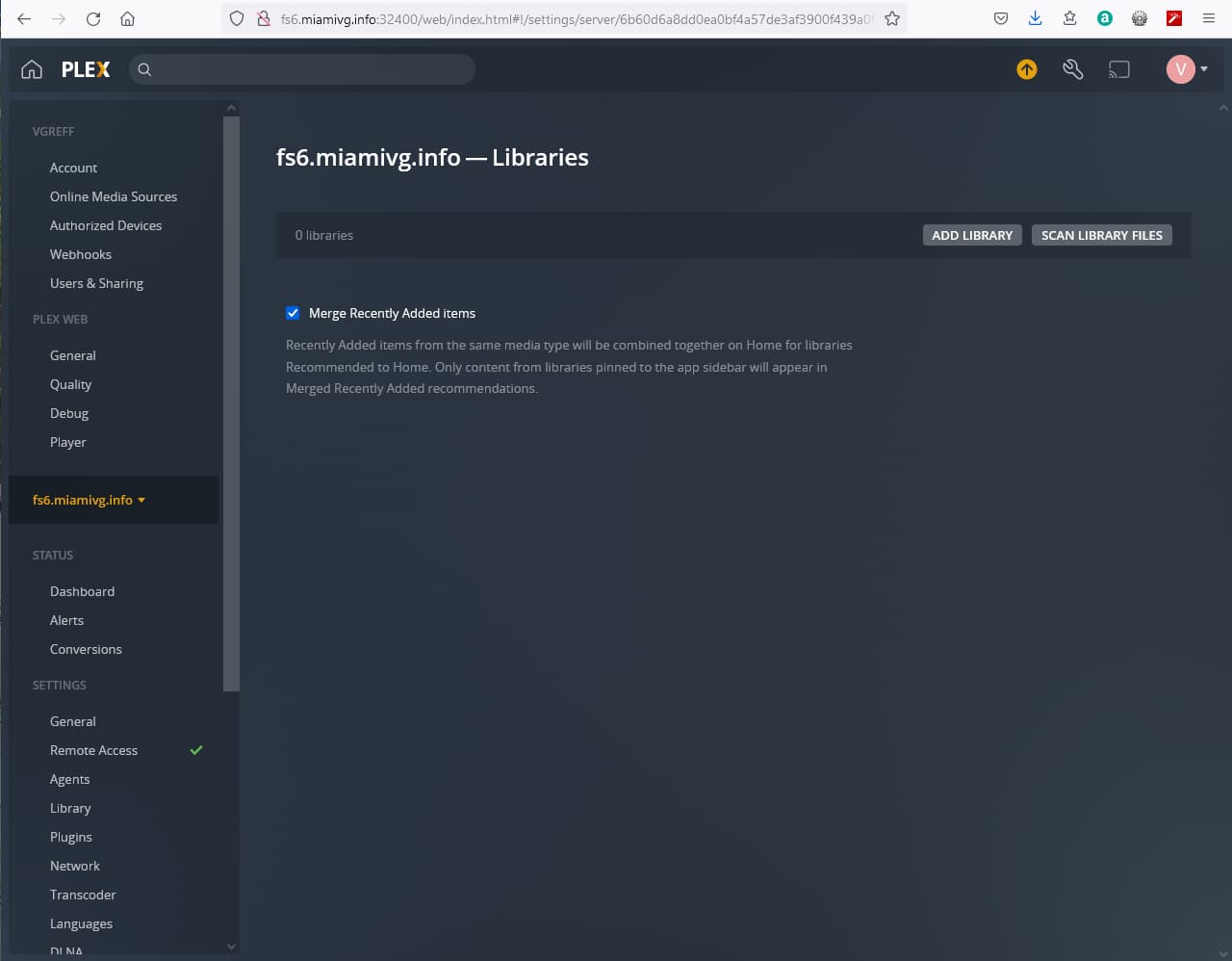
The plex server on fs6 DOES NOT find the cloned media database.
I suspect the migrated database from DSM6 to 7 is in a different spot than what the new default is.
Could you please help me fix this?
I don’t want to rebuild the database from scratch on fs6, that was a huge effort over the years.
denied: "/volume1/fs/videos/HomeVideo/2011/20110121-SANYO/SANY0101.MP4"
Jan 08, 2022 02:12:17.740 [0x7fea0f732700] ERROR - Couldn't check for the existence of file "/volume1/fs/videos/HomeVideo/2010/20101213-SANYO/SANY0024.MP4": boost::filesystem::status: Permission denied: "/volume1/fs/videos/HomeVideo/2010/20101213-SANYO/SANY0024.MP4"
I stopped the beta server on fs6, installed the latest server 1.25.3.5409
restarted.
The PlexMediasServer shared folder appearedon fs6 but plex server didn’t seem to find the db.
Yes I copied (I replaced the whole volume) the media from (fs5) /video → (fs6) /video.
The media files are actually mostly in the /video/plex tree.
Plex did not exist on fs6, I simply installed from the plex package service and I was hopping it would find the db somewhere
Then I upgraded the plex server on fs6 to the latest version from your website as you requested.
I did not copy plex at all.
Goal: I would like fs6 and fs5 to be 2 different plex servers and I would like be able to transfer/restore the plex database from fs5 into fs6.
But each instance of plex should be separate after that and not be tied together in any way.
They were just happened to be bootstraped from the same db and medias. The 2 servers will diverge over time.
History: After the upgrade to dsm7 on fs5 and doing the required re-install of the beta plex from synology , I could not figure out where mydatabase directory went. I vaguely recalled that it was in /video/database or something like that originally on dsm6
Also when fs5 was on dsm6 I was running the latest version of plex from your website, and I’m pretty sure the db was in directory in /video.
I’m guessing that that directory must have been moved during the dsm7 upgrade step and the plex server essential got downgraded (beta looks old)
fs5 is still running plex beta and it found the db somewhere.
I’m a bit afraid of upgrading plex on fs5 to the latest, because if something goes wrong I would not know where to find the db or what to do.
Lmk what to do?
Finally, I did ask plex on fs5 to create a backup of the db that I downloaded via the webbrowser, but I don’t know how to reload that in the new plex server on fs6.
fs6 is or if that file is useful for this.
Sorry for the length, but I’m trying to give you as much details as I can for you to be able to help me.
We can’t toss around the files like we used to on DSM 6. It won’t work that way anymore without diving a lot deeper into DSM at the command line level. Even doing that, it must be perfect AND must follow the editing procedure detailed below.
In DSM 7, the only supported way, which happens to be the easiest way too, is to do a backup is to use HyperBackup.
This will bring the metadata and the Plex database (which points to that metadata).
The MOST IMPORTANT thing it does is manage file permissions for the contents of the PlexMediaServer shared folder.
Remember, DSM 7 is in control of “PlexMediaServer”, we’re not. DSM 7 sets the permissions. The app has no special privileges of any kind anymore. Not even the installer can repair permission problems like it used to. (DSM restricted it).
My recommendation:
On the source machine
– turn off all automatic library functions
– turn off Empty Trash after every library scan
– turn off automatic detection and periodic scanning.
Stop Plex
Use HyperBackup to make a backup of the entire shared folder “PlexMediaServer”.
– It will preserve the ownership and permissions correctly.
On the new system,
– Install PMS
– Stop PMS
– Copy the backup file to an independent shared folder (like “Backup”)
– Use HyperBackup to RESTORE the PlexMediaServer shared folder
when restore is complete,
– All PMS files will be in their proper locations
– Ownership of the files will be correct for the new system
Start Plex
– Since this is a CLONE, it will appear to be the old system.
– Change the friendly name as appropriate.
– DO NOT start the old system yet (the ID numbers will collide)
For each library section defined
– EDIT the section
– ADD the new media location(s) . DO NOT delete the old yet.
– SAVE the change
– WHen Scanning stops –
– EDIT the section again
– REMOVE the original (old) location(s)
– SAVE one last time.
– When scanning stops –
– Empty Trash
– Clean Bundles
– Optimize Databse
– Step to the next library section
When all sections edited,
– Turn on all automatic library settings as they previously were
If the OLD system is to be used again.
– Delete Preferences.xml before starting PMS
– Allow it to have a new identity created