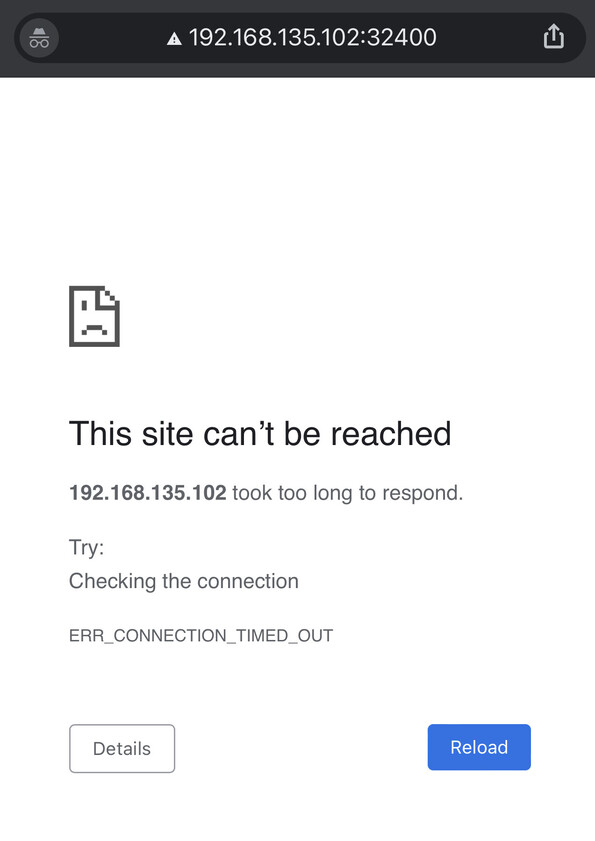
I upgraded to DSM7 on my Synology DS218j and ever since then I’ve had nothing but problems. Last night I thought I was getting somewhere as after uninstalling and re-installing PMS I seemed to get it working. Today however | can’t get access to it via http://192.168.135.102:32400/web and Plex amp and app.plex TV won’t see anything. On app.plex.tv I get either app.plex.tv is unable to connect to “NetworkDrive” securly or Something went wrong
An unexpected error occurred.
If I try and get access via Plexamp on my Iphone (either tracks or playlists) I get nothing to see.
Can anyone please point me in the right direction as to where I’m going wrong. Also I noticed that as I wiped all the Plex files to try and start a new installation last night, it took ages to find all my music. I know I have a large library (aprox 79,500) but before the update i didn’t struggle.
First, there was probably no reason to wipe it out and start over.
If we looked at the log files, we almost always find the root problem and can fix it. It’s VERY rare to need to start over.
I can’t speak to Plexamp but can help you with DSM.
That’s a beta package. We’ve been trying to get Synology to publish the Released version – but that’s not going very well. Bottom line, that package is not fully compatible with the final release of DSM 7 and here we are now at 7.0.1
Were you able to get your DSM 6 server info to migrate into DSM 7?
Database in serious need of optimization. 60 items should require no more than 20 milliseconds not 7.5 seconds.
Nov 09, 2021 20:07:09.435 [0x71a06d48] DEBUG - Looking for path match for [/volume2/music_1/Itunes/Music/Original Soundtrack/You Can't Run Away from It/02 Howdy Friends and Neighbours.mp3]
Nov 09, 2021 20:07:09.466 [0x71a06d48] DEBUG - Skipping hash check, no size match for 4002033 bytes.
Nov 09, 2021 20:07:09.466 [0x71a06d48] DEBUG - No match for hash.
Nov 09, 2021 20:07:09.479 [0x71abed48] WARN - SLOW QUERY: It took 7480.000000 ms to retrieve 66 items.
Nov 09, 2021 20:07:09.480 [0x71259d48] WARN - SLOW QUERY: It took 7250.000000 ms to retrieve 66 items.
Nov 09, 2021 20:07:09.480 [0x708f0d48] WARN - SLOW QUERY: It took 7210.000000 ms to retrieve 66 items.
Nov 09, 2021 20:07:09.513 [0x72712d48] DEBUG - Completed: [127.0.0.1:45516] 200 GET /library/metadata/74439/tree (8 live) GZIP 16235ms 7608 bytes
Nov 09, 2021 20:07:09.519 [0x72712d48] DEBUG - Completed: [127.0.0.1:45526] 200 GET /library/metadata/74439/tree (7 live) GZIP 11871ms 7608 bytes
Nov 09, 2021 20:07:09.519 [0x72712d48] DEBUG - Completed: [127.0.0.1:45531] 200 GET /library/metadata/74
Addtional snowball-effect errors due to database
Nov 09, 2021 20:11:20.861 [0x70971d48] DEBUG - Request: [127.0.0.1:46408 (Loopback)] GET /user/services/acoustid (21 live) GZIP Signed-in Token (kido25@protonmail.com)
Nov 09, 2021 20:11:20.916 [0x72712d48] DEBUG - Completed: [127.0.0.1:46408] 200 GET /user/services/acoustid (21 live) GZIP 55ms 498 bytes (pipelined: 1)
Nov 09, 2021 20:11:21.126 [0x70a37d48] DEBUG - Doing expensive tags write for 'Zero Patience: A Musical About AIDS' because something changed.
Nov 09, 2021 20:11:21.147 [0x6fef5d48] WARN - Waited one whole second for a busy database.
Nov 09, 2021 20:11:21.641 [0x6fd2cd48] DEBUG - HTTP/1.1 (6.3s) 200 response from GET http://127.0.0.1:41492/:/plugins/com.plexapp.agents.localmedia/messaging/function/X0FnZW50S2l0OlVwZGF0ZU1ldGFkYXRh/Y2VyZWFsMQoxCmxpc3QKMApyMAo_/Y2VyZWFsMQoxCmRpY3QKMTAKczIKeHhzNApsYW5nYjFzNQpmb3JjZWIwczgKcGVyaW9kaWNzNQo3NDQ3NXM0CmRiaWRpMApzNwp2ZXJzaW9uczM4CnBsZXg6Ly9hcnRpc3QvNWQwN2JjMjI0MDNjNjQwMjkwNGMzMjU0czEwCnBhcmVudEdVSURzNQo3NDQzOXM4CnBhcmVudElEczUKQWxidW1zMTAKbWVkaWFfdHlwZXMzNwpwbGV4Oi8vYWxidW0vNWQwN2MxOTU0MDNjNjQwMjkwODU4ZmU0czQKZ3VpZHM0Cm51bGxzMgppZHIwCg__
Nov 09, 2021 20:11:21.641 [0x6fd2cd48] DEBUG - [com.plexapp.agents.localmedia] HTTP reply status 200, with 16 bytes of content.
Nov 09, 2021 20:11:21.642 [0x72712d48] DEBUG - Completed: [127.0.0.1:46391] 200 GET /:/plugins/
Nov 09, 2021 20:11:24.369 [0x70dbfd48] DEBUG - Refreshing metadata for 'More Than a Game' (agent: tv.plex.agents.music)
Nov 09, 2021 20:11:24.390 [0x70a37d48] WARN - Waited one whole second for a busy database.
Nov 09, 2021 20:11:25.104 [0x70dbfd48] DEBUG - Refreshing GUID: 'local://74473'
Nov 09, 2021 20:11:25.105 [0x70dbfd48] DEBUG - HTTP requesting GET http://127.0.0.1:32400/system/agents/update
Let’s start with getting the Database in order. It might not be the root problem but it most certainly is the most visible problem impacting the whole thing.
In the future: Settings - Server - Troubleshooting (left panel) - Download Logs
will give you a single ZIP file to upload.