Whenever I go back to a previous episode and review a scene it breaks the Continue Watching feature. Rather than continuing from the last watched episode, it always continues from the first episode that has been partially watched even when marked as fully watched.
I’ve moved this. features requests section is not the place to report possible bugs.
I’m not clear. Is that episode partially watched or fully watched? It don’t see how it can be both
As an example, I am on s7e09 of DS9. Everything before that is marked as watched. I go back to a previous episode in s6e21 to check a referrence so watch a few minutes of that episode. From that point on, Continue Watching is stuck on s06e21 instead of going to the next episode, s07e10. If I watch s07e10, it still stays stuck on s06e21.
And s06e21 is marked as watched with the checkmark?
Yup. The app has been restarted a half dozen times between various episodes if that matters
Can you please take a screen shot of the fully watched episode in CW and that same episode in the episode list showing it as marked as watched.
Do you have watch state syncing enabled or are you using Trakt or similiar for syncing?
I have the default settings. This is on the Xbox One app (also occurs on the unsupported 360 app)
In going to take a screenshot on my phone it shows up on the browser as CW as s06e21 but clicking through there shows unwatched.
I am also able to duplicate the behaviour (ie: get it “stuck” on a different past watched episode)
does it show up in the dashboard?
Dashboard is saying now playing s06e22, which is erroneous
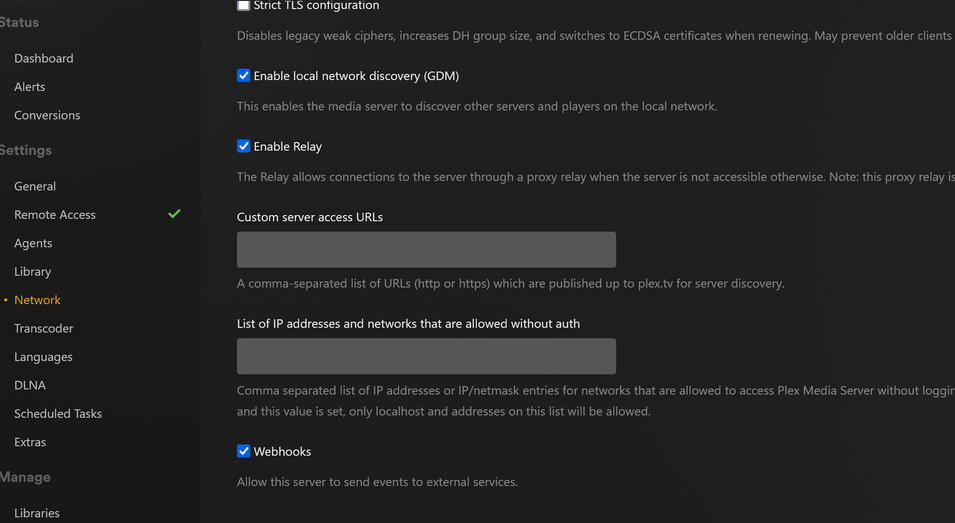
Which client does it say is playing it? If the server thinks it is playing or paused somewhere (even if erroneous) it may help explain what is going on. If you set the server to stop playback that is paused to long to like 1 minutes does it go away after a minute?
Firefox Web (my phone), however, it is marked as watched and is not active on mobile (never was).
I tested via the desktop browser and merely viewing the episode’s details page added it to the activity page, paused at 1 second, even though play was never pressed & it’s already marked as watched (this is s06e22 not the s06e21 that CW is stuck on)
Can you force quit Firefox on your phone or try the paused for too long setting i mentioned
I couldn’t find that setting but I was able to get the dashboard cleared. CW was still stuck on s06e21.
I went into the details page on the desktop web dashboard, manually marked it as watched. This fixed CW.
Still on the desktop web dashboard, I tried watching s06e25 to replicate the problem. It remained as ‘watched’ and CW continued to work properly.
I then replicated the process on the Xbox app and that’s where it broke again. It displays as watched on the app but when I check it on the desktop it’s been unmarked as watched, now CW is “stuck” on s06e25. I can manually fix it as above on the desktop for now but at least now it’s clear where the problem lies
Sorry i should have been specific. it is called Terminate Sessions Paused for Longer Than in the server’s network settings
So the dashboard is showing it as playing in Firefox even though you played in on Xbox?
No worries, I found the setting name via reddit, but still couldn’t find the setting in the dashboard. (Settings->Network didn’t have a ‘terminate sessions…’ option and I couldn’t find anything else for ‘server settings->network’ (I haven’t really explored the settings yet, just got tired of Serviio/VLC failing on Xbox a week or so ago)
So the dashboard is showing it as playing in Firefox even though you played in on Xbox?
No, I cleared the dashboard. Replicating the steps of:
- CW working as expected (next episode), dashboard clear of activity
- Played a portion of a previous episode
- Checked CW status
On Desktop/Firefox → works as expected, shows ‘next episode’ (in this case, s07e14)
On Xbox → CW no longer shows ‘next episode’, it instead shows the episode that was played in step 2.
Cause: Xbox is inappropriately marking the episode played in step 2 as ‘unwatched’ while continuing to display it as ‘watched’ within the Xbox app. The Desktop reveals it was in fact marked as ‘unwatched’ and manually marking it as ‘watched’ restores CW behaviour.