5 posts were split to a new topic: Unable to tune Netstream4 sat DVR channels
Hello,
I’d like to ask if there was any progress regarding the issue with compatibility for Vbox and channels that contain spaces in the channel identifier strings.
Is there pls any way to solve it pls after all that time?
Last time I was asking about this was 2021.
No DVR available for me now.
Thank you for understanding
Hello,
I seem to have a similar issue. Live TV was working fine but now shows the below screenshot.

Plex Server Version 1.32.6.7557
Using Hauppauge WinTV-dualHD USB tuner, channels work without issues on WinTV Windows application.
I’ve tried rolling back to the 2 previous versions I found following the steps in this post here but the problem still remains.
I’ve attached logs and hope they’re the correct logs needed.
Thanks in advance for the help.
I’m having the same problem with Hauppauge WinTV-quadHD. I can get channels through WinTV and also NextPVR but I get the “Could not tune channel. Please check your tuner or antenna.” Error with Plex. I’ve installed the newest drivers and also reconfigured the tuner within Plex. Is this being looked at by the team?
3 Likes
Ok guys, so to all of you having this problem.
It seems that level of interest in this topic by support is zero for many years already and even if I did pay for the plex pass it’s not enough to fix that one. (Looks like other services have that covered properly and I just did wrong choice with this option.
There is already free service called jellyfin working properly.
It is for free and the DVR works there like a charm.
1 Like
Rather sad that support isn’t doing anything about this. Especially for those that are subscribed to Plex Pass and still can’t use the feature unless they roll back to a previous working version.
2 Likes
I’ve been using NVidia Shield with Plex for over a year. I’ve subscribed to the Plex Pass and am using the Hauppauge 1657 WinTV-dualHD tuner. Last night I started receiving the error: “Could not tune channel. Please check your tuner or antenna.” This seems to be a common problem. Does anyone have a fix to this yet? Plex on the Shield is at version: 1.40.1.8251.
Same happening here on shield. Works for a few days then won’t tune channel. Only a restart of the shield works.
“Unable to create transcode session or session failed to start”
Error parsing XML: Error parsing file.
I’ve had this issue with my VBox for a while. I haven’t had the time to look properly until now.
See Inability to play live TV via Plex but fine elsewhere. (New take on an old chestnut?) for a post I made about this a day or so ago.
I don’t have any solutions, I’m afraid.
I run server: 1.41.0.8994
Just installed the HDHomerun tuner. Channels and EPG is loaded. Works fine.
Watching live TV in the browser is not working. When I try to watch a channel in my browser, I get the error: Source is not available. I do see a screenshot first.
Watching TV through an Plex app works fine.
Hello guys,
I am running Plex Media Server 1.42.2.10191 on Nvidia Shield and recently bough a USB tuner Hauppauge WinTV-dualHD. I can find the tuner on the Live TV & DVR section but when I try to configure it I cannot tune any channels. The signal LED is lighting up properly so I can exclude this problem. Anyway I changed different types of cables to make sure. In the end Plex is unable to tune any channels.
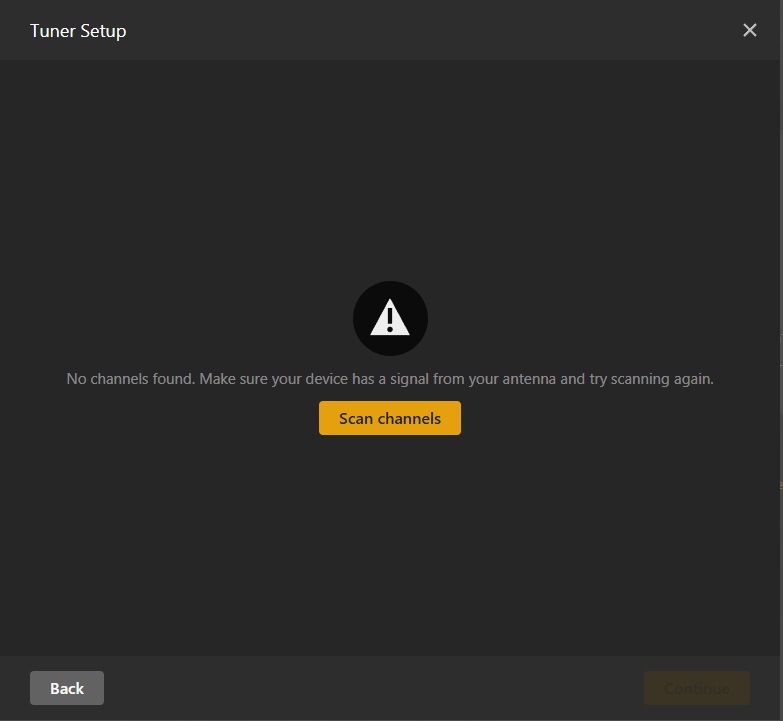
I am adding the download logs.
Plex Media Server Logs_2025-10-18_17-52-24.zip (4.6 MB)
I noticed this problems has been reported for a few year. Should I still hope for a solution or Live DVR is dead on Plex Server?
Thanks
I was able to use the same tuner on my Shield (in fact, two of them) without any problems before I moved to using a mini pc as a server.
Do you have another device you can plug the tuner into to test it on? A laptop or something?
Hi,
The tuner is working properly on Windows 10 using Hauppauge proprietary TV tuner software. So I guess the problem lies with Plex Server
It’s been a while since I’ve set up DVR so I can’t remember the exact steps, but have you tried using a different (neighbouring) postal/zip code or choosing local broadcast listings? And you’ve not selected cable rather than antenna or anything like that?
There are a number of errors in the logs, but this one stands out:
Oct 18, 2025 12:13:39.171 [9495] WARN - [W] onetv_factory::DeviceGetListEx. libusb_init returned an error -99
Oct 18, 2025 12:13:39.171 [9495] DEBUG - [I] file_tuner::get_stream_file. File /data/user/0/com.plexapp.mediaserver.smb/Resources/Tuner/Private/devices/dvb/file/drv_file.ini does not exist
Plex is looking for libusb utilities for dvr and not finding it installed.
For Nvidia Shield, I think that you would use - apt-get install libusb-1.0-0-dev
Not positive. It automatically gets installed in Ubuntu.
Stop plexmediaserver first. Re-start after install.
Having the same issue as the folks above - this is a net-new install, trying Plex and DVR for the first time and got my first Plex pass. I tried it on a Nvidia Shield TV Pro at first. I’m probably on my 8th re-install of Plex Media server, finally did a fresh install on a Windows 11 laptop to eliminate the Nvidia Shield as the issue. Exact same problem on the Shield and the Win11 Laptop, the tuner works fine with the HDHomeRun app.
Windows Server Version: 1.42.2.10156
HDHomeRun DUAL - HDHR-US
[13240] Error — [Req#863/Grabber/5fc76b6f7c6557002efc8957-5fc706004c4901002fec4390-t34kf5lnddcqbdzn32d67t90] Unable to find title for item of type 5
[13240] Error — [Req#863/Grabber/5fc76b6f7c6557002efc8957-5fc706004c4901002fec4390-t34kf5lnddcqbdzn32d67t90] Unable to find title for item of type 5
[13240] Error — [Req#863/Grabber/5fc76b6f7c6557002efc8957-5fc706004c4901002fec4390-t34kf5lnddcqbdzn32d67t90] Failed to start session.[13240] Error — [Req#863/Grabber/5fc76b6f7c6557002efc8957-5fc706004c4901002fec4390-t34kf5lnddcqbdzn32d67t90] Recorder: Unable to create transcode session or session failed to start.
[13240] Error — [Req#863/Grabber/5fc76b6f7c6557002efc8957-5fc706004c4901002fec4390-t34kf5lnddcqbdzn32d67t90] Recorder: Error 16 (Recording failed. Please check your tuner or antenna.) starting the record, shutting things down.
[26332] Error — [Req#863] Subscription: Rolling media grab failed to start.
[13240] Error — [Req#863/Grabber/5fc76b6f7c6557002efc8957-5fc706004c4901002fec4390-t34kf5lnddcqbdzn32d67t90] Starting media grab failed.
[13240] Error — [Req#863/Grabber/5fc76b6f7c6557002efc8957-5fc706004c4901002fec4390-t34kf5lnddcqbdzn32d67t90] Unknown metadata type:
What I JUST discovered is that it seems to be able to record via DVR, though not super reliable. When I play back the recording with Direct Play (on my Android Phone) it seems to work ok. When I try to play back in a browser its a hot mess.
This thread seems to be pretty dead, so not sure what help I’ll get here. I’ve spent way too much time on this. I’d buy a lifetime pass if I could get this to work at all, much less reliably.
