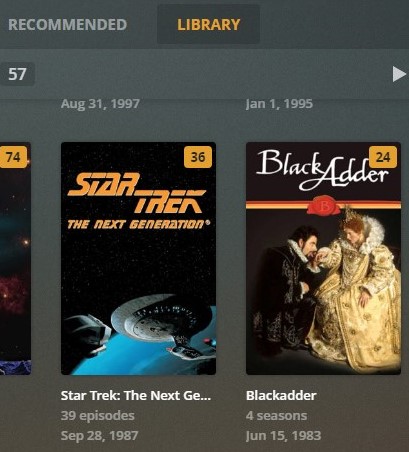
Most, not all, of my DVR’d episodes are not being grouped into seasons. The naming convention is shown below. For instance, I have multiple episode 1’s when I go to the TV shows Plex page. Am I missing a setting check box of “group by season” or something.
For disc burn TV shows, they group as expected.
TV Shows/TV Show Name/Season 01/TV Show Name - s01e01.mp4
TV Shows/TV Show Name/Season 01/TV Show Name - s01e02.mp4
TV Shows/TV Show Name/Season 01/TV Show Name - s01e03.mp4
TV Shows/TV Show Name/Season 01/TV Show Name - s01e04.mp4
TV Shows/TV Show Name/Season 02/TV Show Name - s02e01.mp4
TV Shows/TV Show Name/Season 02/TV Show Name - s02e02.mp4
TV Shows/TV Show Name/Season 02/TV Show Name - s02e03.mp4
TV Shows/TV Show Name/Season 02/TV Show Name - s02e04.mp4
Here is an exact example of file storage and naming:
…TV Shows\Schitt’s Creek (2015)\Season 01\Schitt’s Creek (2015) - S01E01 - Our Cup Runneth Over.ts
…TV Shows\Schitt’s Creek (2015)\Season 02\Schitt’s Creek (2015) - S02E01 - Finding David.ts
Server Version#: 1.21.2.3939
Player Version#: 4.51.1
Tuner Make/Model: HDHomeRun Prime