Latest PMS and Samsung TV.
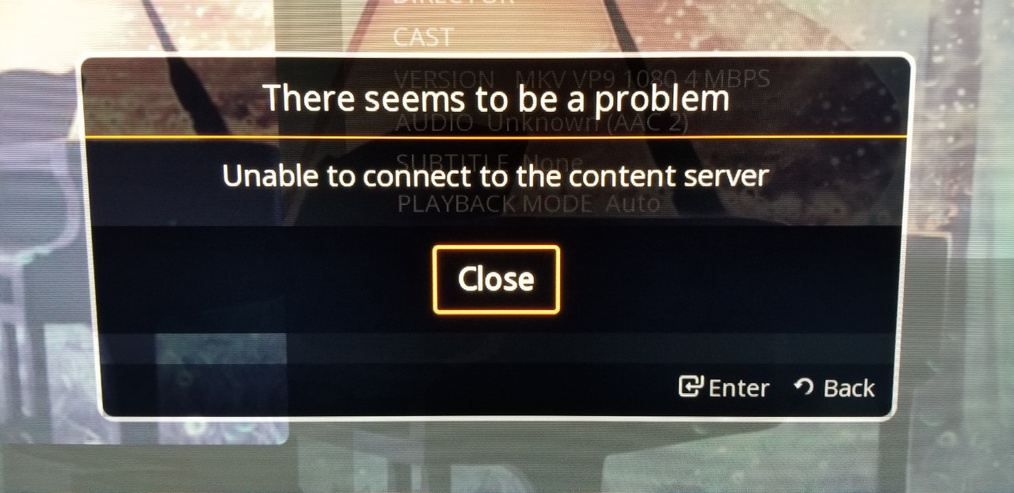
When I play a video on Samsung Smart TV PLEX app gives the following two unrelated errors for the same media file:
The connectivity error is incorrect as there is a connection to the server and other videos play.
Below is the format of the video in question:
have you tried the non 60fps version? The TV may not be able to play HFR (High Frame Rate) content… Does it also mess up on the 720 60fps? TV’s for the most part, are usually playing 29.97fps (30fps) or 23.97fps (24fps). HFR content (Anything above 30fps) is relatively new to the game, and some TV’s don’t have the ability to decode them natively…
No but what I have tried is to play it on the Plex app on Android box connected to the same TV and all files work without any issues…
Yes, that’s because the android box is what is doing the decoding and then sending the stream to the TV… The Android Box likely CAN decode the frame rate fast enough, and then it sends a signal to your television that it’s capable of displaying… Similar to playing a High Frame Rate bluray, the BluRay player is decoding, and sending a signal that the tv understands, the tv will display it, but it may not be in high frame rate, it may only be displayed in 29.97 or 24fps…