phlou
1
Dear all
I have bought a Synology DS223 but I do not manage to use PLEX.
I read the documentation here:
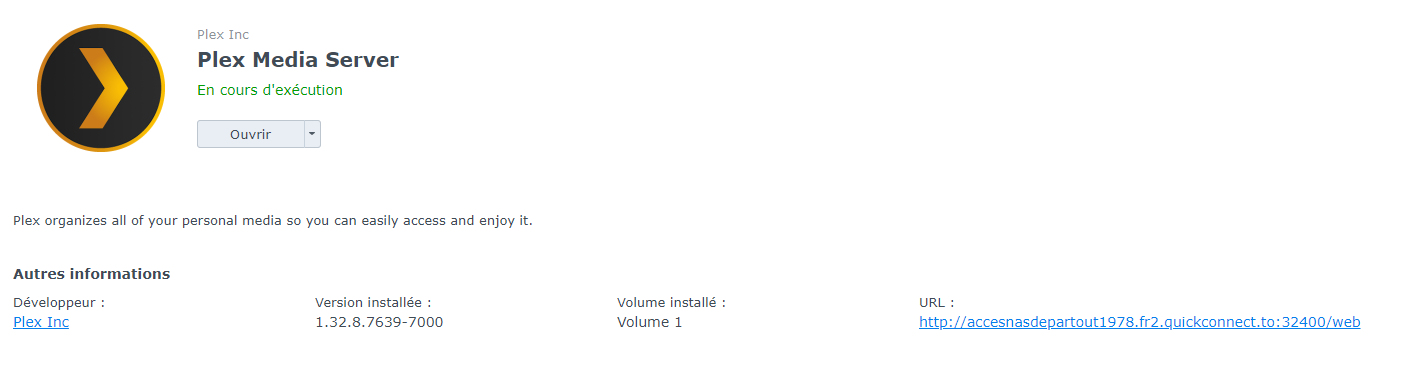
I could install PLEX successfully (thanks to ARMv8 version) but the link once installed goes to an error “ERR_EMPTY_RESPONSE”
Could you please help?
I thank you in advance
ChuckPa
2
How are you accessing it?
Which URL are you using?
phlou
3
Once PLEX installed, I just click on the URL created by the system:
ChuckPa
4
Quick Connect is the problem.
You cannot use a FQDN (which that link shows you) to claim Plex.
You want to open http://LAN.IP.of.Syno:32400/web for the first time.
After it’s claimed to your account, you can freely use the FQDN
phlou
5
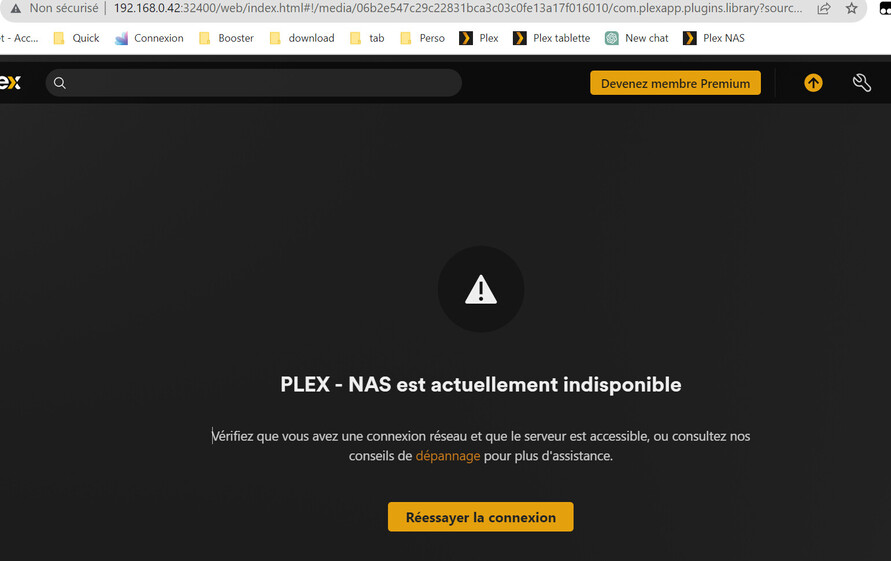
i may be dumb but it still does not work:
ChuckPa
6
@phlou
No problem.
We have another method in DSM 7
We let the package claim itself during installation.
All you need to do is supply the “Plex Claim Token” during installation.
If this fails then there is a network configuration problem with the Syno.
phlou
7
Thank you for answer.
the installation I made was already done with “PLEX Clain Token”
So I am still blocked and I don’t know how to go forward 
ChuckPa
8
@phlou
I looked at your Plex.tv account.
I found 12 server definitions from your docker containers.
When you delete them yourself, you must go to
https://app.plex.tv/desktop/#!/settings/devices/pms
and remove manually deleted servers.
After you do this, you must refresh your browser (Control + F5 keys) to reload the server list.
I have cleaned most of it up for you but please review the list for accuracy
phlou
9
Dear ChuckPa
I did what you said and it works fine now!
I thank you very much for your help and rapid response
Wonderfull!