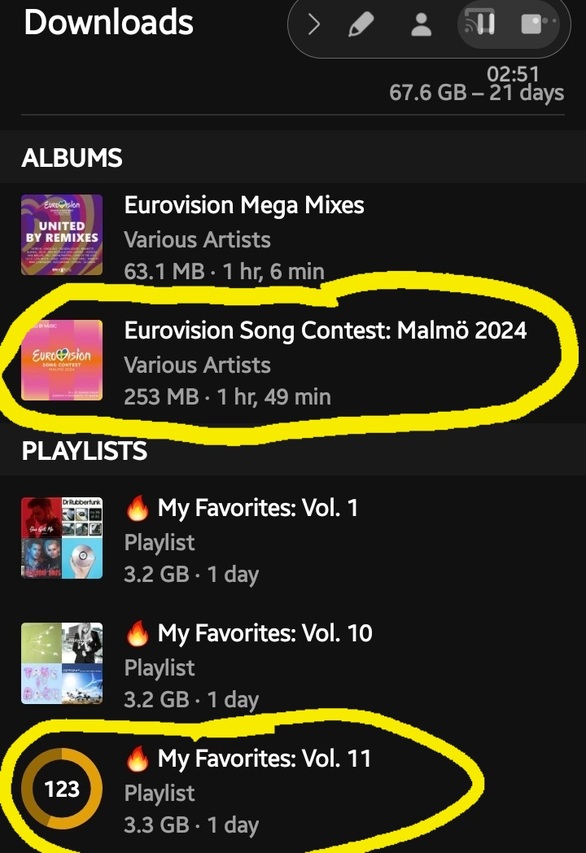
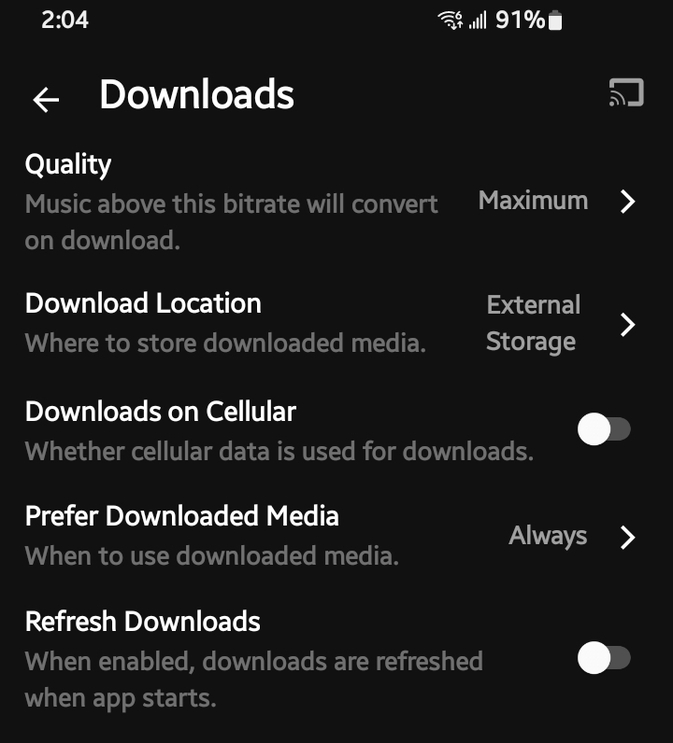
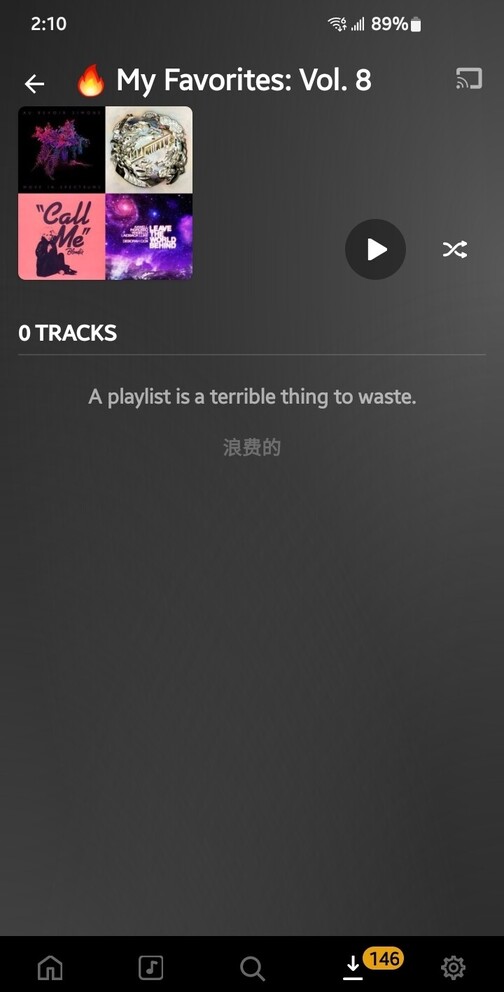
I have auto Refresh downloads turned off. The only way to start it is manually, HOWEVER…
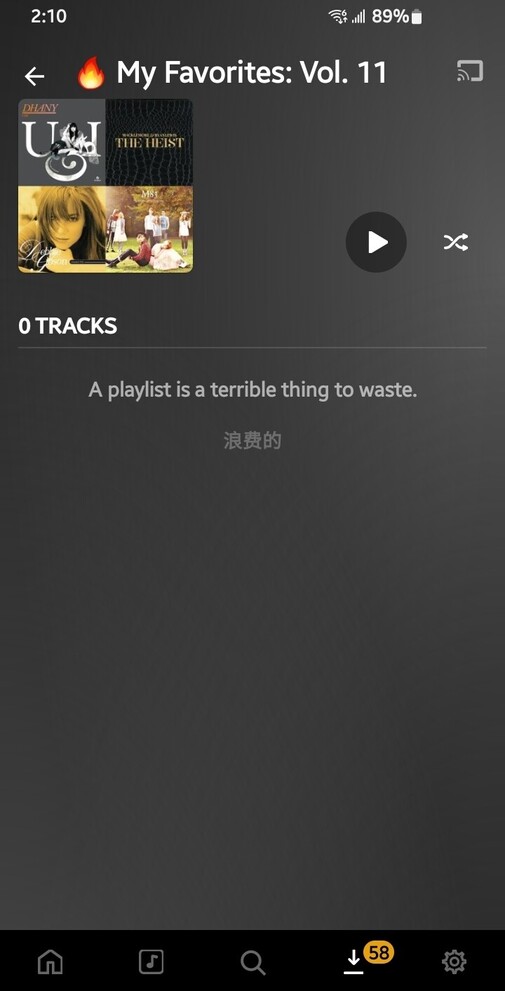
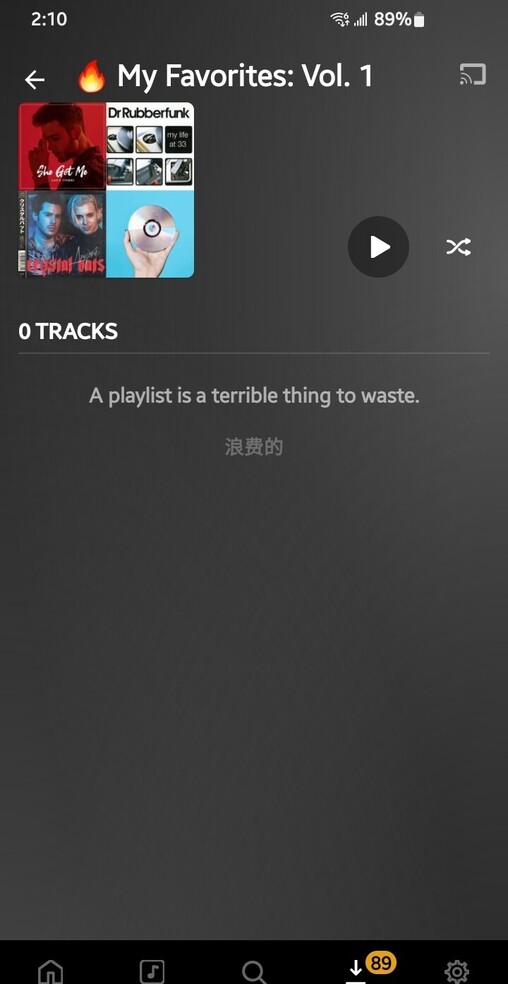
Is it expected behavior for manual refresh of a DOWNLOADED Album or Playlist to refresh EVERYTHING listed within the DOWNLOAD Tab, even though I ONLY wanted that specific playlist or album to redownload? PlexAmp seems to go through a continuous scan of the other playlists as well, basically interrupting any ability for me to go offline simply because if I were to stop it, PlexAmp then causes whatever playlist it’s refreshing to go corrupt, rendering that playlist unplayable and lists no tracks in it.
I just tried to Refresh a playlist named Favorites Vol 8 as one of my last attempts before sending the logs. Funny how it doesn’t want to Refresh all of sudden
I have 12 playlists named Favorites Vol. 1 thru 12 and each have over 300 and something tracks but carefully reach near the old 24 hour limit. They don’t ever need to be refreshed because they are static playlists and don’t ever have to be redownload unless of course the metadata has changed. That could be a possible reason but it doesn’t make sense that it would result in a failure of the entire playlist and others to not show up, regardless if there’s a few songs that are corrupt.