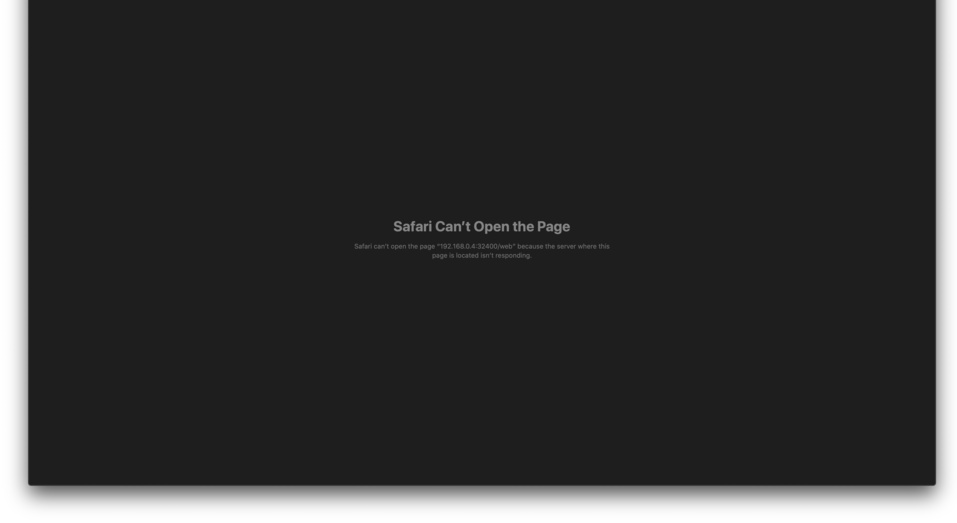
Server Version#: DSM 6.2.3-25426
Player Version#:918+
When I open plex with IP:32400/web it redirect to IP:5000 and doesn’t open because “the server isn’t responding.”
If I open it as IP:32400 it still doesn’t open.
I have read quite a few of the solutions related. Including restarting, uninstalling, reinstalling, using the previous version of plex that was working. Shutting down plex on my local computer. Giving plex all the permissions in the control panel as well as the file station and uploading the certificate inside the package center.
The only thing I can think to do is to wipe the nas clean, but I would really prefer not do that. So much so I would probably just avoid using plex and find a service that works.
I have taken all of those steps multiple times. Usually I delete the preference file, but I went in exact order of your steps. I even tried it on Firefox thinking safari may be the problem, but same problem occurring.
And when I do go to IP:32400/web its a blank page with an error message that it can’t connect to the server. Nothing there for me to sign out of anything.