Server Version#: Version 1.20.0.3181
Player Version#:
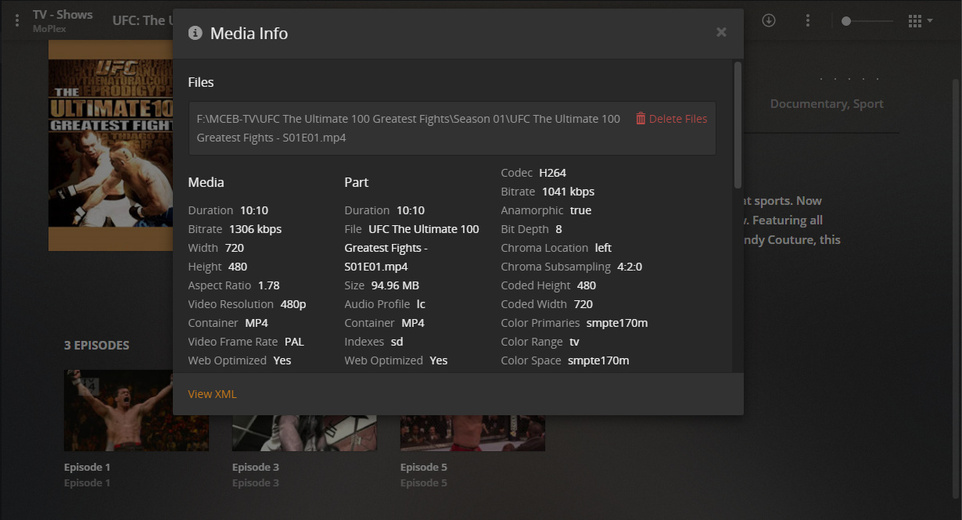
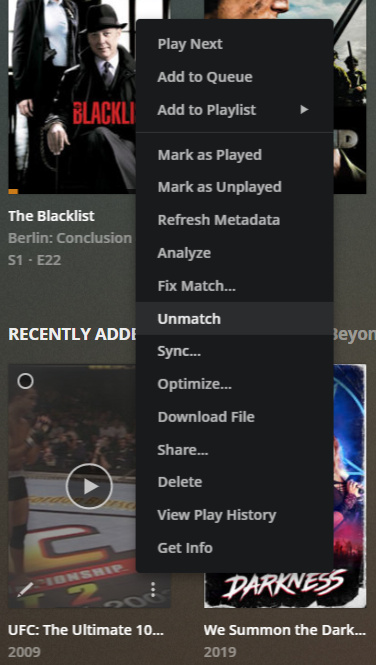
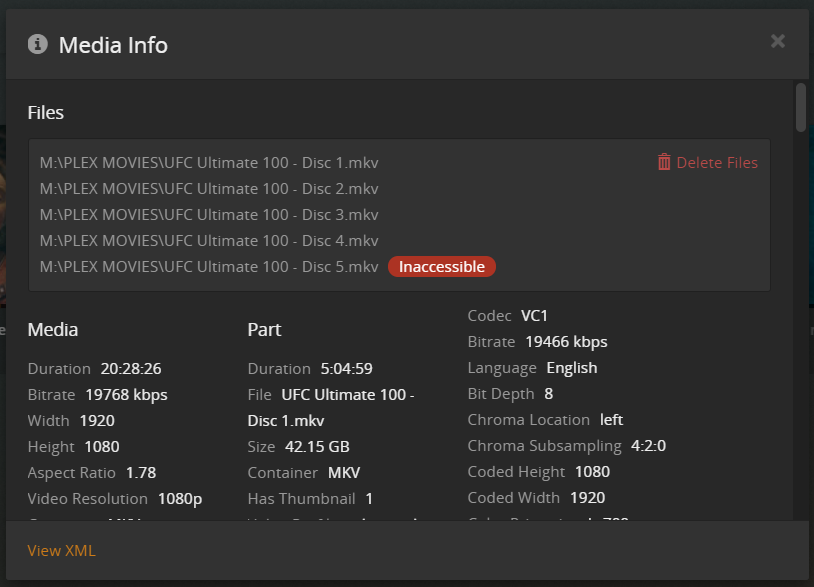
I am ripping some Blu-ray discs (UFC Ultimate 100 Greatest Fights), and Plex is adding them to a single item. I went to split the item apart like I have done in the past when something groups together, but the option is no longer available.
How can I split these files now? I would like to be able to choose a disc.
I did, however, need to Fix Match to the TVDB ID#:
320290
When Plex/TVDB came up snake eyes for a perfectly named show - and I’ve done that three times in the last 45 minutes - leading me to believe TVDB is off the chain - again…
JuiceWSA: Oh! Is Plex looking at the UFC discs as a television series instead of individual discs? I didn’t name them xxx-s1eX, so I thought I woudl be able to make them into individual files like other movies. With movies, I can simply click the three dots and select “split apart” to make things into individual files. I have done this many times for movies that have a rated and unrated edition that are put into one container on the server.
What I am getting from your post is that Plex doesn’t see these discs like movies for some reason, and it is not possible to split the discs. Is that accurate?
If you’ve listed them as individual movies in a movie-type library, you should be able to split items accidentally merged. In that case the items should however be in separate folders on your file system to begin with (e.g. to avoid Plex from mixing up any additional local artwork/extras/… linked to the item). That being said… I just double-checked and “Split Apart” is available for the only remaining “multi-version” item in my library – so having the items in multiple folders appears to be no technical restriction to split them apart.
Beyond that… what JuiceWSA said is true for tv-show type libraries. There you can only split entire shows that got accidentally merged (e.g. not single seasons or episodes)
Do you think that Plex is seeing the disc number and then considering them all one file? I have always had to add sXeX to do television shows, so this is new to me.
ok.
Based on your naming, Plex did not “merge” the files. They’re not considered single items but stacked files that Plex will be consecutively.
This is based on Plex naming convention – you’ll get the same result if you append e.g. - partX or - ptX to the original file names.
See “Movies Split Across Multiple Files” in the linked support article.
When it comes to actually combining a movie split across multiple files, I personally prefer to actually append the files (e.g. using MKVToolNix).
If you want to split them apart you’ll need to rename and re-scan the files.