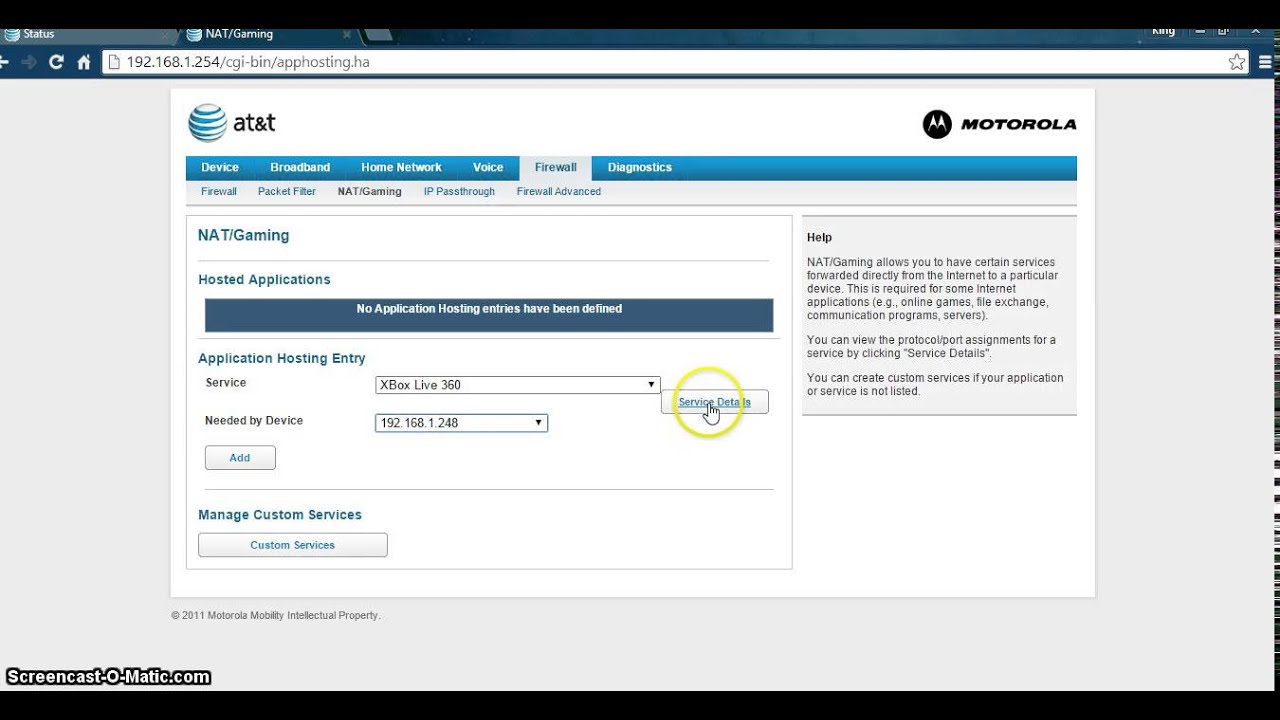
I have been trying to setup Plex Remote Access. I have read lots of Forum, watching A LOT of guides. Checking lots of Support sites from Plex. NOTHING works. Yes i have making rules in firewall with port 32400 TCP. I have been making Port Forwarding and what so ever.
Absoluty nothing works?!
What do i missing? and can somebody help here. I have TeamViewer if you want to help me that way. I freakly out of my good skin right now…
I have BitDefender, and add Plex to exception list.
That or something entirely different in case your ISP is blocking what they consider „exotic“ ports… you could attempt highjacking a port like 8080 or 443 for testing purposes.
Okay i was trying to set a new static ip on the router, but the router just crashed. I have reset the Router and network settings on my pc, so i will try again
You might have to log into your Internet modem and set up Port forwarding especially if your using ATT as service provider. FYI. There are some very good how to videos on the YOUTUBE sites. Just open Youtube videos. in their search bar type in your issue. Hope this helps.
Good Luck!
Bill
I have making a Port Forwarding, but its not working. Im not sure im using ATT. I can’t see it any where. But do you think i should looking for videos about it?