Interesting.
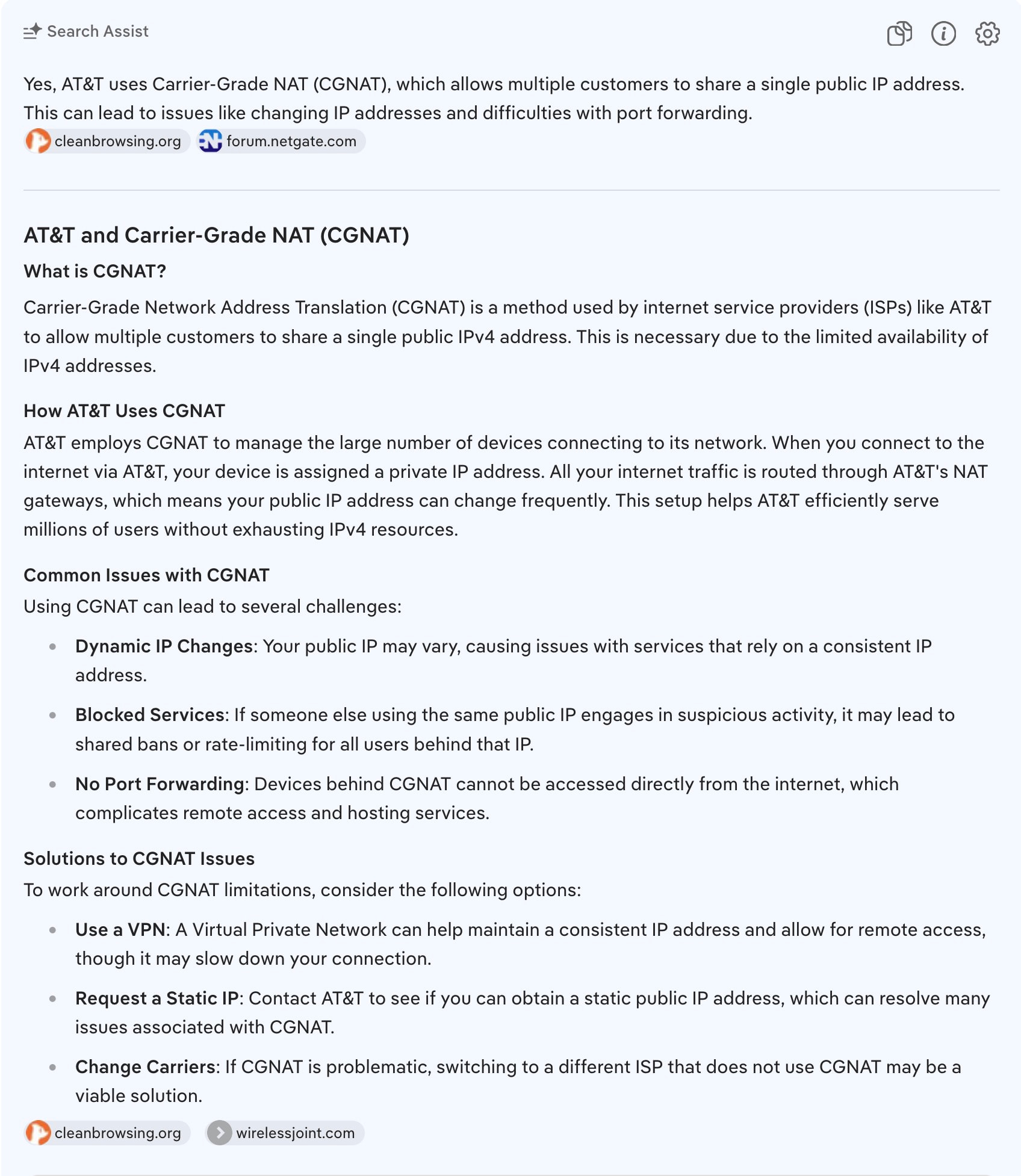
They definitely use CG-NAT on their mobile network and for their wireless home service (as do T-Mobile & Verizon).
I’ve not heard of them using CG-NAT for residential fiber service. They do not for my service. But it will not surprise me if they eventually roll it out.

It seems AT&T is rolling out CG-NAT in some areas.
Login to the AT&T router and go to Broadband → Status.
Check the Broadband IPv4 Address and Gateway IPv4 Address.
Do they begin with 100.64?
If so, then you are probably in an area using CG-NAT.
You can check with AT&T tech support as well.
This seems to be working. I reset it and couple minutes ago and it seems to be running smoothly!
Awesome
How the hell is this marked as a solution and a solved topic? “Turn it off and on again” isn’t a solution.
An actual solution would be if the “developers” actually made it work properly.
Wrong post right fix further up discussion, port forward a (restart) after router changes often resolve remote connections. I can not control where the solution is marked
It’s obvious you don’t know what your talking about. 
If you are having issues with remote access, please open a new thread in the Remote Access section of the forum.
