Hi guys, I’m runnig Plex om docker, but I can’t add Libraries.

In order to complete the setup you need to open your Plex Media Server through its local IP.
If you’re on the same machine… open http://127.0.0.1:32400/web in your browser. If you’re on a different machine inside your home network, use http://[PMS IP address]:32400/web instead. This will bring up a wizard/dialog where you can name your server and link it to your Plex account (as well as creating your first libraries).
Once you “claimed” your server (=linked it to your Plex Media Account), you’ll also be able to access it from other Plex apps or via http://app.plex.tv/desktop.
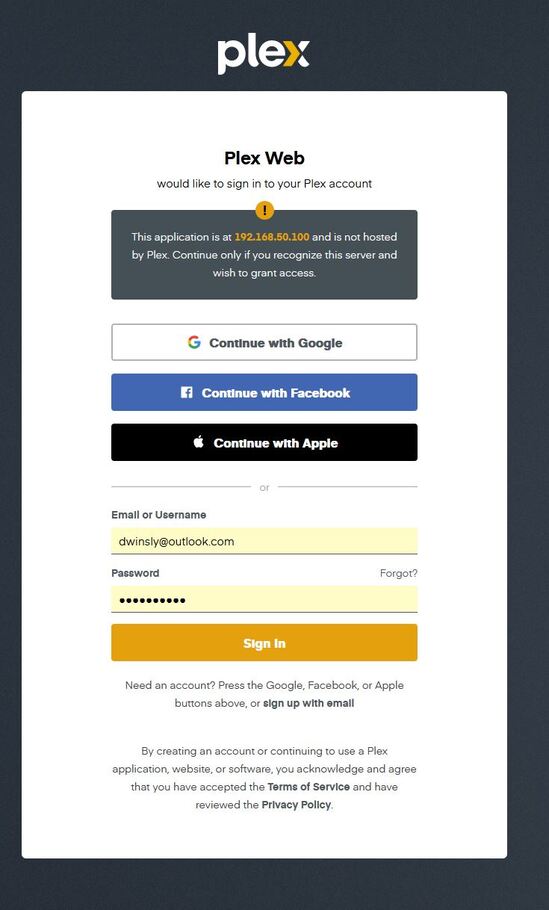
that looks ok.
Yes, but I can’t find the way to add the Libraries, in the top of the right corner in my account I can’t see the Library Management
Did you have an installation of Plex Media Server on that machine before – possibly linked to a different Plex account?
[edit: if so → https://support.plex.tv/articles/201198426-restart-plex-media-server-setup-from-scratch/]
