Plex 1.24.2
Player 2.58.1
Manjaro 21.1.2 with the PLasma DE
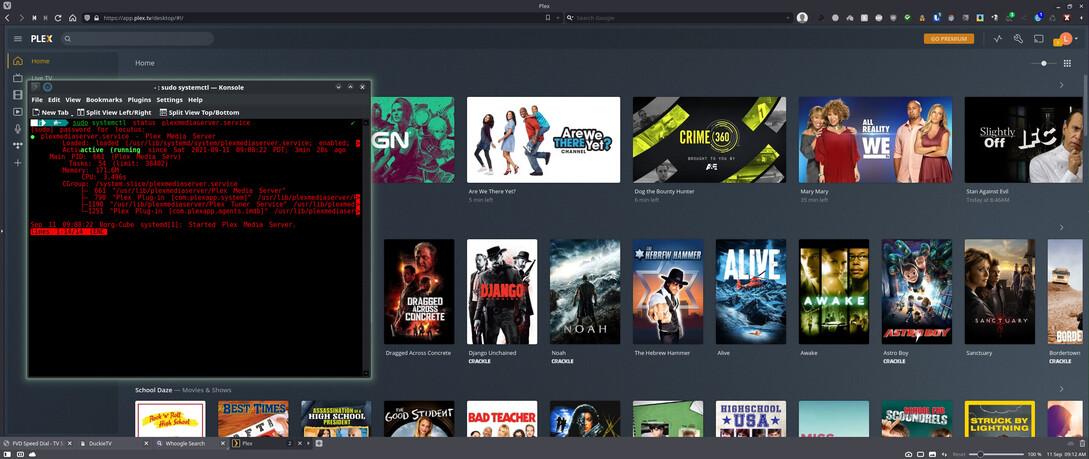
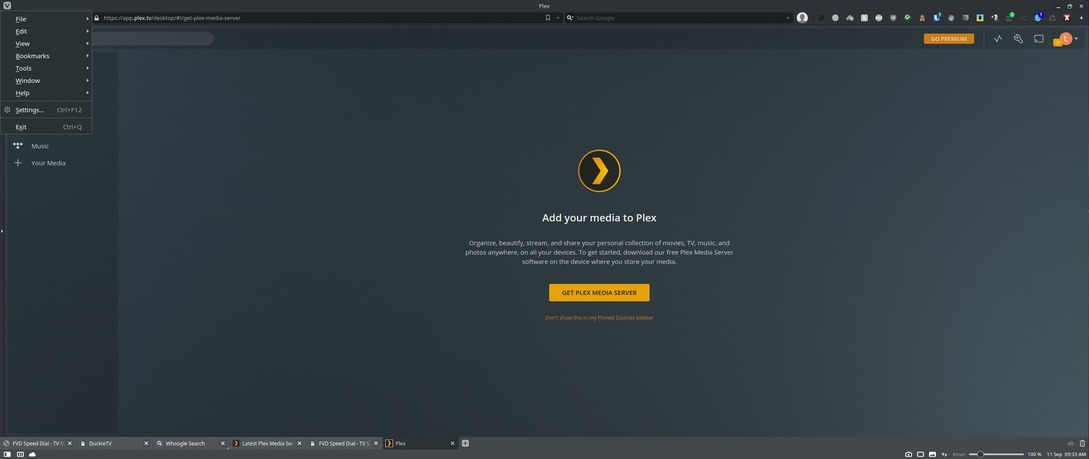
I just installed Plex Server and Plex Player, went into Konsol and started and enabled Plex’s service, open my browser and launched Plex all to get no screen for adding my libraries. When I click settings I’m missing a lot of them. on the main screen when I click Your Media I get taken to the page in the 3rd image and there is nothing there to actually add my libraries with. Any idea what might be going on? Thanks
You need to access the server through its local IP address in order to finish the setup and link it to your account. Once this is done you can also access / manage your server through other clients (including https://app.plex.tv/desktop).
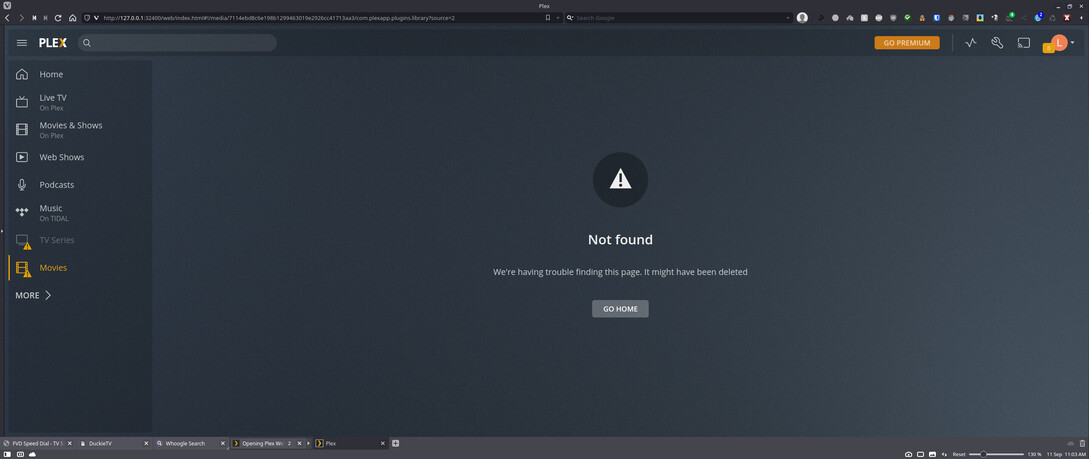
I found the page and added TV series And Movies but now I get what you see in the below image. I’m pretty sure it can’t be permissions cause I would of been able to select the particular folders for the two libraries I created if I remember correctly.
That error message means there’s been some kind of hiccup with the server/library itself – not its content or the server’s access to the media (though permissions can always be tricky for users who aren’t familiar with Linux).
Can you try restart the service to see if the issue persists?
If it does… can you try to reboot the device?
Looks like you nailed it as being some kind of hiccup. I closed all out, cleared and closed the browser, launched the browser and went back to the library creation page, recreated those two libraries, Plex took it’s time adding each then boom the added and started populating. I think I just hit the wrong time and the server itself was having a temporary issue. all looks good now. Thanks for the help and input.