Server Version#:Imac
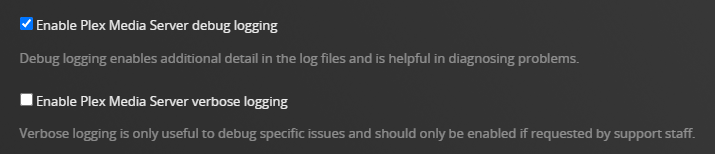
Player Version#:Version 4.147.1<If providing server logs please do NOT turn on verbose logging, only debug logging should be enabled>
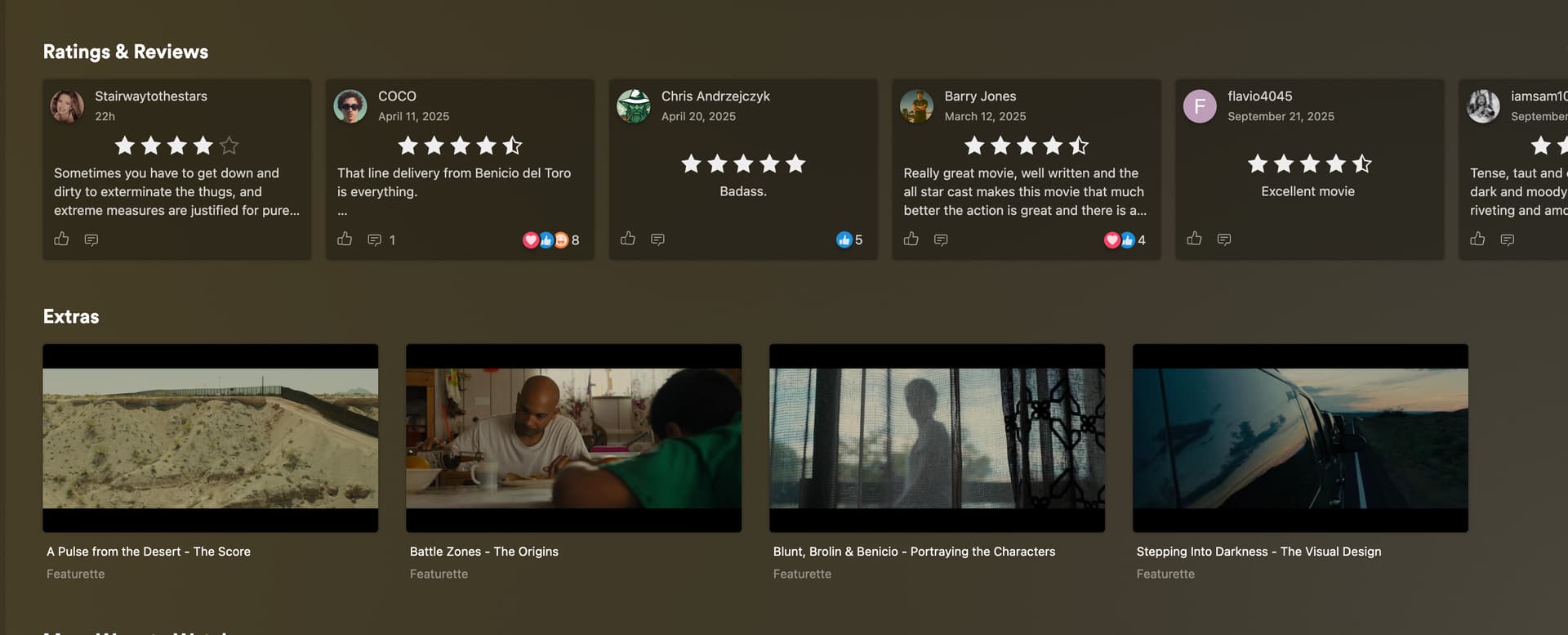
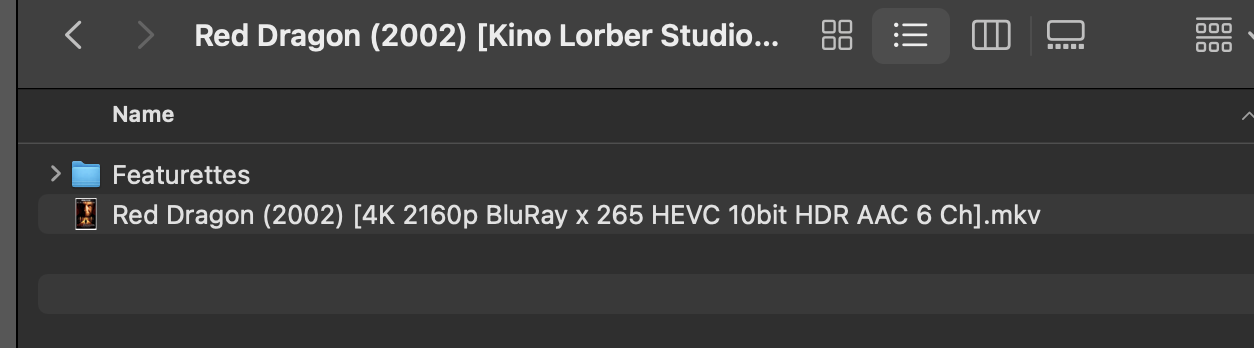
no matter what i try for certain movies Plex will not add my Extras..90% of my Extras add with NO problem doing absolutely NO editing of the file names…….i need a clear cut way to make my extras show in plex and the help topic is more confusing than anything
Version 4.147.1
/Movies
   /Avatar (2009)
      Avatar (2009).mkv
      /Behind The Scenes
         Performance Capture.mkv
      /Deleted Scenes
         Bar Fight.mp4
         Lost Sister.mkv
      /Interviews

Movies/MovieName (Release Date)/Extra_Directory_Type/Descriptive_name.ext


one version shows underscores and the other doesn't.....how is that helpful?
Extra_Directory_Type is a place holder, which you are supposed to replace with the extra types as listed in that help article.
If extras are not showing, check that
you have done “Refresh metadata” of that movie
there are no additional editions of that movie within the folder. If you have several editions, you cannot share the extras between them.
the movie is located within the folder structure as shown – i.e. no additional, arbitrary subfolder levels have been inserted between the library root folder and the movie folder
If you only have a few extras, you can also opt for the “file name suffix” method to label extras, which is also mentioned in the help article. But you cannot mix the suffix extras method with the subfolder extras method within the same movie.
The Artwork folder is of no use in Plex, I think. Nor is the Reservoir Dogs 4K.jpg file.
Am I correct that the second screenshot is showing the contents of the Featurettes subfolder?
If so, that should work in theory. I am not sure if the dashes in the “Interview” files will throw a spanner in the works. One could argue that these should go into a separate folder, named Interviews.
The jpgs never hurt any of my movies. So? Interviews should be a sub folder inside featurettes sub folder? And I’ve taken out and deleted the Artwork folder before and used sub folder’s Interviews and sub folder Deleted scenes and it still didn’t work. Couid this be Plex not recognizing the Featurettes because they are from a Blu-ray rip?
i don’t put jpgs in for Plex….i’m just detail orientated and need to have my files show everything….where they come from etc….you helped me once by telling me to put all unnecessary stuff in { } and that helped alot….but these extras are killing me…..here is an example of Plex adding the extras with no problem…..the individual extras are listed in the Featurette folder the same as the previous ones i showed ( Res Dogs)
Just to be clear, it is not sufficient to just perform a scan to add extras to an existing movie. You must refresh the metadata for the movie for them to be detected.
So, if you added these extras after the movie was already in your library, you must refresh its metadata. You can do this by hovering over the movie’s poster, clicking the vertical ellipsis, and selecting “Refresh Metadata.”
Sure you do. Or movies would never be added to your library. You may not be doing a manual scan, but automatic ones. But they’re being performed. This is done at the library level, not for a particular movie.
What I’m referring to for refreshing metadata is this:
thanx for the help but asking tons of questions is not helping……it has nothing to do with what os version etc etc…….can you show me an example of how an extra should be formed? IE: interview with john doe.mkv? use hyphens? underscores? how should it properly be named
The questions are because people are having difficulty re-creating the problem. They’re trying to figure out if there is something unique about your setup that might be causing the problem.
QUESTION: Where are the media files located? Local drives, on a NAS, in a cloud, somewhere else?
QUESTION: If on a NAS, what version of MacOS is running on the server?
Reason: Some versions of MacOS have issues accessing SMB mounts. Some media files may not be correctly recognized and added to the library.
When using subfolders for extras it should not matter how you name the files.
The subfolders, on the other hand, must have specific names, per the documentation.
Suggestion for Reservoir Dogs:
Plex Dance the movie.
When returning it to the library, return only the folder containing the movie and the movie itself. No extras, jpgs, artwork folder, etc.
Make sure the movie appears correctly in Plex Web.
Add one subfolder, Featurettes.
Add Background Check.mkv to the Featurettes folder.
Scan the library
Refresh metadata for the movie.
If it works, then continue adding extras in the desired folders until they’re all added or something breaks.
Wait until last to add the Artwork folder and any jpgs.
An example from my server:
\movies\The Toxic Avenger II (1989)
|   The Toxic Avenger II (1989).mkv
|
+---Behind the Scenes
|       At Home with Toxie.mkv
|
+---Featurettes
|       The American Cinematheque Honors 40 Years of Troma.mkv
|
+---Interviews
|       A Word from Villainess Lisa Gaye.mkv
|       Toxie on Japanese TV.mkv
|
+---Other
|       Introduction to The Toxic Avenger II (1989).mkv
|       Original DVD Intro.mkv
|
+---Shorts
|       Radiation March.mkv
|
\---Trailers
        Return to Nuke 'Em High Vol. 1 (2013) Trailer.mkv
        Return to Nuke 'Em High Vol. 2 (2017) Trailer.mkv
        The Toxic Avenger (1984) Trailer.mkv
        The Toxic Avenger II (1989) Trailer.mkv
        The Toxic Avenger III (1989) Trailer.mkv
        The Toxic Avenger IV (2000) Trailer.mkv
        Troma's War (1988) Trailer.mkv
hey thanx…i didn’t mean to be rude about the questions but to understand my problem is 90% of my 1500 movies that have extras populate on Plex without and renaming……etc etc…..so it’s not my OS but yes my movies are on a local external hardrive……i’ll try all the examples you gave..thanx for taking the time for putting examples and all your help
question about an example from your server….so? you have separate folders for what your showing……behind the scenes is a stand alone folder not included in Featurettes folder> etc
/movies
../The Toxic Avenger II (1989)
..../The Toxic Avenger II (1989).mkv
..../Behind the Scenes
....../At Home with Toxie.mkv
..../Featurettes
....../The American Cinematheque Honors 40 Years of Troma.mkv
OK i did everything you sais step by step except there is no way to add Add Background Check.mkv to the Featurettes folder. No way to copy paste or type….is it supposed to be in folder form? Plex did the same thing it always does….adds the Featurettes as separate movies..see below
Let’s do two things - look at the file path, then see if the log files show anything.
First, edit the Red Dragon movie (the pencil icon) and click on Info. That shows the full path to the file. Take a screenshot and post it to the thread.
Second, let’s look at the log files.
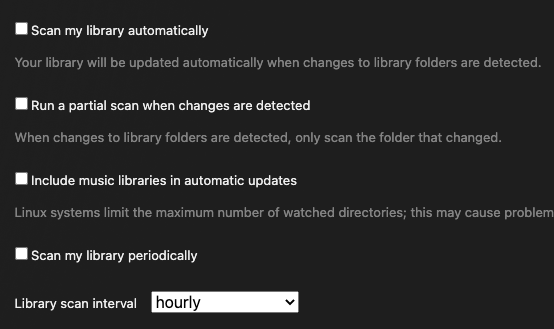
Settings → server_name → Library, enable Scan my library automatically.
This adds some additional information to the log files.