In my case, I have folders with the raw BluRay files in them, like .bdmv. According to this article, disk image files are not supported in Plex. So ok, understood. However, in my movies folder there are a lot of files and I’m not sure which ones are the “bad” ones. How can I tell which ones Plex has skipped? It would be beneficial if I could do this through the Mac app user interface. If I can tell which ones have been skipped, then I can use MakeMKV to convert those into a format that Plex can read.
You can use ExportTools to get a list of things that it did scan in.
But I would convert all of them to mkv.
1 Like
I gave ExportTools a try. I was able to successfully get a .csv file and open it in Numbers Mac app.
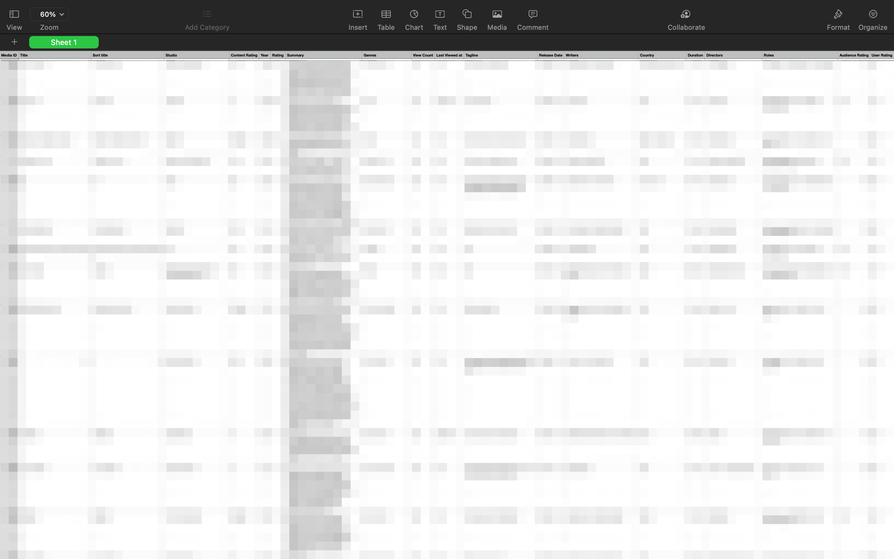
While it is cool to see the list of all my movies in Plex, it doesn’t seem very useful in this case. For one thing, the formatted names of the movies are different than the folder names on the hard drive. Another problem is that while this .csv shows all the movies that have been successfully scanned by Plex, it would be much better to see the ones Plex skipped.
I really love the Duplicates feature of the Library in Plex.
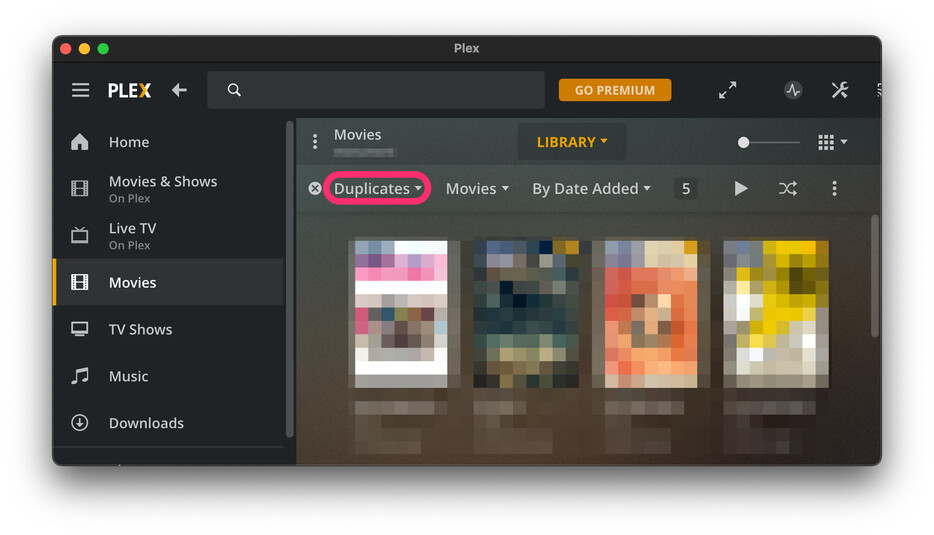
I can use this tool to quickly examine which movies I have duplicates of and correct the problem by deleting one of them. I wish there was a similar functionality for Skipped.
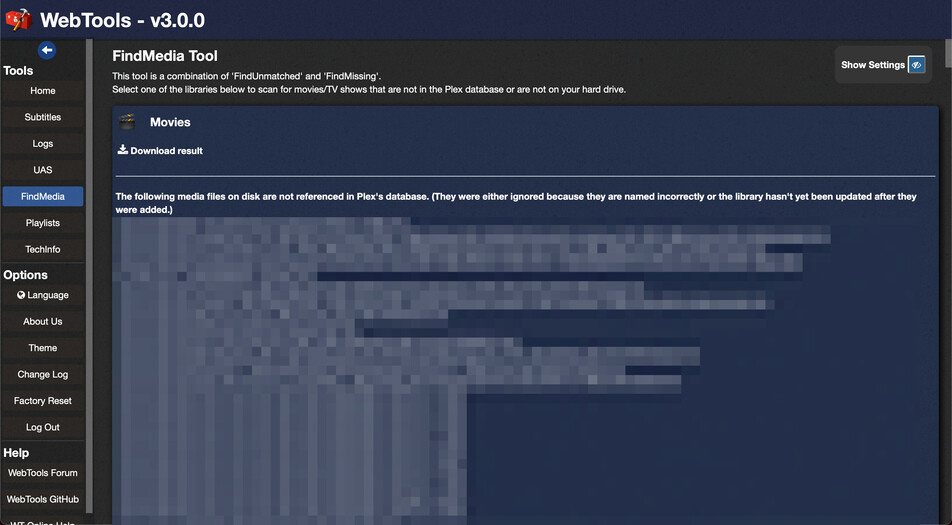
WebTools has a feature which lists media files which haven’t been included in the Plex library.
2 Likes
Thank you! The FindMedia Tool inside WebTools lists exactly what I needed. Now I can address all my Skipped folders.
This topic was automatically closed 90 days after the last reply. New replies are no longer allowed.
