Dear Plex,
Great idea to make and post all files on my server bunched up together a huge mess!
Don’t give me an easy folder option the way I have it set-up already on my server. By default it’s all together, in one giant mess of files.
How do I view my stuff in the original folder by folder? Been looking around, shouldn’t have to be a big search but it is ending up that way. Nice design!
Using Plex on my computer Windows 10. I was able to access that Movie drop down menu one time and did the setup which still shows up on my amazon fire stick tv app, but not on my computer.
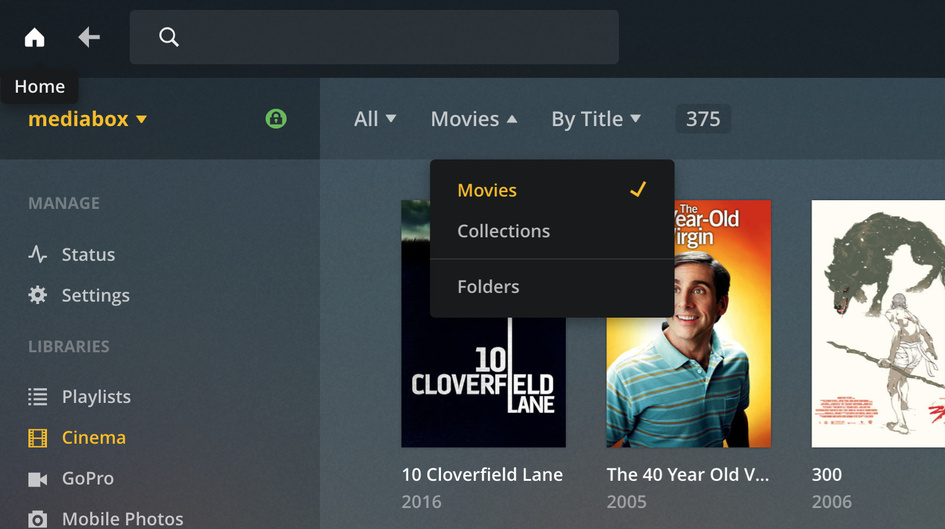
The picture, the one your showing me with the orange arrow…(I don’t have a tab showing up under Movies the way it shows in that picture) I have a drop down menu for All, Drop down menu for By Title, but no such option for Movies. Is there a way to fix this?
Appreciate the response, been looking around for a while before posting this.
It is here is previous version of web app. If you don’t see that can you take a screenshot of what you do see.
I took a picture quality not high. Let me know what you think.
I have dozens of folders, with thousands of files in total. The Movies tab doesn’t have a click down menu like the All and By Title do.
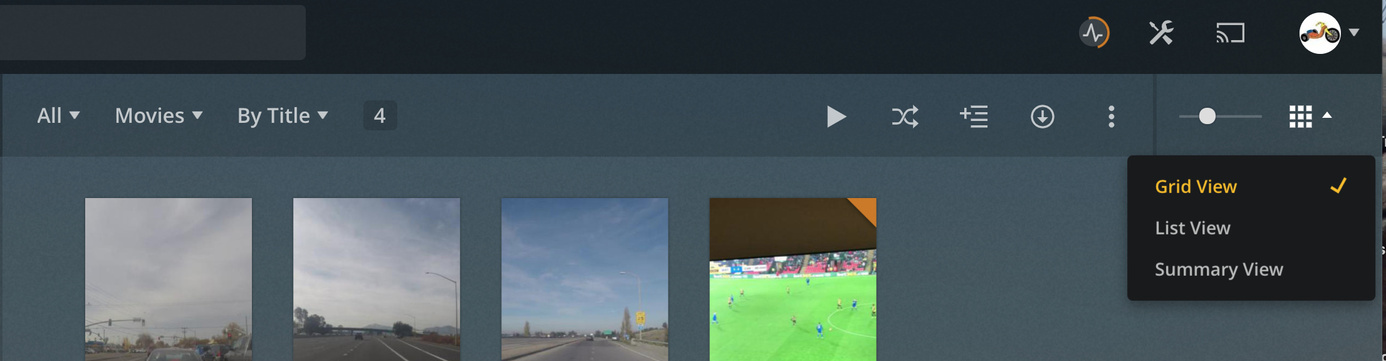
I think you may be running a really old version of server. On the far right in this area maybe do you see it.
are you accessing it via http://IP:32400/web or https://app.plex.tv
I did try to do an update that Plex showed me when I open the app. It did not work! I tried to download the file and install manually myself for WD cloud server, it did not work! it says failed when it tries to install.
So how do I view folder option if I have an older version? I don’t have it appear in the far right, I checked and clicked everywhere but I don’t see the view by folder.