Hi,
I’m trying to install Plex on a AWS LightSail server. The instance is running Ubuntu 20.04 LTS. I followed the documentation and installed Plex Media Server and I opened the port for the app. I’m using plexmediaserver 1.25.8.5663-e071c3d62.
As you can see plexmediaserver is running well

When I go to http://myip:32400/web I’m being redirected to a page with this message : “You do not have access to this server”
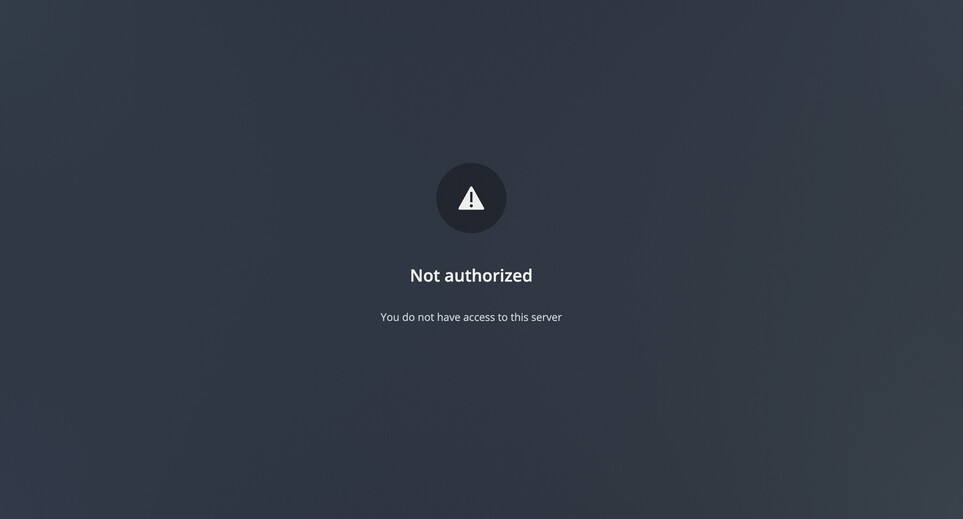
I saw in the documentation they mention the file Preferences.xml, I opened it but I have none of the info they mention (PlexOnlineHome=“1” PlexOnlineMail="jane@example.com" PlexOnlineToken=“RanDoMHexIDecIALtoKeNheRE” PlexOnlineUsername=“ExampleUser”).
I haven’t been able to log my plex account so I suppose this is normal than I have nothing in Preferences.xml
I have no idea why I can’t setup plex sever and why I’m not authorized to access it.
Thanks for your help
