You do not have access to this server

Server Version#: Plex Media Server v1.27.0.5897-3940636f2 - Ubuntu PC x86_64 - build: linux-x86_64 debian
Player Version#: Plex Web 4.76.1

Hello,
I had for some years Plex running with no issues on Debian 9 due to it going EOL now, I reinstalled the server with Ubuntu 20.04.4 LTS (Focal Fossa)
Installed the Plex server according to Installation | Plex Support
When opening http://<public-ip>:32400/web it does redirect to /web/index.html#!/setup/765b66c23ba8236200af99dc22c6969884184429 as expected but as soon as I login then it does go to /web/index.html#!/ and if I then go back to the setup URL I get the error You do not have access to this server.

Any ideas how to get the server setup correctly?

Thank you for the help

Make sure you access the server locally (=local IP from within the same subnet).

Are you going for a clean install or do you try to migrate your old setup?

The Server is hosted in a datacenter, so I do only have access over the public IP and not over the local one

It is a clean installation, will re up all my media after it is installed

You could create a SSH tunnel to make Plex consider this to be a „local“ connection.

1 Like

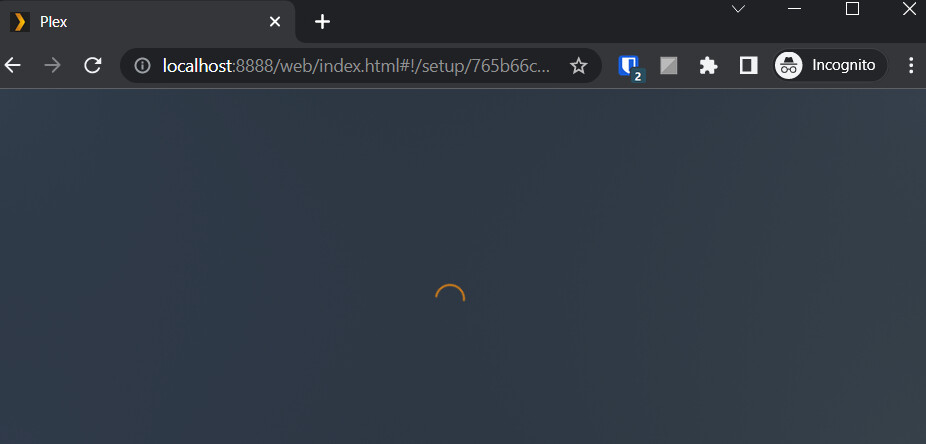
Ok, over the tunnel it did open the Setup URL but only with the spiny icon:

Would I need to reset something?

Any browser plugins/add-oks which might be interfering?

Nope, only active plugin is Bitwarden, same on fresh installed Opera for example too

Does the issue persist if you reboot the Plex Media Server on that remote machine? Any errors showing in the server logs?

1 Like

This topic was automatically closed 90 days after the last reply. New replies are no longer allowed.