Up until recently I was having no problems with accessing the server from outside my local network, but now Remote Access shows a red ! and is not available.
If I manually specify a port and click retry - then everything goes green and seems to be working for about 5-10 seconds then reverts to Not available outside Network.
I’ve tried walking through the troubleshooting, setting a static IP and setting a router Port Forward, but I’m not getting anywhere…
The status showing as green and switching to red swiftly just means it’s not working. Plex optimistically lists the status as green while performing the status check.
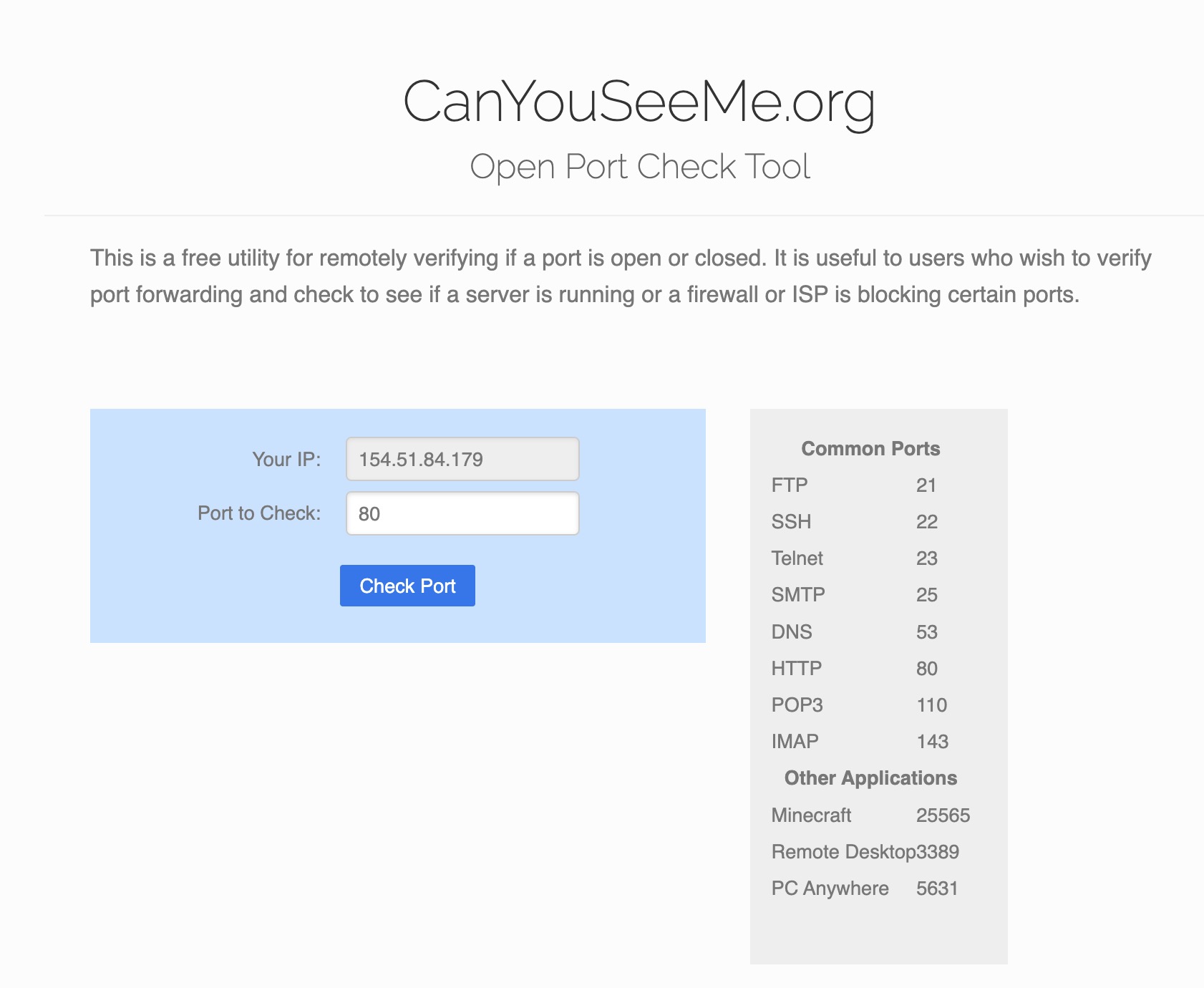
Did you already have a look at this guide on how to troubleshoot Remote Access issues? The individual findings/output of the steps should give you pointers on where the issue is located — e.g.: can you see/access your manual port forward from outside your home network (using a service like canyouseeme.org) and does the public ip recognized there match that listed in the remote access settings of your server and the router’s WAN IP?
Does canyouseeme.org see the public port as open/accessible?
If it doesn’t… can you try to use a different public port for the forwarding (updating the port forward and Plex remote access settings accordingly)?
That implies there’s a problem between „the internet“ (aka your ISP) and your router (e.g. your ISP blocking certain ports or traffic). Your port forward seems ok… so your best shot might be to contact your ISP.
It allows them to spread their limited IPv4 address space among more customers by introducing an extra layer of network address translation. This places you in a double-NAT configuration which is incompatible with direct remote connections.
You may be able to contact them and ask for a publicly-routable IP address (essentially removing you from CG-NAT). They may charge an additional fee for this, if available.
You could also try enabling Plex Relay which proxies remote connections through Plex’s cloud servers. The downside is that it severely limit bitrates (2 Mbps for Plex Pass subscribers, 1 Mbps otherwise).
Are you blocking v4.plex.tv? I was and my remote access suddenly stopped working this week. I am guessing it’s related to them cracking down on free remote streaming. I wasn’t able to enable remote streaming successfully until I unblocked that subdomain.