Server Version#: 1.22.3.4392-d7c624def
Player Version#: 2.58.0.1076
I haven’t used Plex in a while and in bringing it up again, of course, everything has changed and I can’t find the sections I need. None of my TV shows are showing up. In fact, the entire genre of TV is missing.
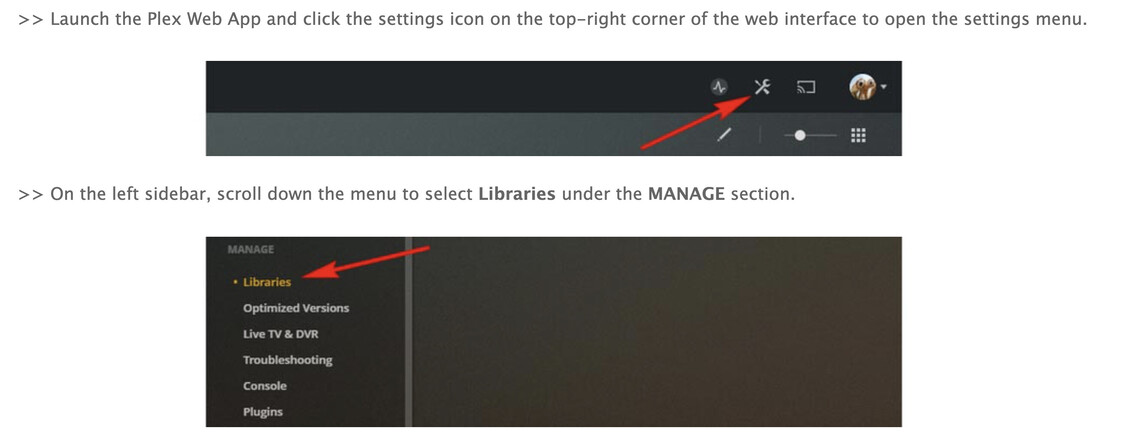
I remember there was a section to add media, like TV, Movies, Podcasts, etc. but I cannot find out how to get to this. According to the online instructions you do this:
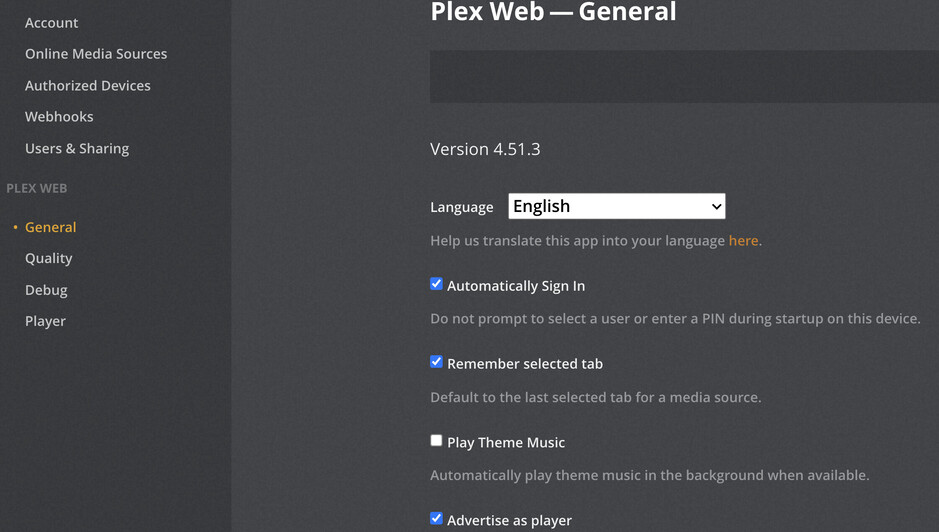
This is the problem. In the past, I used to see Home, Movies, TV, (other stuff I don’t remember, like Podcasts). But I don’t see them and I can’t find out how to set up the libraries with these categories and populate them with content.
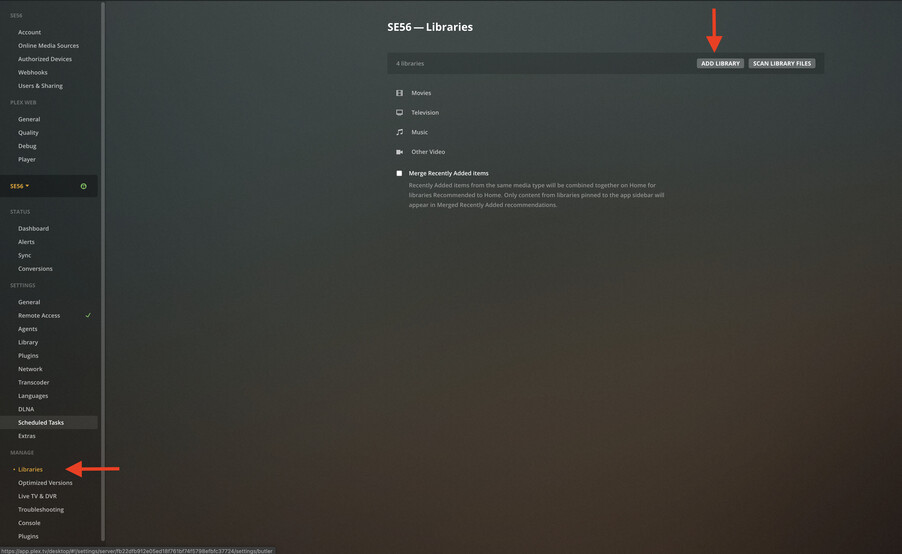
This is my question. How do I get to the libraries.
Thanks for the clarifying image. I had been playing around, trying all kinds of things and suddenly realized I could not get back to that very screen I posted. I was dying to try the hover maneuver but now I couldn’t even find this screen again.
So I decided to just start from scratch. I uninstalled everything and reinstalled the servers. Finally I was able to find the Library page, where I added my libraries back in and now Plex is working the way I remembered.