chuck@plexqa-av1:~$ cat /proc/cpuinfo | grep 'model name' | uniq
model name	: 13th Gen Intel(R) Core(TM) i5-13400
chuck@plexqa-av1:~$
Okay, yeah UHD 730. To troubleshoot this, we need someone with the UHD 770 or Intel Iris XE on 11th -13th gen NUCs. I’m curious how you were able to reproduce this previously.
On your AV1 machine, with the sample I provided, which players did you test with? This question makes a difference because the quality issues with the above mentioned iGPUs only impacts quality on the plex web player. I can watch the same content on my Samsung TV app (with subtitles disabled), and through my Roku stick, without issue while transcoding. The issue here is not the source content.
I will test your file again on AppleTV, LG TV. Amazon FireTV, Nvidia Shield Pro. and Roku 4800
Will that be sufficient?
You can, however now that I realize the i5 has the UHD730, i’m not sure it’ll make a difference.
Have you looked here?
Do the HUC/GUC options apply to your host?
(known issues)
Interesting to see that yours is automatically enabling GuC submission, SLPC, and has RC enabled, that means GuC loading is set to 3 for you. The default in my kernel seems to be set to 2.
HuC is automatically loaded on kernels 5.17 and newer. And again, why would this clip transcode fine on a UHD630, UHD730 but not on a UHD770? I am getting pretty frustrated by your hyperfocus on the media quality when we have examples of the same file working elsewhere.
Here is the mediainfo from one of my problem files.

Ok, so you might not believe me, but your 70mbps file ALSO does this artifacting in the same exact way as Rozzly’s sample file. Granted it only happened once on yours vs several times on Rozzly’s.
Check it out:

I also have a screen capture of it happening: https://drive.google.com/file/d/136oXSGvNIGxp22guy7Mmo2ThHJk-4Vfc/view?usp=sharing
I am having problems with media –
Because I cannot reproduce it
The QA machine was built only a couple months ago (spring time) but it’s not good enough??
I am not a video expert. I don’t know the Intel Media Drivers well (which is probably where the problem is).
Have you presented this to their github ?
In the clip you provide, GUIDE ME please.
When does it happen? What is he doing / where is he at ?
I just watched it here and I must be blind because I’m not catching it
I haven’t, but I may at this point. I suspected plex’s implementation of the transcoding libraries, but maybe this is a bigger issue.
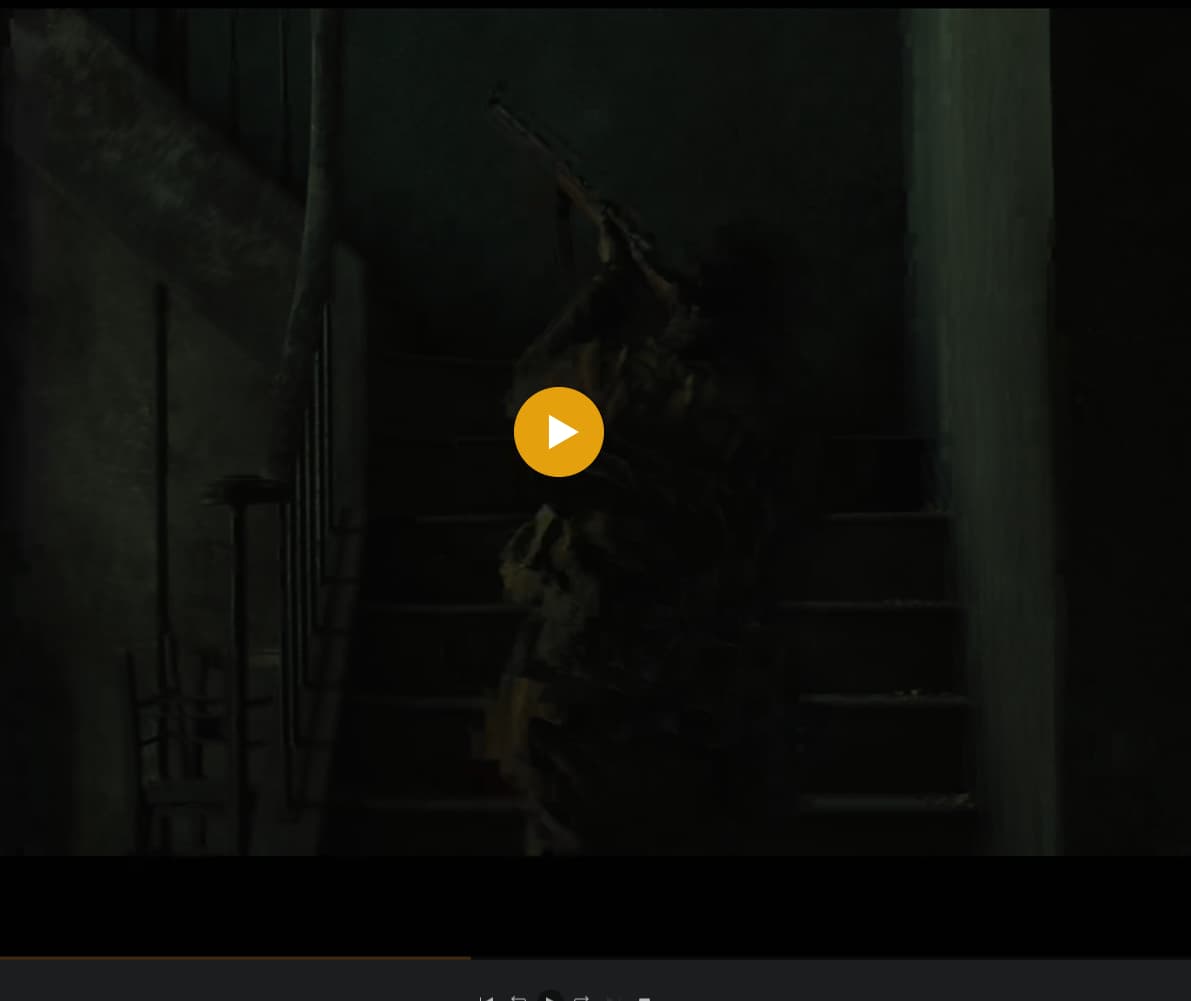
Seriously? You do not see the artifacting around the soldier as he steps onto the stairs between 10 seconds and 12 seconds?

Please get your eyes checked. Or better yet, send my google link to someone else on the team and have them look at it.
Given this to my manager. He has a -13700 CPU
I can confirm the same issue with the sample file you provided. Sorry for not getting it tested earlier. I can confirm the same issue around the same areas - Maybe our terminology is getting crossed. We’re saying artifacting, but consider it a serious loss of quality for, maybe 5 sequential frames, before returning to the original quality. Here’s a more obvious screenshot from my web player.
Skip ahead a few frames, and here’s the comparison:

The ‘blockyness’ or ‘artifacting’ is not static between the sequential frames and doesn’t look like a typical “loss of quality”. – the blocks flash different colors between each of the, lets say 5, frames – if that makes any sense to you.
Clarification please?
-
This is NOT ACTUALLY artifacting? ( ‘debris’ on the image which doesn’t belong )
-
One actual issue is brightness ? (It’s VERY dark to me)
I’ve taken a screen recording that best shows this issue. Please download and watch as gdrive destroys quality. You can see exactly what is happening at the 8~ second mark.
Thank you. I can see that pixelation/blocking clearly. It only lasts a few frames
I have no idea what’s causing that or why it doesn’t show on our Lab machine (UHD730).
I’ll let him guide from here on how best to proceed.
Great, now take those few frames, and imagine this happening every 10-15 seconds in dark or action scenes in lower bitrate content. This is issue #1 in the web player. Now on the Samsung TV app, imagine this same thing happening if subtitles are enabled regardless of whether or not the content is dark or has action. That is issue #2.
Oh Damn. Not cool.
That problem wouldn’t be confined to only the samsung TV app if it’s transcoding,
It would impact everything using that output video stream.
At this point, I am going to step back and let my manager take over because he does have the right hardware to see what’s happening and then act on it.
(He’ll reach out to me through our internal channels)
