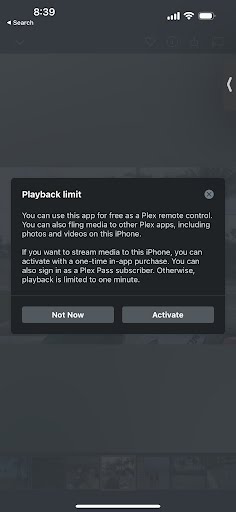
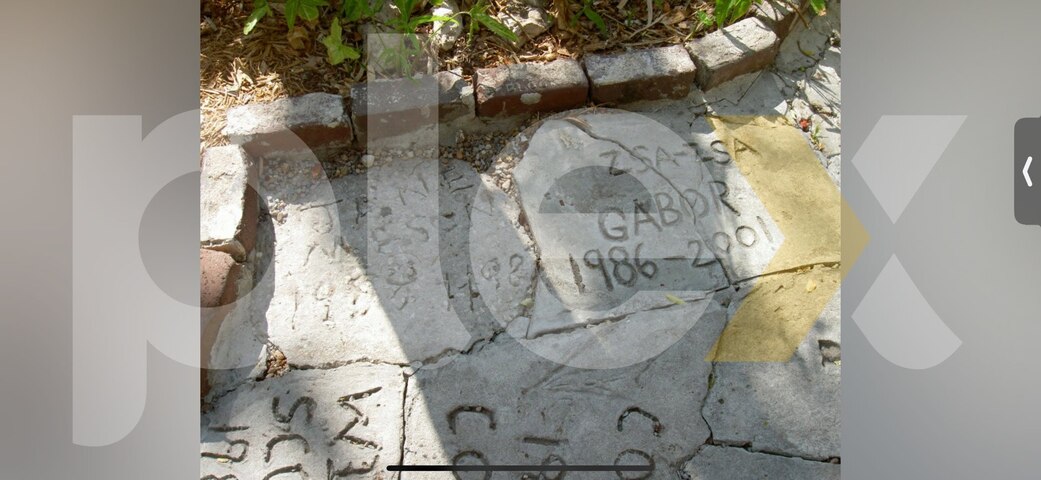
I’ve granted my two sons access to my NAS content (family pics and videos.) One, who purchased a Plex Pass, can see it on his TV and phone. The other without Plex Pass, sees an image of one of the photos with a watermark, plus a message regarding Playback Limit (see attached screenshots for both.) We’re not sure if he can see things as expected when viewing on his TV, he hasn’t been home to try.
Is this related to having/not having Plex Pass or something else? If the latter, any suggestions how to correct the problem will be appreciated.
Alternative is to have him join your home as a managed user but you have to login as the admin on the device and then switch to the managed user so in effect he could switch back to the admin.,
iOS and Android mobile Plex apps require either a one-time $5 unlock purchase or a Plex Pass to use them without limits.
You can use your phone’s browser by going to https://app.plex.tv to view the same content without needing a pass or paying a one-time fee. This is not a perfect option, as the browser isn’t designed for small mobile phone screens, but it can still work.
TV or Desktop-based player apps have no restrictions, regardless of Plex Pass ownership.
Having someone join as a managed user to the server owner won’t help unless the owner has a Plex Pass too. Looking at the OP’s name in the forum here, it looks like they do not appear to have a Plex Pass.