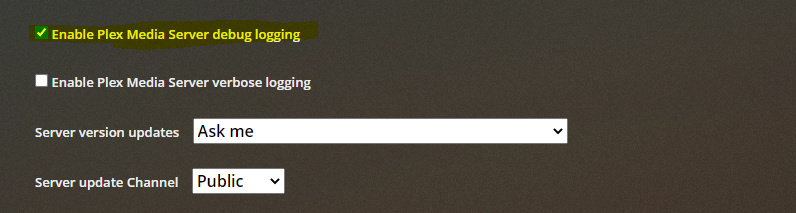
So I’ve setup my libraries initially with the new agent, however local media is not preferred?
I’ve set the Use local assets preference like described in the guide.
For example, I have several movie folders with a ‘poster.jpg’. But still the agent is preferring cloud based data.
This is a bug due to the path used for your library - this was never tested with network paths like \\SYNOLOGY24\Gilles\Movies. I’ll get a fix for this in the next release.
Thanks for the logs
We’re finding the images:
Sep 01, 2020 11:22:20.235 [12056] DEBUG - Scanner [Plex Movie]: found local background asset "\\SYNOLOGY24\Gilles\Movies\The Magnificent Seven (2016)\clearart.png"
Sep 01, 2020 11:22:20.237 [12056] DEBUG - Scanner [Plex Movie]: found local background asset "\\SYNOLOGY24\Gilles\Movies\The Magnificent Seven (2016)\fanart.jpg"
Sep 01, 2020 11:22:20.238 [12056] DEBUG - Scanner [Plex Movie]: found local poster asset "\\SYNOLOGY24\Gilles\Movies\The Magnificent Seven (2016)\folder.jpg"
Sep 01, 2020 11:22:20.238 [12056] DEBUG - Scanner [Plex Movie]: found local poster asset "\\SYNOLOGY24\Gilles\Movies\The Magnificent Seven (2016)\poster.jpg"
But we’re failing to read them because we’re messing up the path in a conversion method we use: