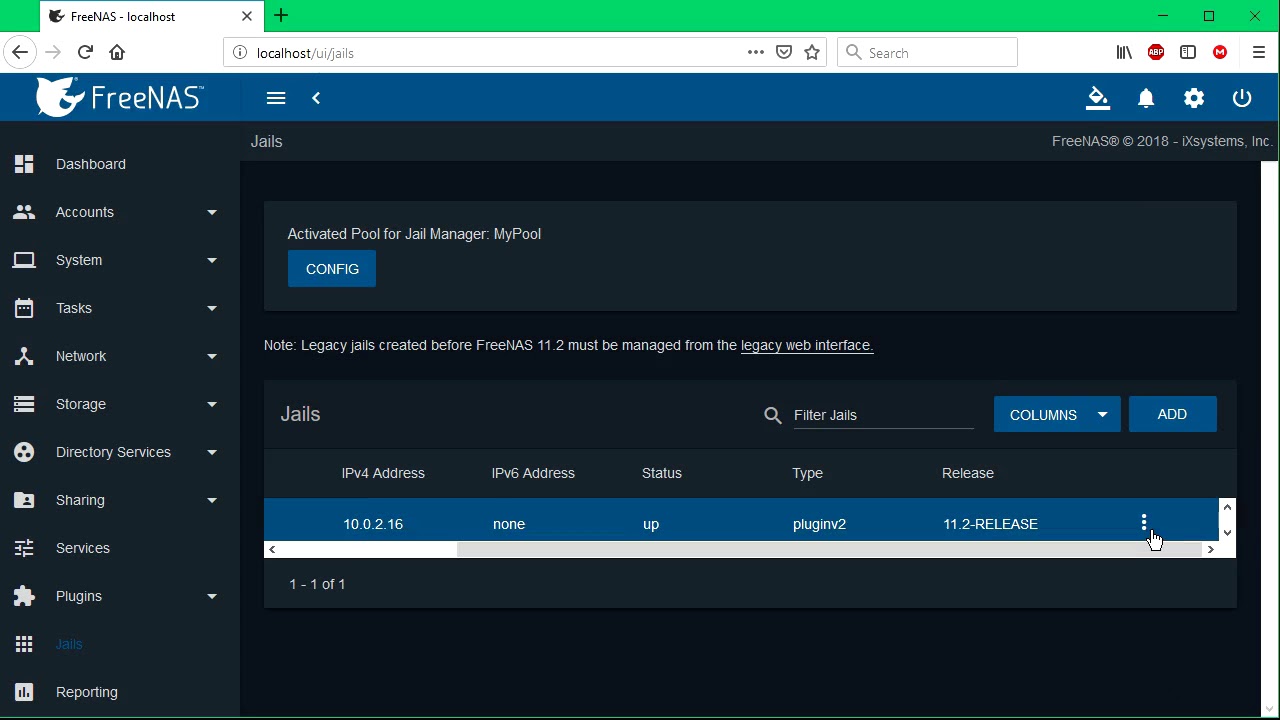
Hello everyone, I am working on setting up my new FreeNas server and plan to use it as a streaming hub for the house. I’ve had one for years however it was off a bootable flashdrive. Recently I’ve switched over to an SSD for reliability and imported the single 1TB hdds volume and pools that I’ve been using for the past 4 years. However, I have had to re-install Plex and have been trying for hours now to get it to access these these three folder: Movies, Music, and Nicholas Videos. I’ve checked all my permissions as well as tried every mount point possible.
I want to give you guys as much information as possible to make it clear what I am doing wrong here so I can fix it thanks to your help.
This was my initial attempt to allow Plex to access the media folder under the /mnt/plex/media folder then attempting to add it in Plex.
As you can see the folders are there, however Plex cannot access them. I believe that this is because they are considered root folders and I think that I have set up the perms correctly.
I’ve also watched this video to see if it would work, however I have had no luck:
Anything helps guys, and if you need more information please let me know.
Server Version#: FreeNas 11.3-U1
Player Version#: 1.18.2.2058
This likely has to do with the ACLs you have configured for those datasets. The access allowed by ACLs trumps those of the traditional Unix permissions system. I’m sure there are other ways to do this, but with your configuration try the following:
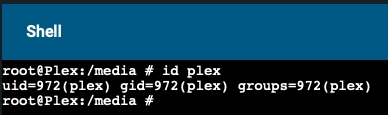
Open a shell to your Plex jail and run id plex. Note the uid returned:
In the accounts configuration for FreeNAS, create a new user named 'plex` and manually set the User ID to the value from step 1:
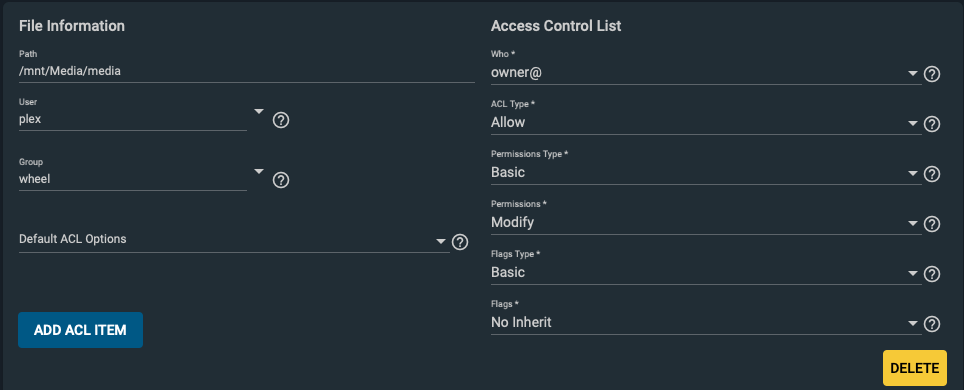
Under Storage -> Pools, edit your media dataset’s ACL and change the User to plex. Set the owner ACL Permission Type to Basic and the Permissions to Modify:
Repeat stop 3 for your datasets below media (Movies, Music, Nicholas Videos).
You may need to stop the jail, delete the existing mount, and re-add the mount to be safe, but you can try without doing so first.
I just tested this on a freshly set up FreeNAS VM nothing else installed/configured and the above steps worked. Depending on what else you have going on on your system, there may be additional details to work out. For example, if you’ve got network shares for the datasets above and you need to allow write access, your ACLs will need to be configured to allow that.
We create the catalogs we need
[root@plex: cd media/]
[root@plex: mkdir Movies/ Music/ Nicholas\ Videos/]
Changing the owner and the group on the catalogues we created
[root@plex: chown -R plex:plex Movies/ Music/ Nicholas\ Videos/]
At this point, stop jails
Setting up mounting points
/mnt/plex/media/Movies >> /mnt/plex/iocage/jails/Streaming/root/media/Movies and so on
Turn on jails
Check your media data to see if they are from PMS