Sep 29, 2018 12:52:21.245 [20192] INFO - Plex Media Server v1.13.8.5395-10d48da0d - Microsoft PC x64 - build: windows-i386 english - GMT -05:00
Sep 29, 2018 12:52:21.245 [20192] INFO - Windows version: 10.0 (Build 17134), language en-US
Sep 29, 2018 12:52:21.245 [20192] INFO - 8 4008 MHz processor(s): Architecture=0, Level=6, Revision=24067 Processor Identifier=Intel64 Family 6 Model 94 Stepping 3, GenuineIntel
Sep 29, 2018 12:52:22.075 [12540] INFO - OCSP: Successfully retrieved response from cache.
Sep 29, 2018 12:52:22.081 [12540] ERROR - HttpServer: Error binding acceptor: The system detected an invalid pointer address in attempting to use a pointer argument in a call
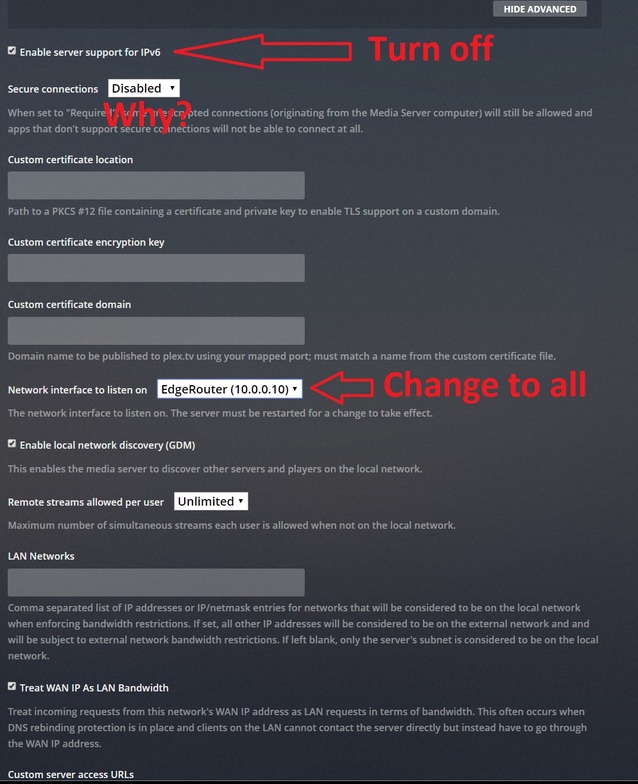
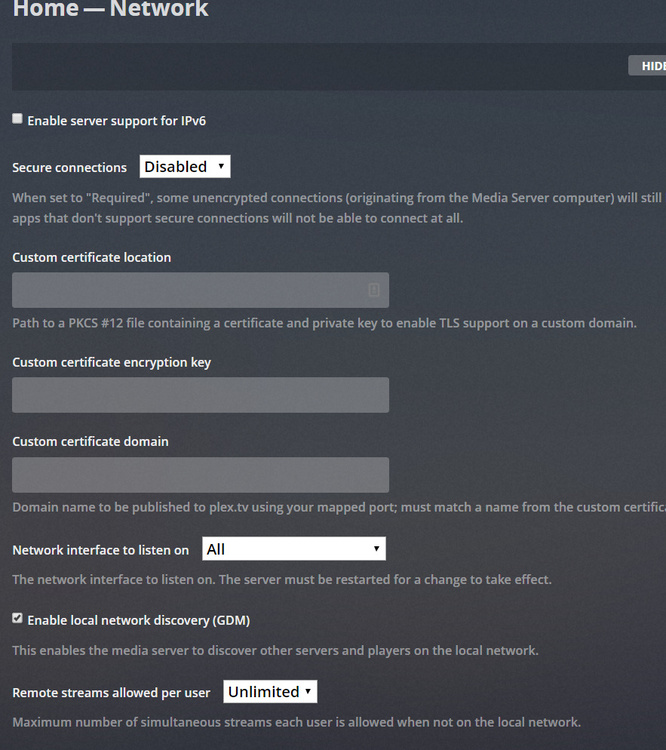
Sep 29, 2018 12:52:22.081 [12540] ERROR - HttpServer: Error opening acceptor on IPv6, falling back to IPv4: The system detected an invalid pointer address in attempting to use a pointer argument in a call
Sep 29, 2018 12:52:23.275 [13136] WARN - Crash: Crash reporting disabled
Sep 29, 2018 12:52:27.063 [3744] INFO - Sync: downloaded 0 sync list(s) with 0 sync items(s): 0 new, 0 updated, 0 deleted
You say you can’t access the Web, but is PMS running? Do you see the icon in the system tray? Is it listed in the task manager as running? You posted a little bit of the log. That would indicate it is running. Could be just the Web portion that isn’t working. Have you tried the hosted version at https://app.plex.tv/desktop?
Ok, if you don’t mind. Go to Settings \ Server \ General and make sure “debug logging” is enabled and “verbose logging” is off. Change them and save the changes if needed. Than restart PMS, wait 3 minutes without doing anything, then load the hosted app, go to Settings \ Server \ Help \ Download Logs. That will generate a zip file. Upload that file here.