Server Version#: 1.19.4.2935
Player Version#: 4.29.7 (WebOS 3.3.0)
Plex has suddenly stopped working on my LG TV. I was using the recently released Preview app and everything was working fine until this morning (last successful use about 8 hours ago).
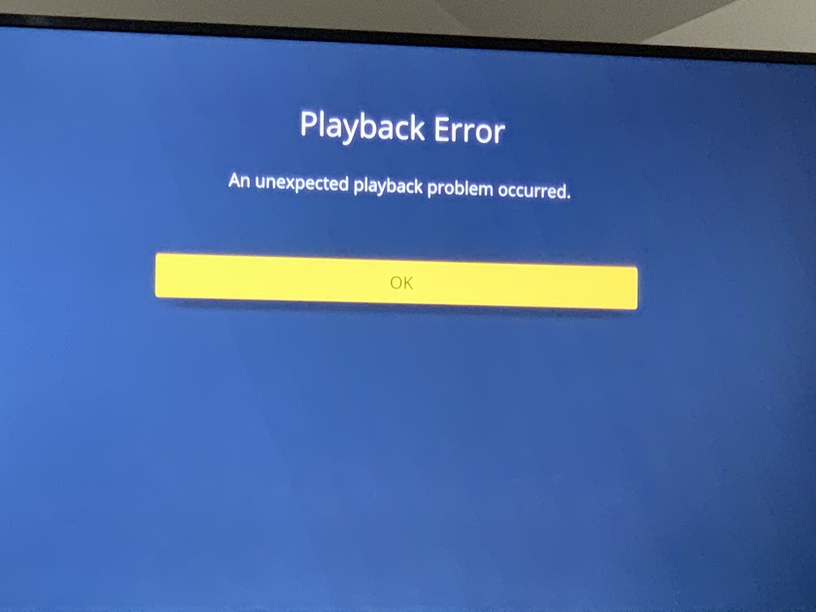
When I go to play a video in the Preview app It buffers for a few seconds and then I get: “An Unexpected Playback Problem Occurred”. I switched back out of Early Access and tried again. This time the error I get is: "Playback Error: An error occured trying to play episode name. Error code: h3 (Decode).
Normally I can also stream from Plex to the “Photos and Videos” app on my TV
(allows me to play certain videos at 2x speed). This has also stopped working. I get an error “Unable to Play” when I select a video.
I’ve tried multiple different movies and episodes where I know the source files are of different formats. I’ve tested and the web player and XboxOne player both are working fine. I’ve rebooted my media server. I’ve uninstalled and re-installed the Plex app on the TV. I’ve removed the plex app from authorised devices and then signed back in. Navigating the app works fine, I’m just unable to play anything.
This TV is the primary place I use Plex so any guidance to get this working would be appreciated.