Server Version#: 1.40.0.7998
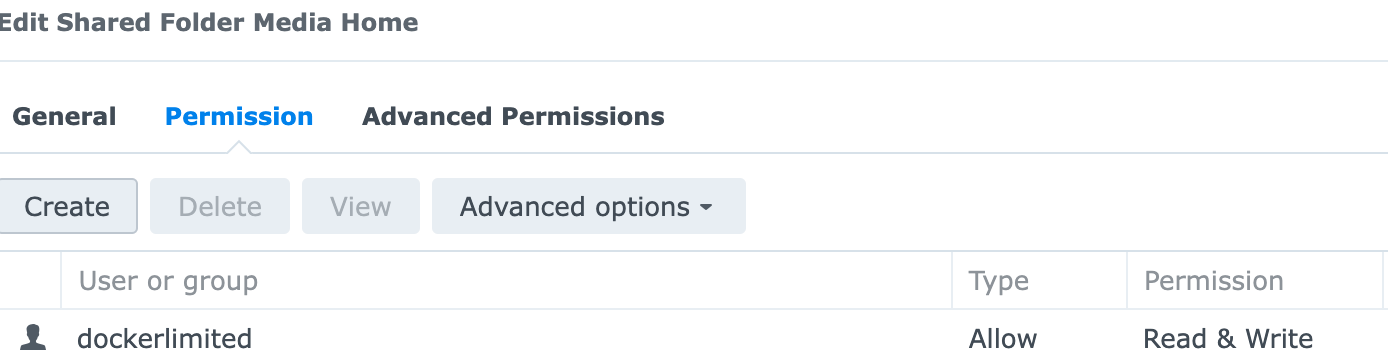
Long time user of Plex and building a docker version of Plex on DS920+
Have Jellyfin server with same settings and media is present
Many thanks for any help
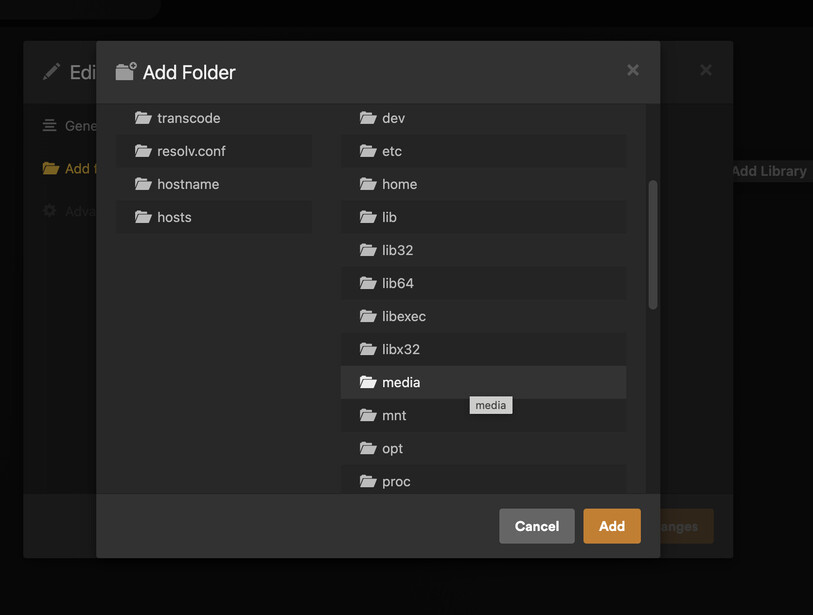
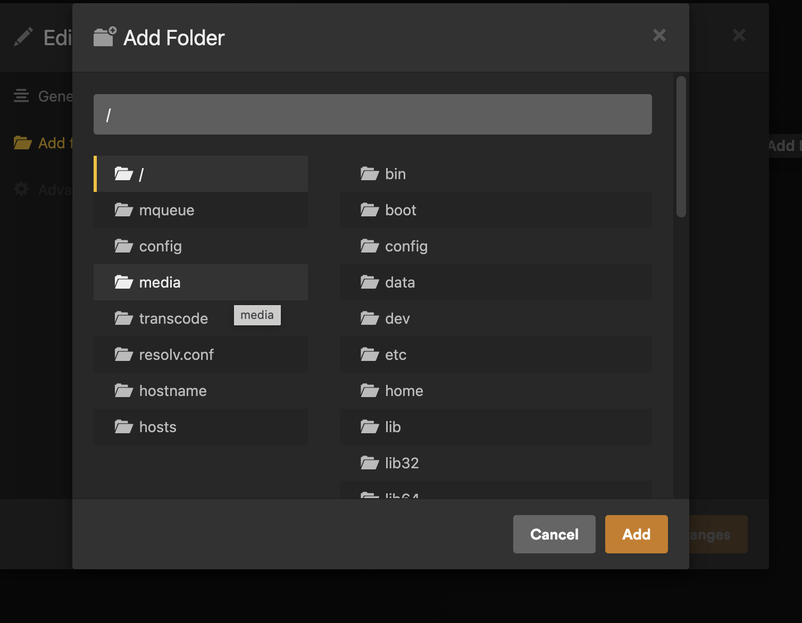
Your screenshots appear to show that you have mapped a folder named ‘media’ but in Plex you don’t seem to be selecting that folder
Sorry I think I included an older screenshot
I have tried the “media” folder on the left and on the right with no success
In those screenshots are you actually clicking on the media folder, as if you are the box at the top should say ‘/media’ instead of being blank
When I click on my mapped folders the box at the top reflects the folders I have clicked into…
But your screenshots are all showing just ‘/’
solved it
Synology Knowledge Center offers comprehensive support, providing answers to frequently asked questions, troubleshooting steps, software tutorials, and all the technical documentation you may need.