Back in early 2023 PMS started to recognize opening and ending scenes as local extras. That’s a nice feature but the way it’s currently implemented, it’s causing inconsistency and can result in „mangled“ extra titles. That’s been causing confusion with users, especially because those types don’t seem to be covered in the support articles.
I suggest the following two refinements of this feature:
Add full support for opening/ending scenes as local extras, with their own extra_type suffix (e.g. -opening and -ending) and subfolders (e.g. Opening Scenes and Ending Scenes).
Keep the option to identify „assorted files“ based on the currently supported key words as local extras of those types. Though, only test if a file matches the criteria AFTER testing for any regular extra type (a file named „Alternative Ending-deleted“ shut not be identified as ending scene and titled „Ending“, but as deleted scene titled „Alternative Ending“)
Thank you, for your consideration!
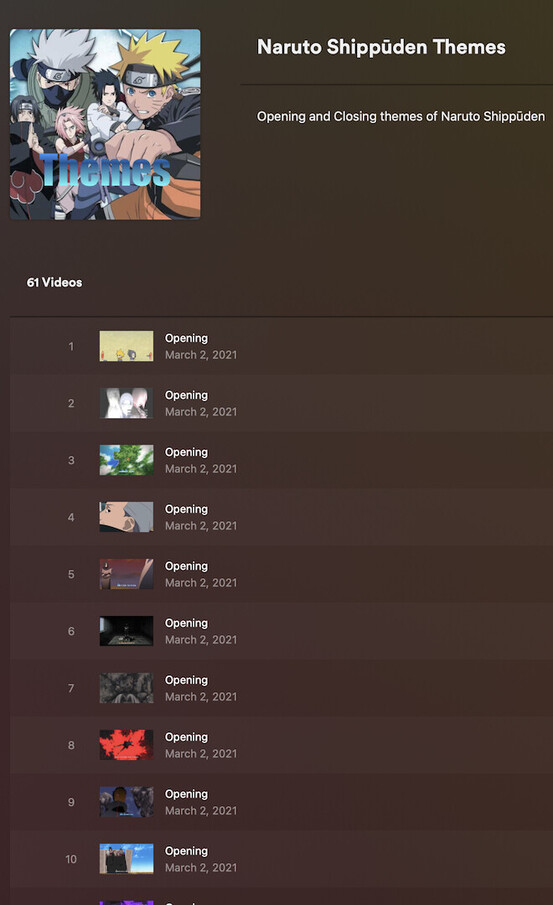
Edit: for reference, this is how local extras might currently get messed up (unless you go for a workaround to drop the keywords.
Example File Structure / Naming
TV Shows (en)  <- library folder
  Naruto Shippūden (2007)
    Other
      Opening Theme 1 - Hero's Come Back! (E1-30).mkv
      Opening Theme 2 - Distance (E31-53).mkv
      Opening Theme 3 - Blue Bird (E54-77).mkv
      ...
      Closing Theme 1 - Shooting Star (E1-18).mkv
      Closing Theme 2 - Michi, To You All (E19-30).mkv
      Closing Theme 3 - Your Story (E31-41).mkv
      ...
My issue with OP/ED extras is both a title and an arrangement issue. Allowing folks to specify the title, order, and type with file structure similar to how series and seasons already are would be a dream. I’ve tried adding NCOP and NCED to shows, but never successfully gotten them to show up in the correct order. You’d think appending 1, 2, 3, etc to the -other flag would make it work, but nope!
+1 for this, would really appreciate first class support for openings and endings. Especially if they can be put in order OP1, ED1, OP2, ED2, NCOP3, NCED3, OP4, ED4, etc.
Extras should already be naturally sorted per extra type (extra 1 > extra 2 > … > extra 10 > … > extra 100 > …).
I’m not sure if putting openings/endings into a single sequence. At least on many of the shows where I have those, there’s a different number of openings/endings — e.g. endings changing more frequently than the opening credits.
Ran into this with the extra from the Escape from New York movie titled “The Original Opening Bank Robbery Sequence (with optional commentary by John Carpenter and Kurt Russell)“ - after the cause was pointed out to me by @OttoKerner I renamed the file so instead of “Opening” (with capital ‘O’) it is “0pening” (with numeric zero) and that sort of badly works around the issue, but it’s less than ideal.
If anyone actually wants this “feature” then it should be off by default and opt-in. Either that or let us edit the metadata in Plex to fix it (movies you can’t edit any metadata of extras, unlike TV series’ “episodes”).