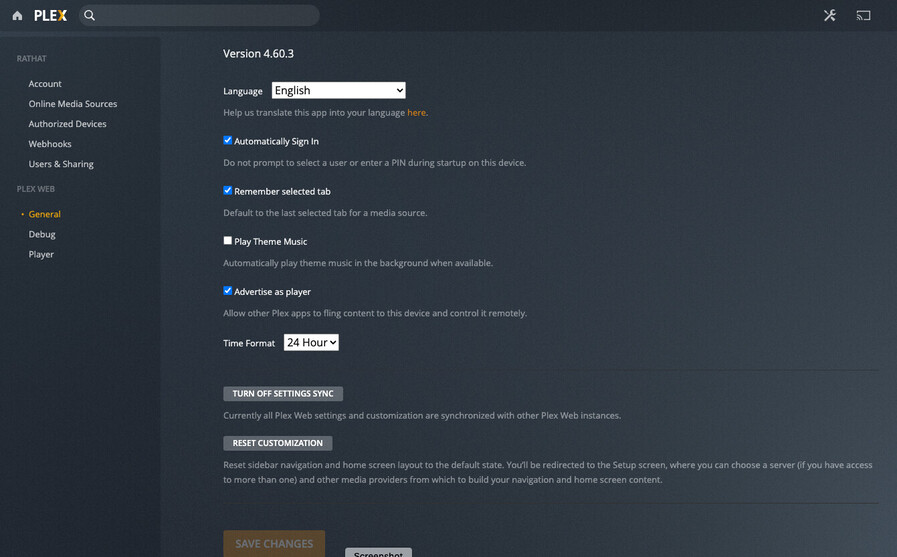
Server Version#: 1.23.3.4707-6000
Player Version#:
I have lost all my NAS links in Plex. It started with my Synology server not being recognised, then after (probably making the mistake of) removing my server from Plex then trying to reload it, it cannot fins anything.
I have checked the settings but cannot find anywhere to re-add my server.
In Synology’s DSM Package Center, Plex is available, and I can open Plex directly from the package centre but there does not seem to be any way that I can add the server back in anywhere in the Plex settings.
I have the same issue but not with Synology but with Truenas I had to rebuild my server and made the same error now I can not get it to show me my server to add it back
I may have found a reason why its happening but not the solution, when I try and connect local IP 192.168.0.4 it tells me this IP is not registered but my Internet IP does not give me that message, I was thinking if I can find a way of un doing that then it would ask me to register again and all would work.
Its almost like I dont have Admin Rights as I can not see the server tab anyware yet I am using my admin account
The solution was a lot less complicated than thought, I was tring to get it working from work over VPN connection to home, it worked as soon as I went to the ip:32400/web while on the lan at home.