Hey !
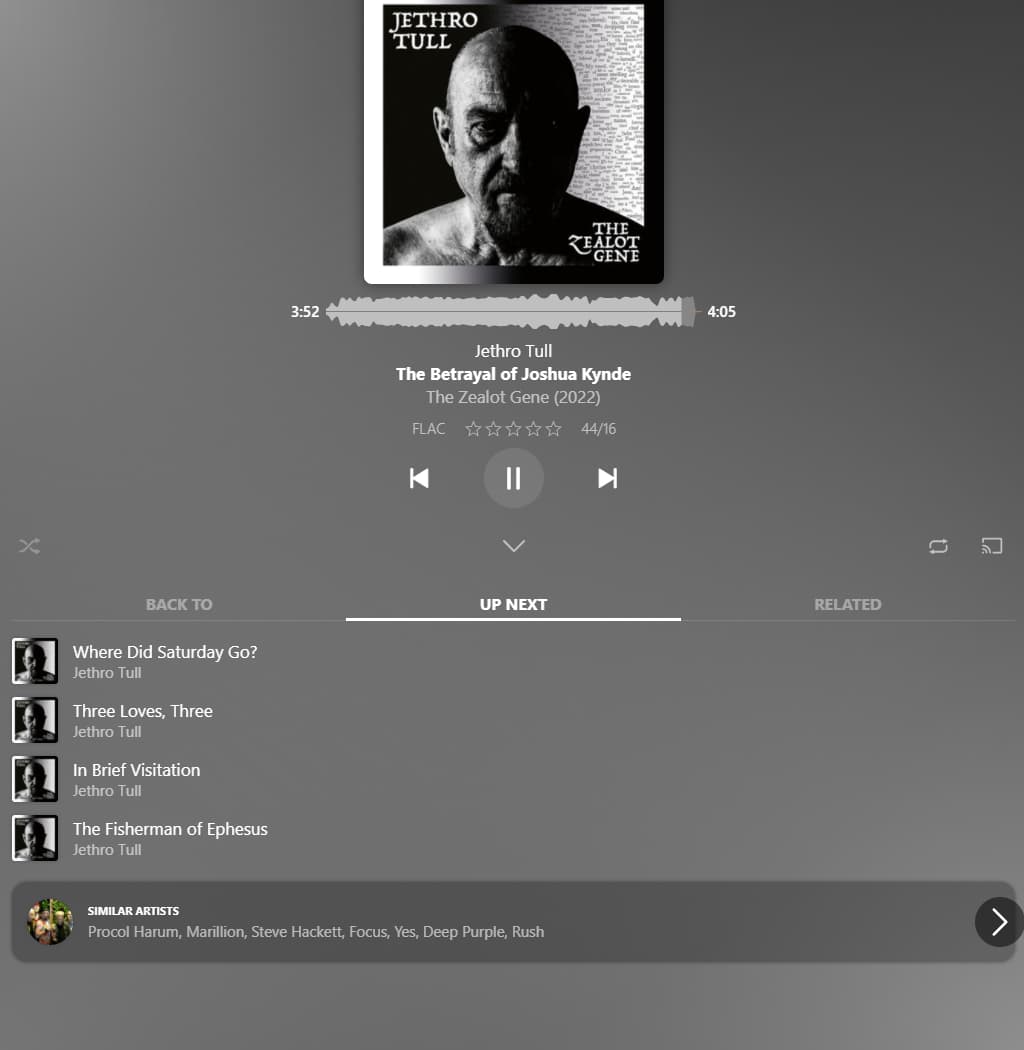
Autoplay is a really neat feature. The only downside to it is that it’s only playing albums. Several bands have EPs/Singles not included in any album, which are left off by the autoplay feature.
I know the easiest workaround would be to turn off release types, but that’s a convenient feature too.
You can select whether it does play an album or something like “Similar Artists” or “Artist Radio”, or “Track Radio”, or “Decade Radio”, or “Library Radio”.
I can see the case for “Next Release”.
The chevrons appear on mouse-over on desktop.
On touch screens you can use a regular horizontal swipe.
Oh my god… After more than a year using Autoplay, I had no idea there was more than just next/previous album… Well, that doesn’t change the fact that next/previous release would be a great addition, but the feature just got a loooot better in my eyes.
Maybe add a visual clue or something because I don’t think I’m the only one not knowing that
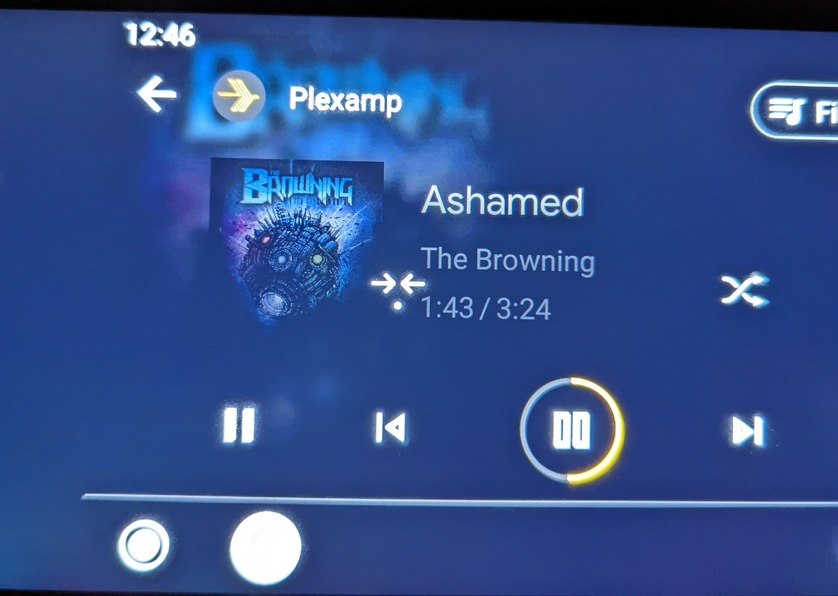
Oh and I just used Android Auto on 4.0 for the first time, and many icons are glitched, if you didn’t know.
Oh and I just used Android Auto on 4.0 for the first time, and many icons are glitched, if you didn’t know.
We don’t have any control over how head units display Android Auto controls. We only give it metadata and tell it which controls are available so I am guessing this is a bug with AA or the head unit. Do you experience similar issues with other apps?