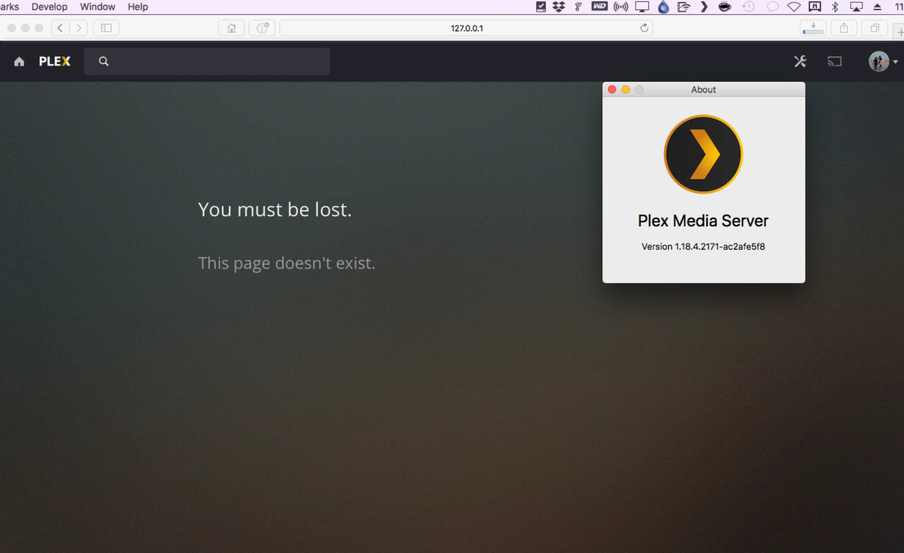
I’ve been having the issue for a while now, if I manually quit Plex Server from the menu bar and then open the Plex Server app manually again, it won’t connect.
See screenshot that shows the results of clicking About in the Plex Server menu dropdown - so it’s running and has the latest version. But if I try and open the Server I always get the localhost saying I must be lost, even when opening a private browser and trying with Firefox or Chrome, I’m logged in too. I can quit and reopen as many times as I want it will never work until I manually shut down my computer and start again and then it’ll work.
Any ideas to what the issue could be?
Server Version#: 1.18.4.2171-ac2afe5f8
Mac OS#: 10.12.6 (16G2136)
Server: Mac mini (2012)